Single Choice and Multiple Choice
A classic question with options A, B, C, D. The two types differ only in the number of correct answers:
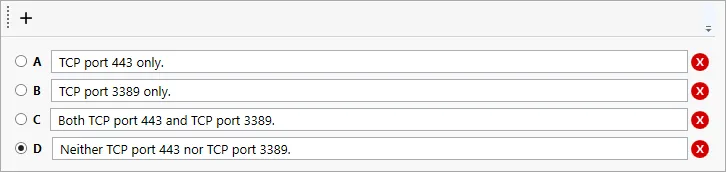
- Single Choice — there is one correct answer; the candidate selects it with a radio button;
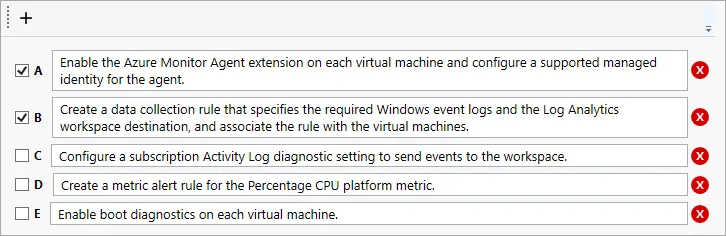
- Multiple Choice — there can be several correct answers; the candidate checks all of them.
How to set up
- Type the question text in the Question field.
- Type the options in the Answers list. The Add Answer button adds another option.
- Mark the correct option (Single Choice) or all correct options (Multiple Choice).
You can format text and insert images in the answer options.
To switch between the two types, use Change Type... (see Changing the question type).
The common fields of the question page (text, exhibits, explanation, section, difficulty) are described in Question page.