Sentence Ordering
The candidate builds a sentence from shuffled words.
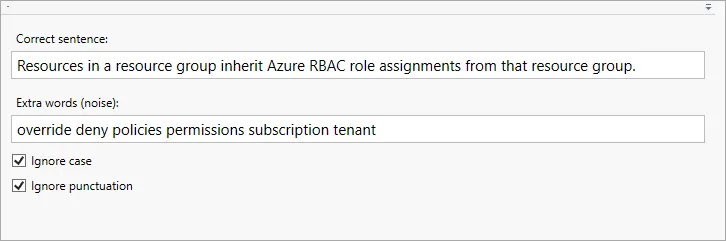
- Type the whole correct sentence in the Correct sentence field. The application splits it into words automatically.
- Type extra words separated by spaces in the Extra words (noise) field — they are added to the sentence words as distractors.
- Checkboxes: - Ignore case — ignore letter case (uppercase and lowercase letters are treated as the same); - Ignore punctuation — ignore punctuation marks.
The common fields of the question page (text, exhibits, explanation, section, difficulty) are described in Question page.