Reusable checklists for macOS

Checklists you actually reuse

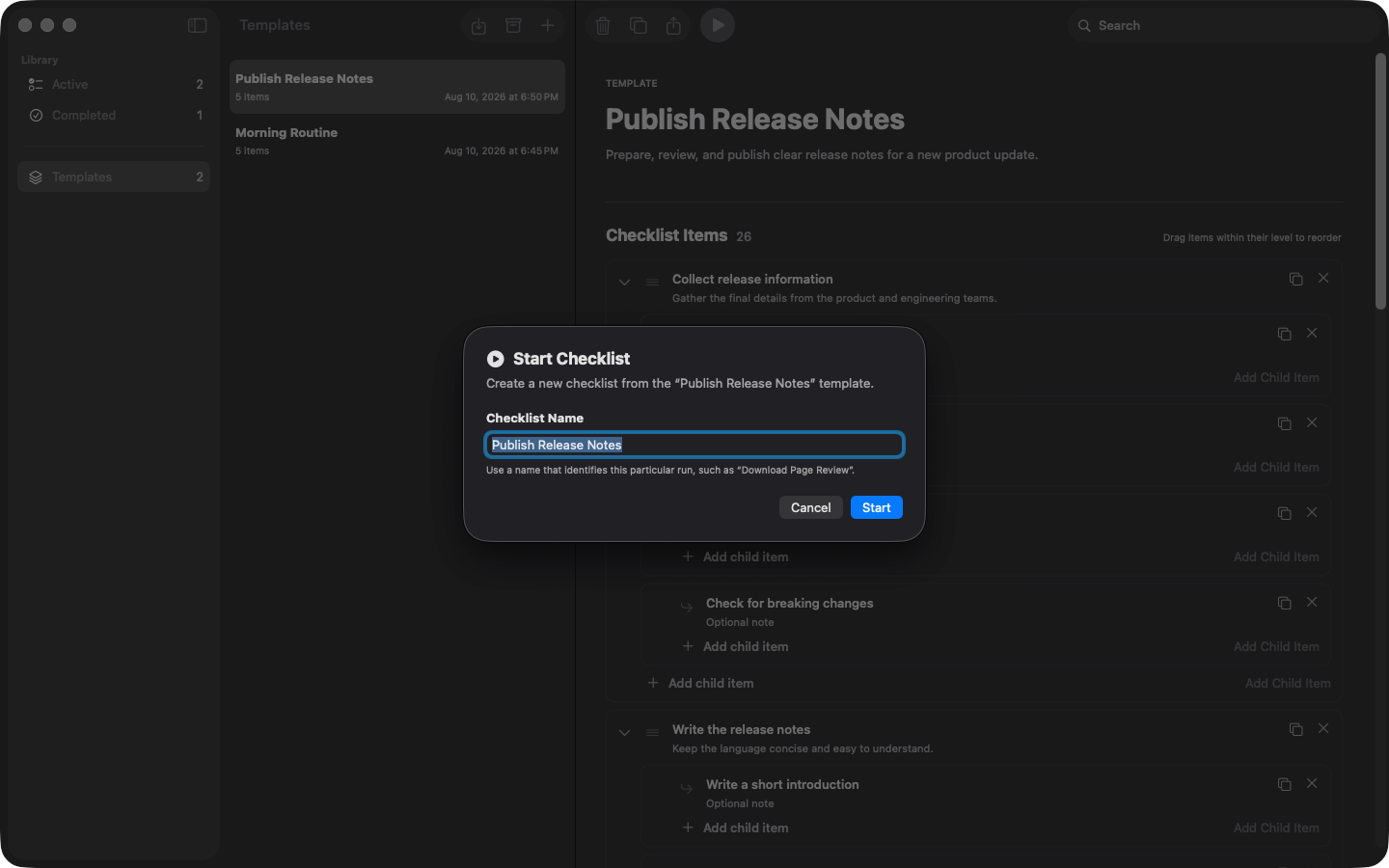
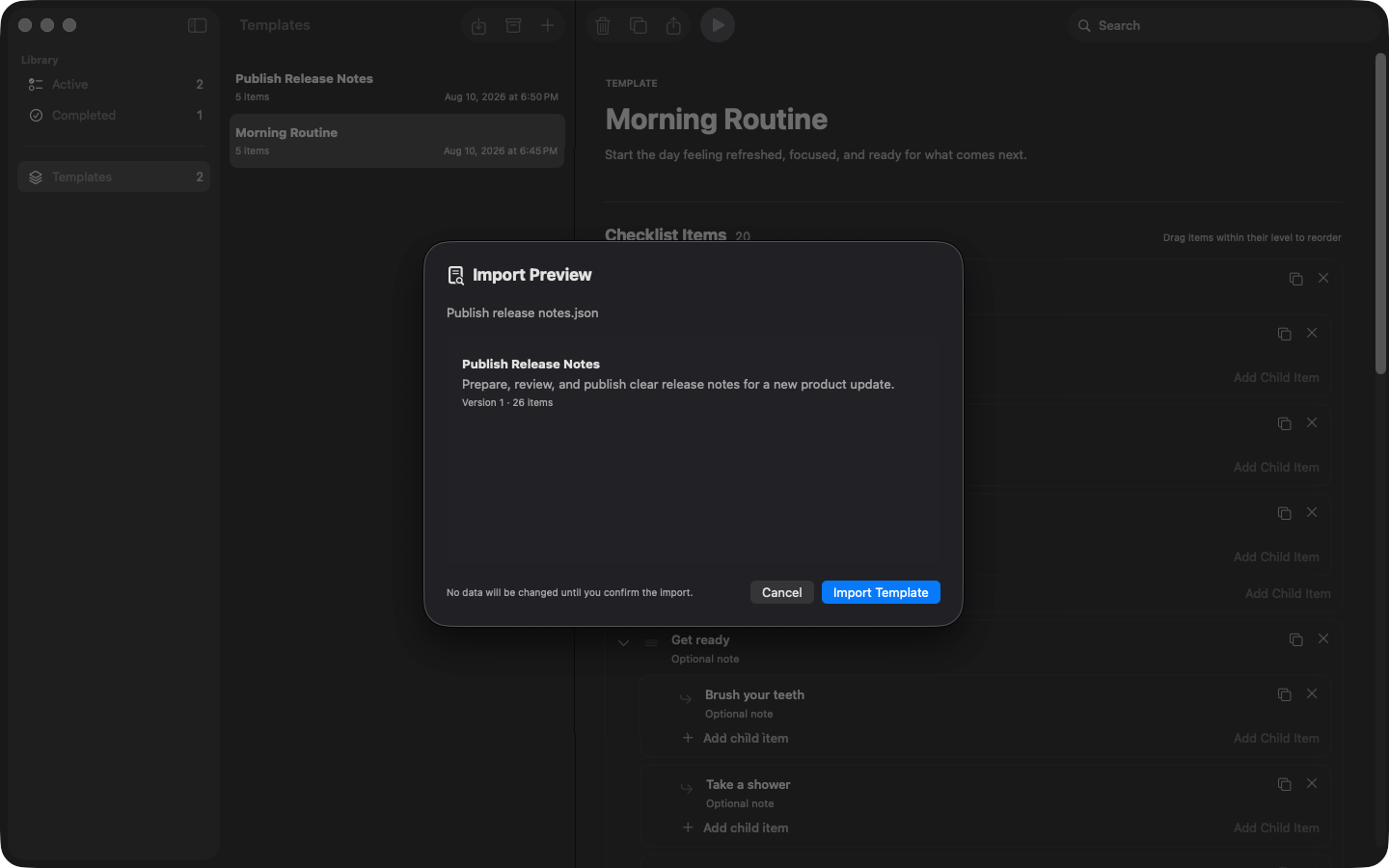
Write a checklist once, then start a fresh copy of it every time you need it. You tick things off in the copy, so the original always stays clean and ready for next time.

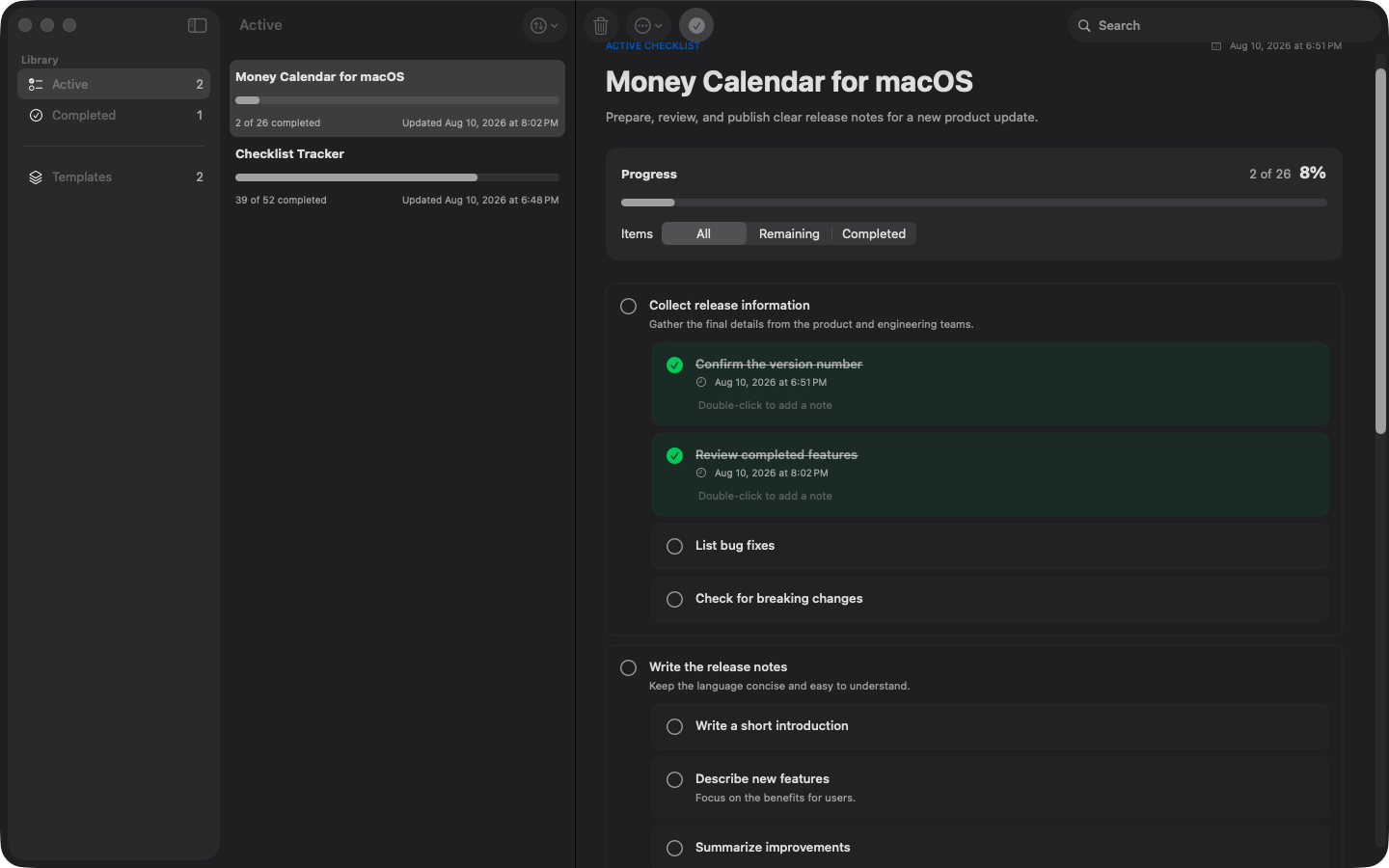
Checklist Tracker for macOS showing a checklist in progress with ticked steps and a progress bar

Write it once, run it as often as you like

A checklist you keep and a checklist you are working through are two different things. Checklist Tracker keeps them apart, so the one you spent time writing never gets marked up.

Your own library

Build a checklist for anything you do more than once, with a note on any step for the details you always forget.

A clean copy every time

Starting a checklist gives you a brand new copy to tick off, completely separate from the original.

Progress at a glance

Every started checklist shows how much is done and how much is left, counting every single step.

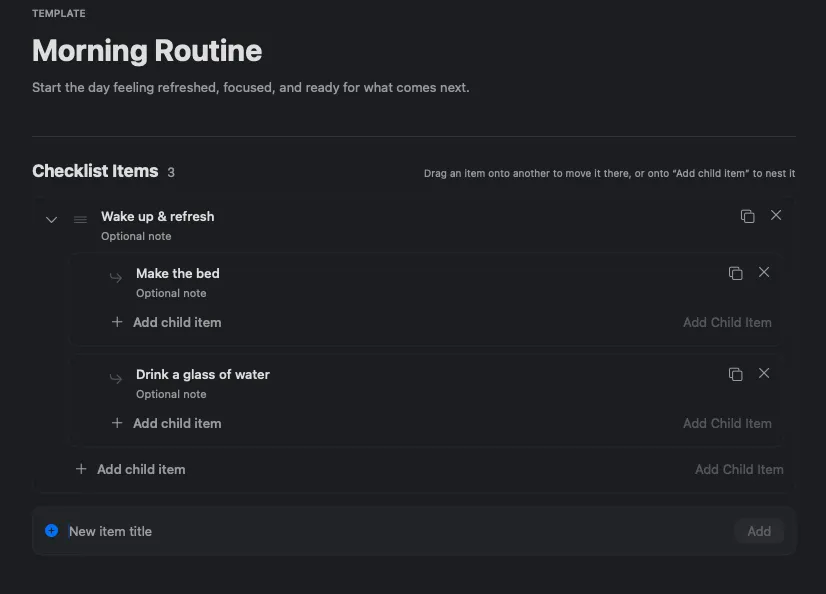
Editing a checklist in Checklist Tracker with a title, description, steps, and a note on one step
CHECKLISTS

Write it once, keep it forever

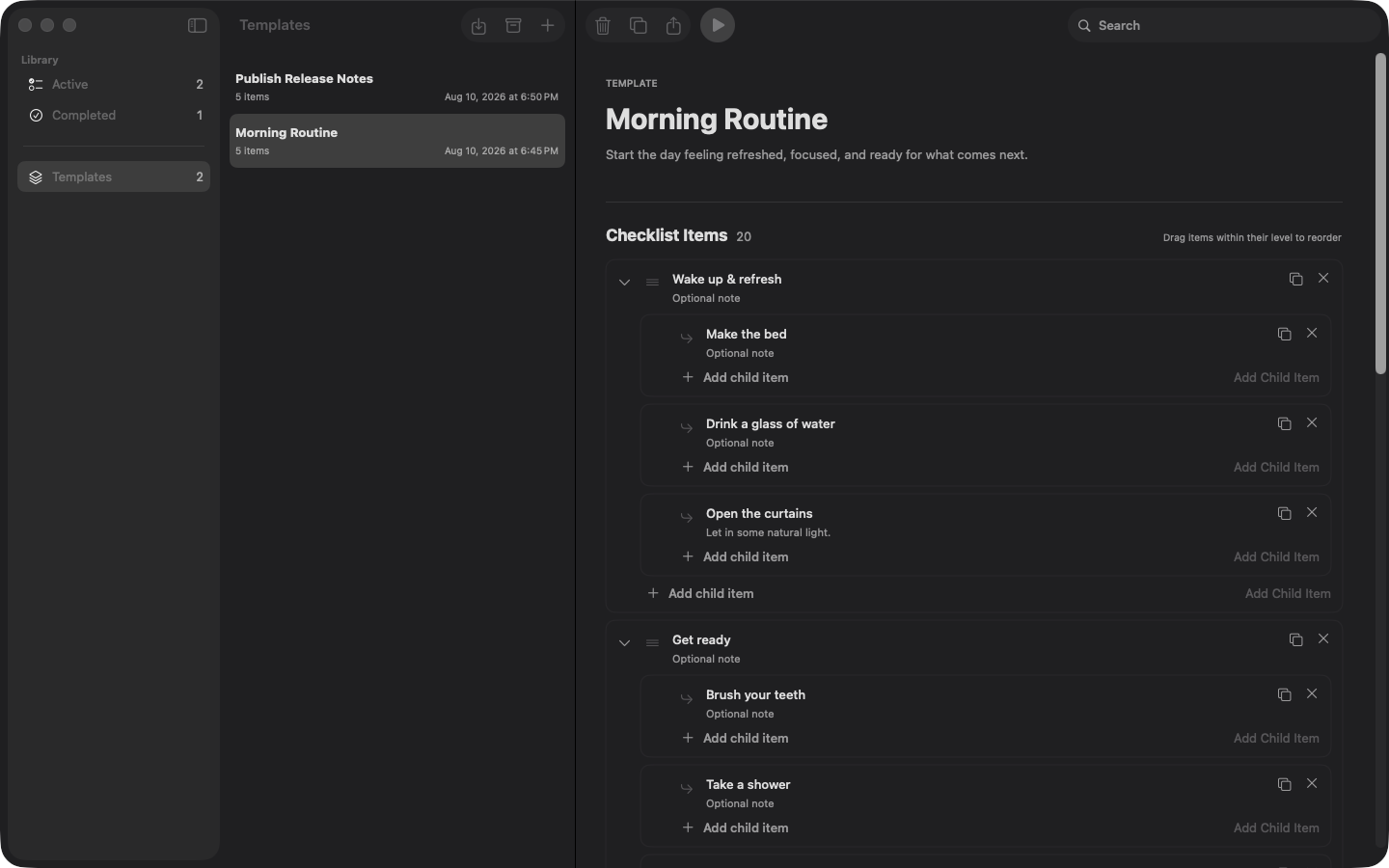
Make a checklist for anything you do more than once — packing for a trip, closing up the shop, getting the house ready for guests, welcoming a new team member. Give each step a short title and, if it helps, a note with the details you always forget.

  • Build your own library of checklists
  • Add a note to any step for the details
  • Duplicate a checklist to make a variation of it
FRESH START

A clean copy every time you use it

When it's time to actually do the thing, start the checklist. You get a brand new copy to tick off, and the copy is completely separate from the original. Change the checklist later, or throw it away entirely, and everything you already started stays exactly as it was.

  • Ticking steps off never marks up the original
  • Run the same checklist as many times as you like
  • Two trips at once? Keep both going side by side
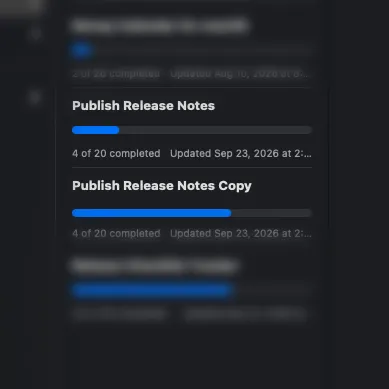
The same checklist started several times, each run with its own date and progress
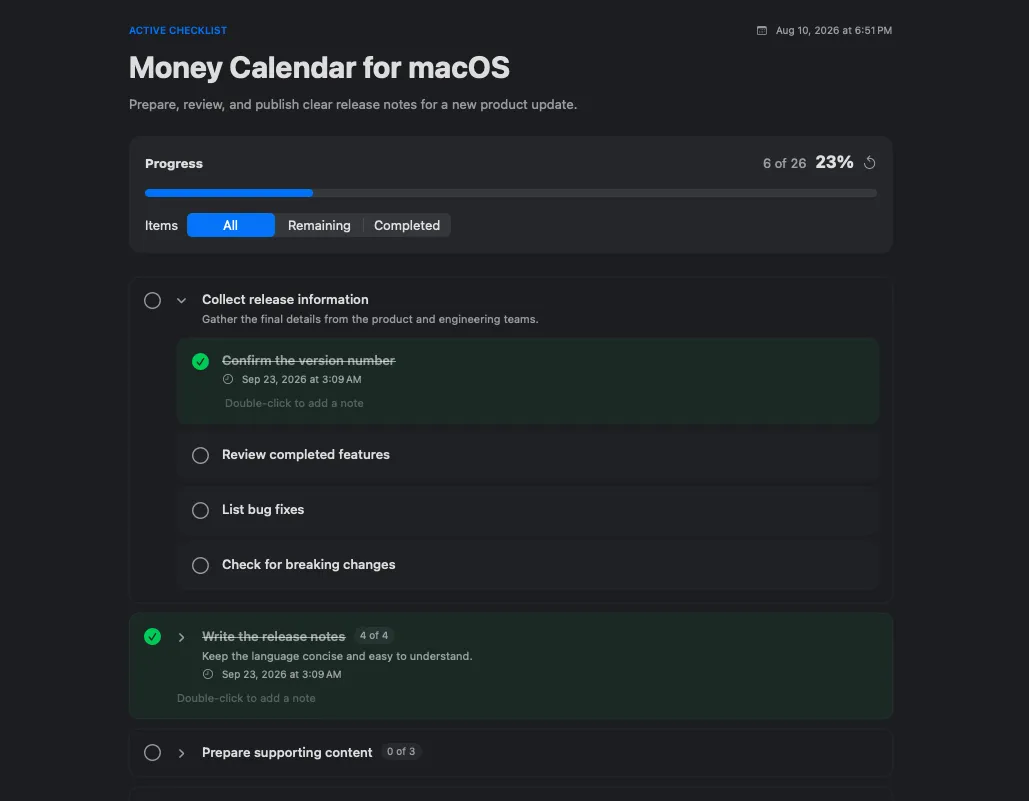
A checklist in progress with a progress bar, a completed parent step, and a filter hiding finished steps
PROGRESS

Always know how far along you are

Every started checklist shows how much is done and how much is left, counting every single step, including the small ones tucked inside bigger ones. Finish the last small step and the bigger one ticks itself off.

  • A progress bar and a count on every checklist
  • Big steps complete themselves when their parts are done
  • Hide what's finished to see only what's left
STEPS INSIDE STEPS

As much detail as the job needs

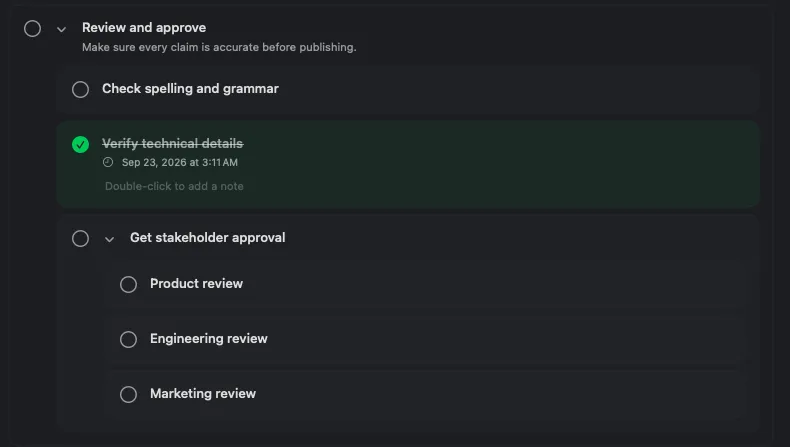
Any step can be broken into smaller steps, and those into smaller ones again, as far as you want to go. “Pack the kitchen” can quietly hold the fifteen things that actually need packing, so your checklist stays short until you need the detail.

  • No limit on how deep you go
  • Every level works the same way
  • Collapse a step to get it out of the way
Nested checklist steps indented across three levels, with one branch collapsed
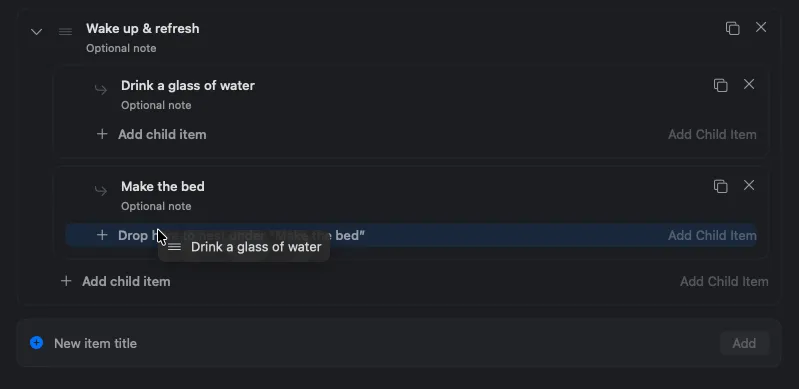
A checklist step being dragged onto another step to become a sub-step
REARRANGING

Move anything, anywhere, by dragging

Drag a step to put it in the right order, drop it onto another step to tuck it inside, or pull it back out to stand on its own. Whatever you move brings its own sub-steps along with it.

  • Reorder steps by dragging them
  • Turn a step into a sub-step and back again
  • Sub-steps follow whatever you move
HISTORY

Look back at what you've done

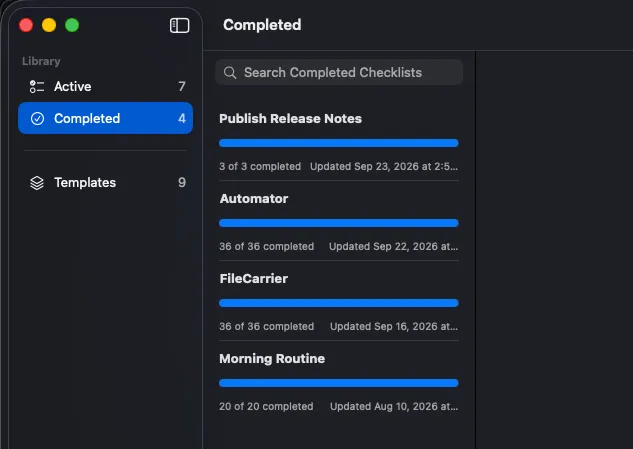
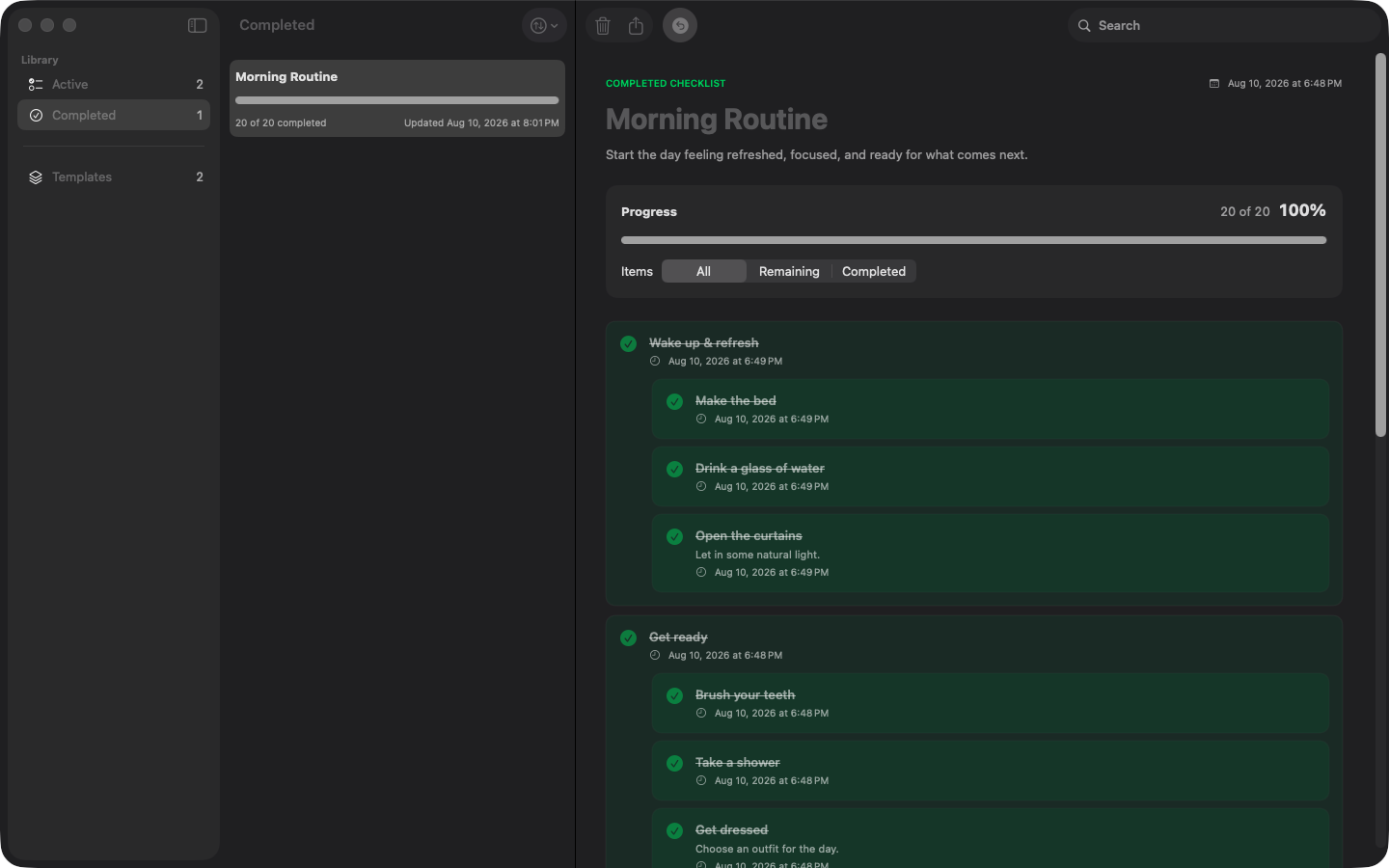
Finished checklists don't disappear. Each one keeps the date you started, the date you finished and a note you can leave for yourself, so next time you can see how the last one went. Sort and filter the list to find any of them again.

  • Start and finish dates kept automatically
  • Leave a note when you're done
  • Reopen a finished checklist, or reset one to start over
Finished checklists sorted by date, with the finish date and completion note of the selected one
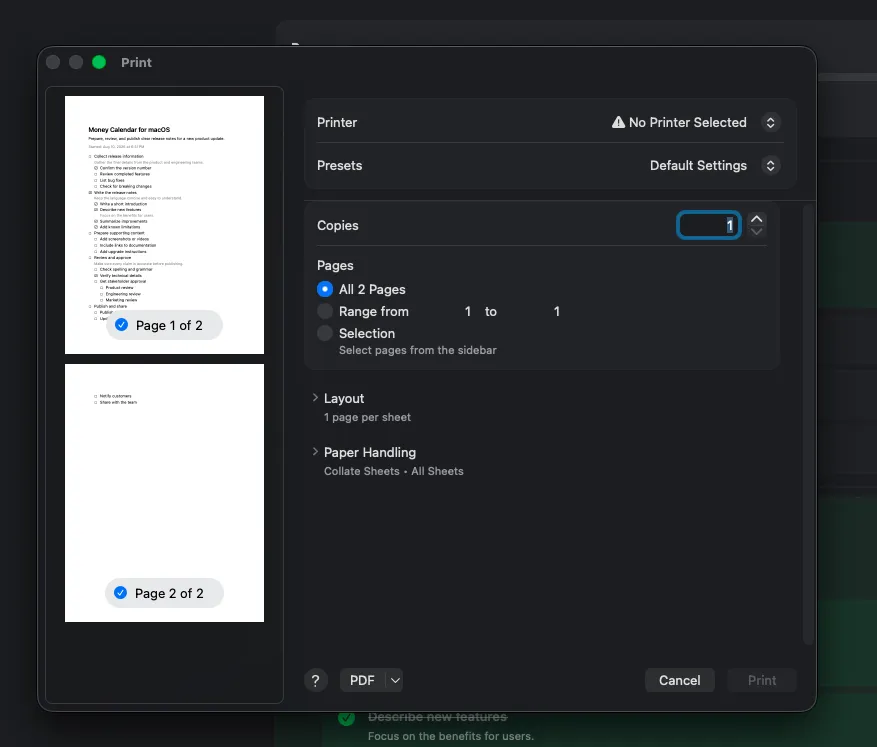
Print preview of a checklist with indented steps, checkboxes, and a note
PRINTING AND SHARING

Take your checklist off the screen

Print any checklist to carry on paper, save it as a PDF to send to someone, or copy it out as plain text that pastes neatly into your notes app or a message. Everything keeps its structure, including notes and sub-steps.

  • Print a checklist, blank or with your progress on it
  • Save as a PDF you can email
  • Copy as text for your notes app or a chat
YOUR DATA

Everything stays on your Mac

No account to create, nothing to sign in to, and nothing sent anywhere. Your checklists live on your own Mac and work with the internet switched off. When you want a backup or a copy on another Mac, save them to a file and open it there.

  • Works completely offline, no account needed
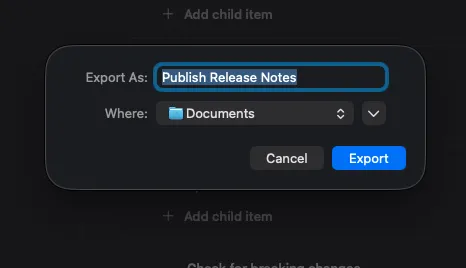
  • Save your checklists to a file to back them up or move them
  • A native Mac app in English, German, Spanish, French, Turkish and Russian
Exporting checklists to a file from Checklist Tracker for macOS
Gallery

Interface Screenshots

Take a visual tour through the different panels and dashboards of Checklist Tracker.

Checklist Tracker - Active Checklist
Checklist Tracker - Completed Checklist
Checklist Tracker - Templates
Licensing

Get Checklist Tracker

Available now on the Mac App Store.

Checklist Tracker

Every run is its own copy - tick items off without ever touching the template

$9.99
  • Official release, kept up to date automatically
  • Managed installs and updates via Mac App Store
  • Secure, verified distribution
Get from Mac App Store

Latest Product Updates

Discover new releases, features, improvements, and development updates from Abintrix.

Introducing Checklist Tracker for Mac: Reusable Checklists With a Fresh Copy Every Time
September 23, 2026 Checklist Tracker

Introducing Checklist Tracker for Mac: Reusable Checklists With a Fresh Copy Every Time

Meet Checklist Tracker for macOS: write a checklist template once, then start an independent run whenever you need it. Unlimited nesting, honest progress, PDF and Markdown export - offline, no account.

Read Article
FileCarrier Released: Automated SFTP Backups, Dumps, and Logs for macOS - Without Jenkins or Brittle Scripts
September 16, 2026 FileCarrier

FileCarrier Released: Automated SFTP Backups, Dumps, and Logs for macOS - Without Jenkins or Brittle Scripts

Meet FileCarrier for macOS: automatically download server backups, database dumps, and logs via SFTP on schedule. Menu bar app with zero setup headache.

Read Article
Introducing Automator for Windows: Effortless File and App Automation Without Code
September 13, 2026 Automator

Introducing Automator for Windows: Effortless File and App Automation Without Code

We are excited to announce the release of Automator for Windows - a lightweight, completely free desktop utility that turns repetitive file operations, archive creation, and command launches into reliable, one-click workflows.

Read Article