Local password manager for Windows

Your passwords and private records, organized on your own PC

Secrets Guard stores accounts, licenses, private notes, and file attachments in a local vault protected by your master password. Build records around the information you actually need - without forcing every secret into the same form.

A flexible home for every kind of private information

Secrets Guard combines a familiar folder-based vault with customizable records, quick copy actions, password generation, and version history.

Keep the vault local

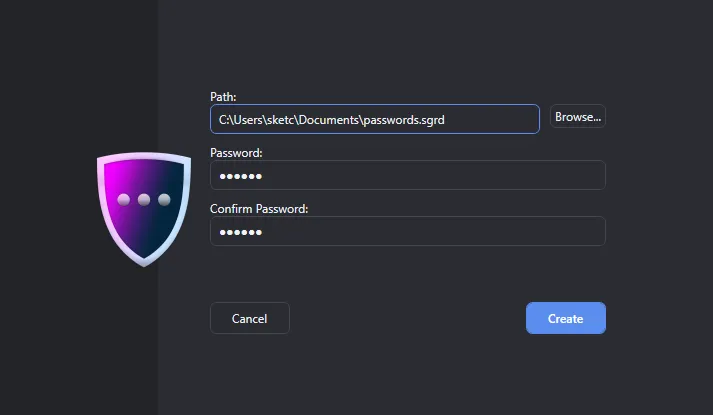
Create or open a portable .sgrd vault file at a location you choose and unlock it with a master password.

Structure every record

Use sections and purpose-built fields for passwords, URLs, email addresses, dates, phone numbers, notes, and files.

Find and reuse details

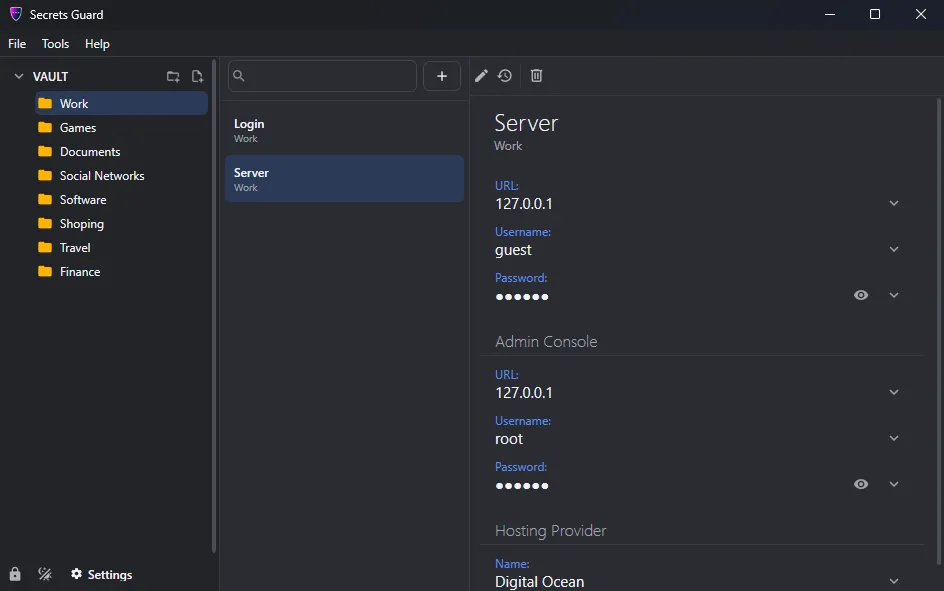
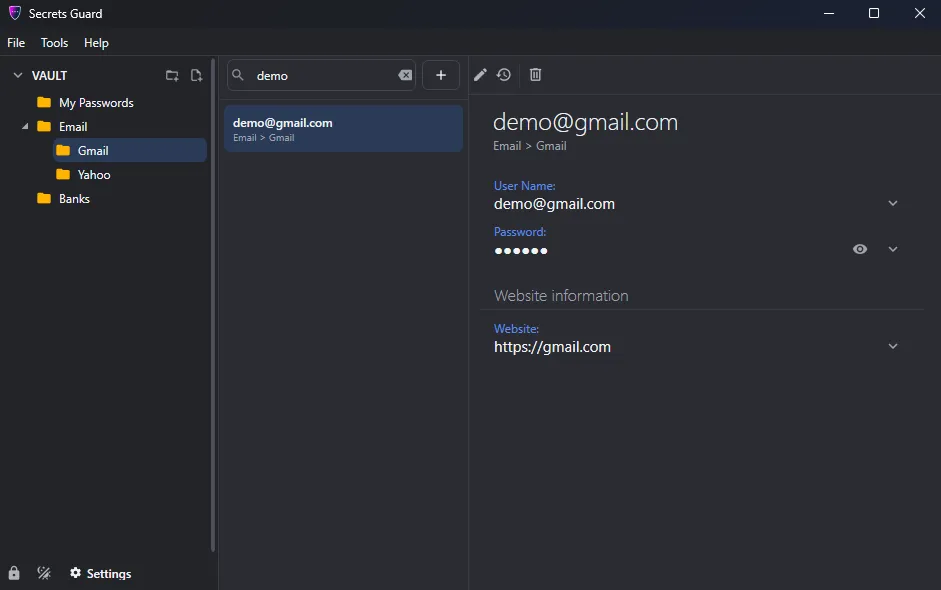
Browse folders, filter records by name, reveal a value only when needed, and copy information with one action.

Local vault and master password

Choose where your private database lives

Create a new Secrets Guard vault in your preferred folder or open an existing .sgrd file. A master password controls access, while the lock command returns the application to the unlock screen whenever you step away.

  • User-selected vault file location
  • Master-password unlock
  • Manual one-click vault locking
  • Master password change from Settings
Folders, records, and fast filtering

Keep a large vault understandable

Arrange records in folders and nested folders for work, personal accounts, software, finances, or any structure that fits your life. Select a folder to see its records, then filter the list by name without opening each item.

  • Nested vault folders
  • Dedicated record list and detail pane
  • Name-based filtering
  • Resizable three-column workspace
Templates and custom fields

Store more than a username and password

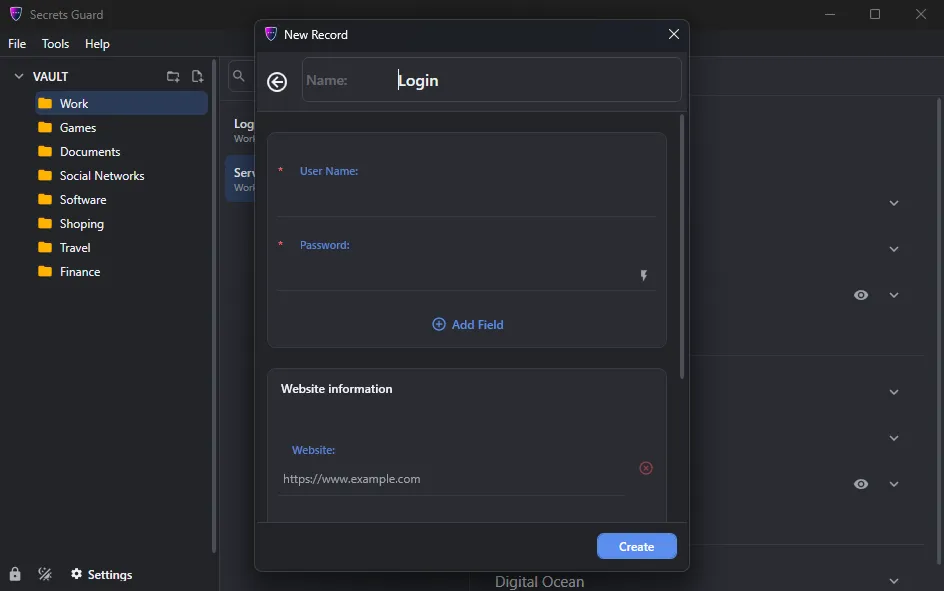
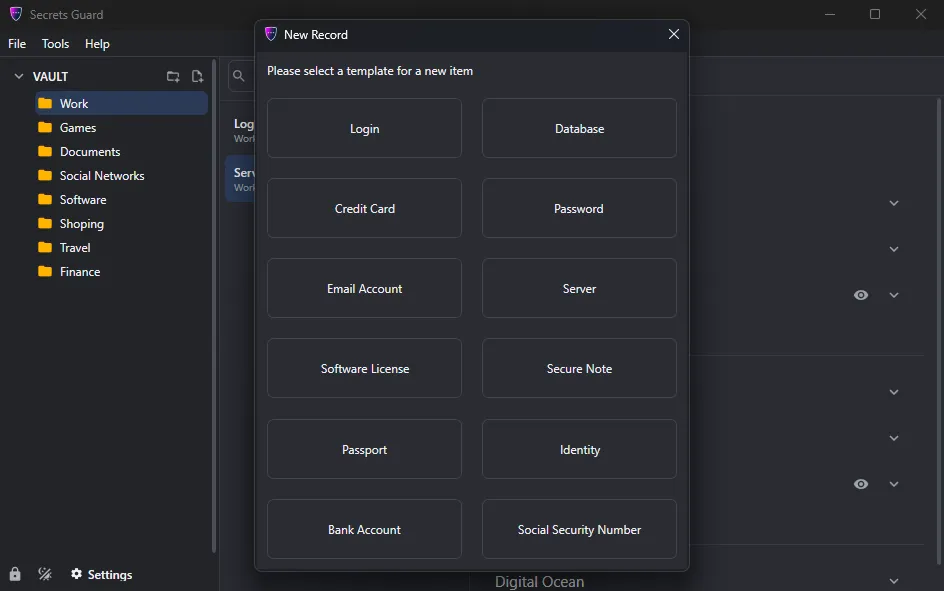
Start from a record template, then organize information into clear sections. Add text, URL, email, address, date, month/year, password, phone, list, and file fields, plus free-form notes for context that does not fit a label.

  • Reusable record templates
  • Custom sections and field names
  • Purpose-specific field types
  • Notes and file attachments
Custom template editor

Turn your own record structure into a reusable workflow

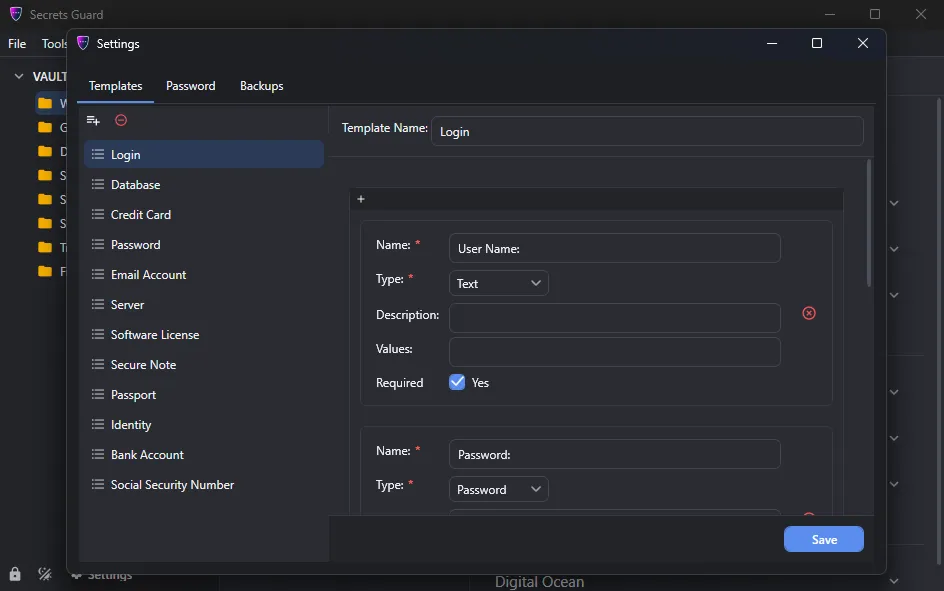
Create templates for the information you store repeatedly. Define sections, select field types, provide descriptions, and save the layout so the next similar record starts with the right structure already in place.

  • Create and name templates
  • Add, reorder, and remove sections
  • Configure fields and predefined choices
  • Reuse the same structure across records
Password generator

Create a new password without leaving the vault

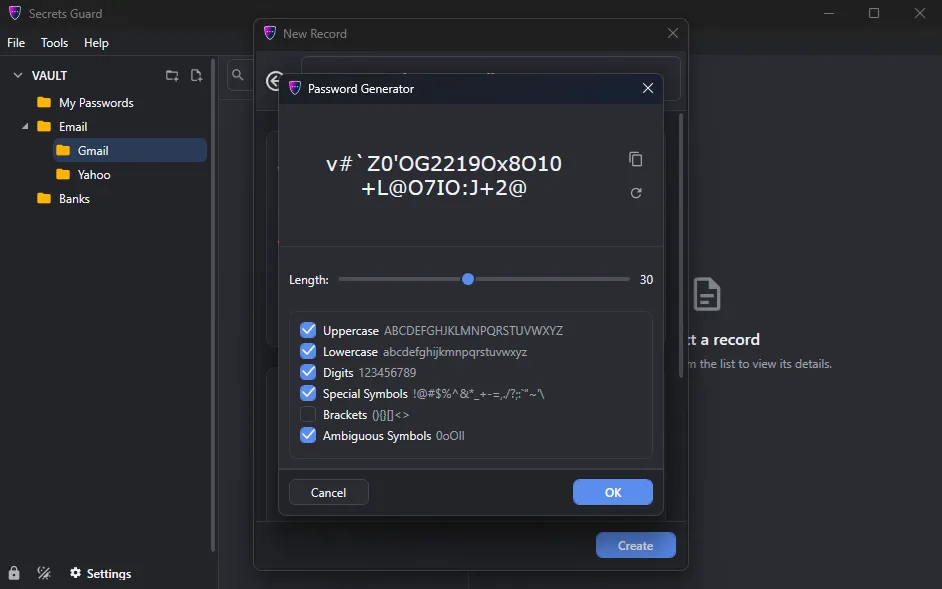
Open the built-in generator, choose the desired length and character groups, regenerate until the result fits the service, and copy it directly to the clipboard for use in a record.

  • Adjustable password length
  • Uppercase, lowercase, numbers, and symbols
  • Instant regeneration
  • One-click clipboard copy
Record history and comfortable viewing

Look back at earlier versions of a record

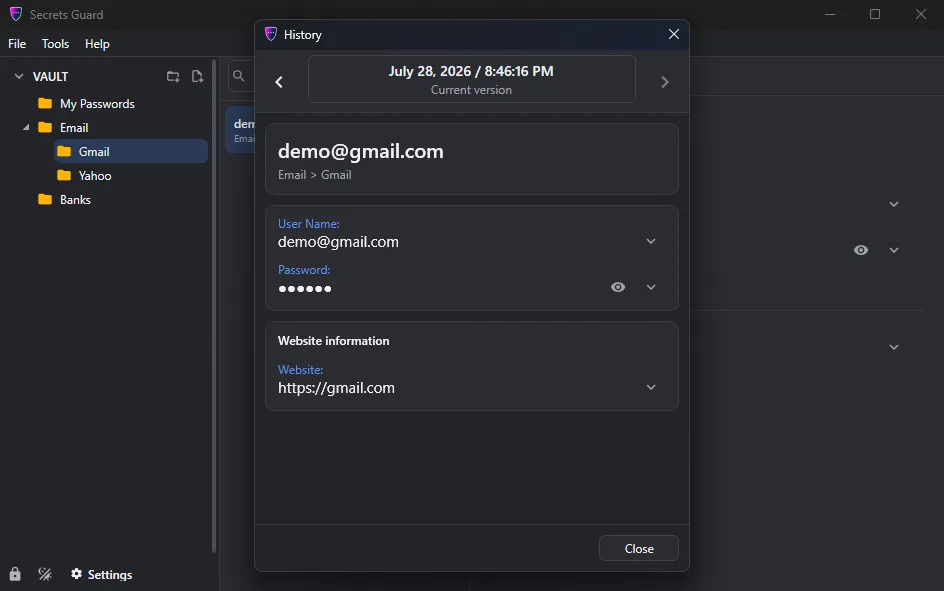
When a record changes, Secrets Guard keeps previous versions available in the history viewer. Step backward and forward through dated versions, inspect their fields, and understand what information was stored before the latest edit.

  • Dated record versions
  • Previous and next navigation
  • Field-by-field historical view
  • Light and dark interface themes
Gallery

Interface Screenshots

Take a visual tour through the different panels and dashboards of Secrets Guard.

Secrets Guard password manager main window with encrypted password vault, secure login list, search, categories, and password management tools.
Create a new secure record in Secrets Guard by choosing from password, login, credit card, bank account, secure note, server, passport, and other templates.
Create a new password entry in Secrets Guard with website, username, password, notes, tags, and security options.
Licensing

Choose Your Edition

Download the free evaluation trial or purchase a lifetime commercial license.

Evaluation Trial

Perfect for testing compatibility and evaluating features on your system.

Free
  • Standard product features enabled
  • 14-day fully functional trial period
  • Local file creation and analysis
  • Custom exports disabled
Download for Windows

One-Time Purchase

Full commercial license. One-time purchase, yours forever with free updates.

$24.95
  • Unlimited commercial usage rights
  • Unlock all export capabilities
  • Free lifetime minor & major updates
  • Priority email engineering support
Buy for Windows
Today's Special Offer

Get 40% off Secrets Guard, the top-rated password manager!

Limited Time Offer
Secrets Guard

Secrets Guard

Secrets Guard lifetime license on sale for $14.95!

Click code to copy coupon
SCGRD40 Copy Code
02
Days
18
Hours
45
Mins
00
Secs
Original Price: $24.95
Discount: -40%
New Price: $14.95
Buy Now

Latest Studio Updates

Keep up with product announcements, new features, and development logs from our team.

Retake Incorrect, Correct, or Skipped Questions in ProfExam Simulator 10.21.6
July 9, 2026 ProfExam

Retake Incorrect, Correct, or Skipped Questions in ProfExam Simulator 10.21.6

New in ProfExam Simulator 10.21: retake incorrect, correct, skipped, or all exam questions directly from the results screen for more effective certification exam preparation.

Read Article
ProfExam Creator 10.2.2.495: Import questions from JSON - a new dedicated window
May 29, 2026 ProfExam

ProfExam Creator 10.2.2.495: Import questions from JSON - a new dedicated window

Import from JSON is a new window in ProfExam Creator 10.2.2.495 that lets you load questions from a JSON file directly into your exams - with a built-in editor, live preview, and flexible import options

Read Article
ProfExam Simulator 10.20.5 - What's New
May 14, 2026 ProfExam

ProfExam Simulator 10.20.5 - What's New

A focused update packed with usability improvements - faster navigation, full keyboard control, flexible answer styles, and long-requested fixes for macOS and Linux users.

Read Article