Exam creation and practice software

Create, deliver, and improve professional exams

ProfExam Suite combines ProfExam Creator and ProfExam Simulator, giving trainers, educators, and certification authors everything they need to build assessments and run realistic exam sessions.

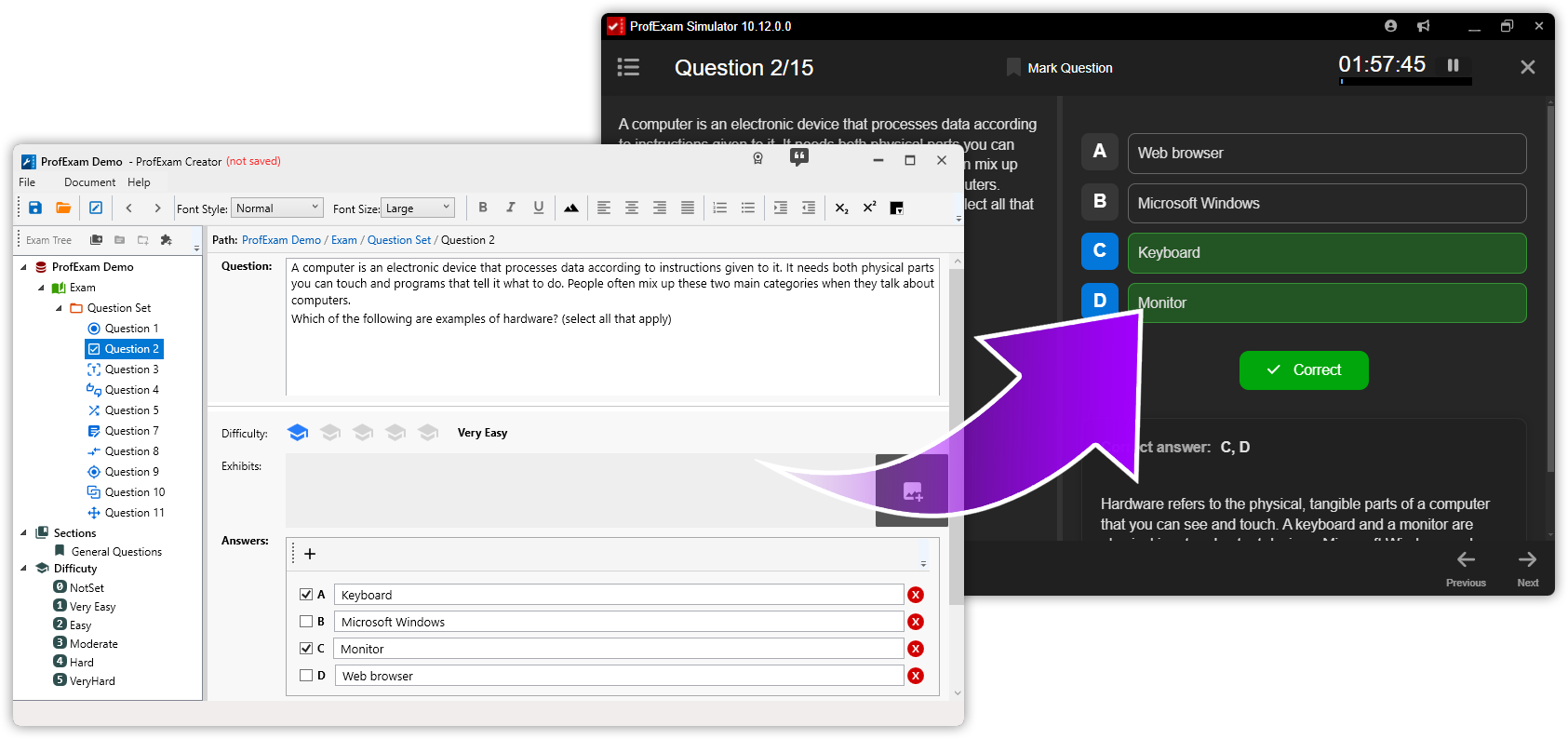
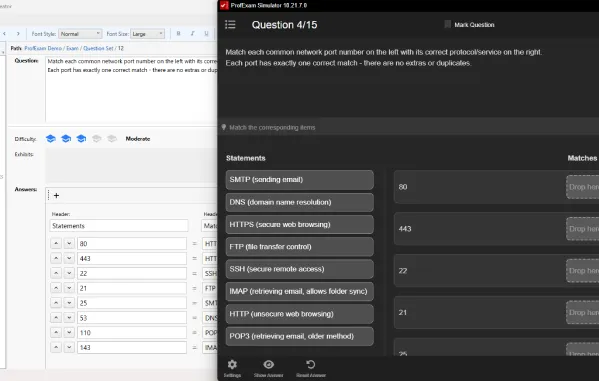
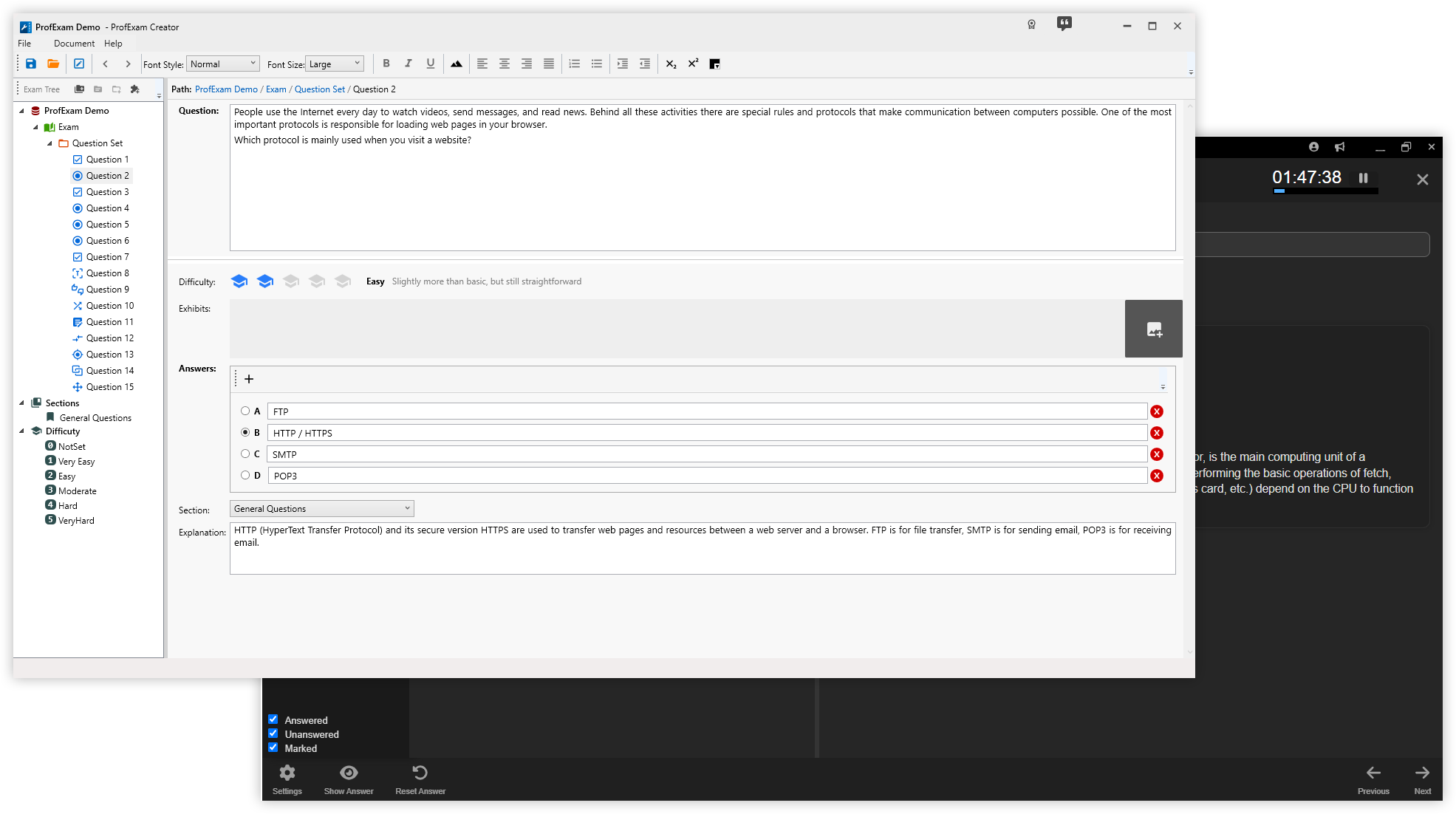
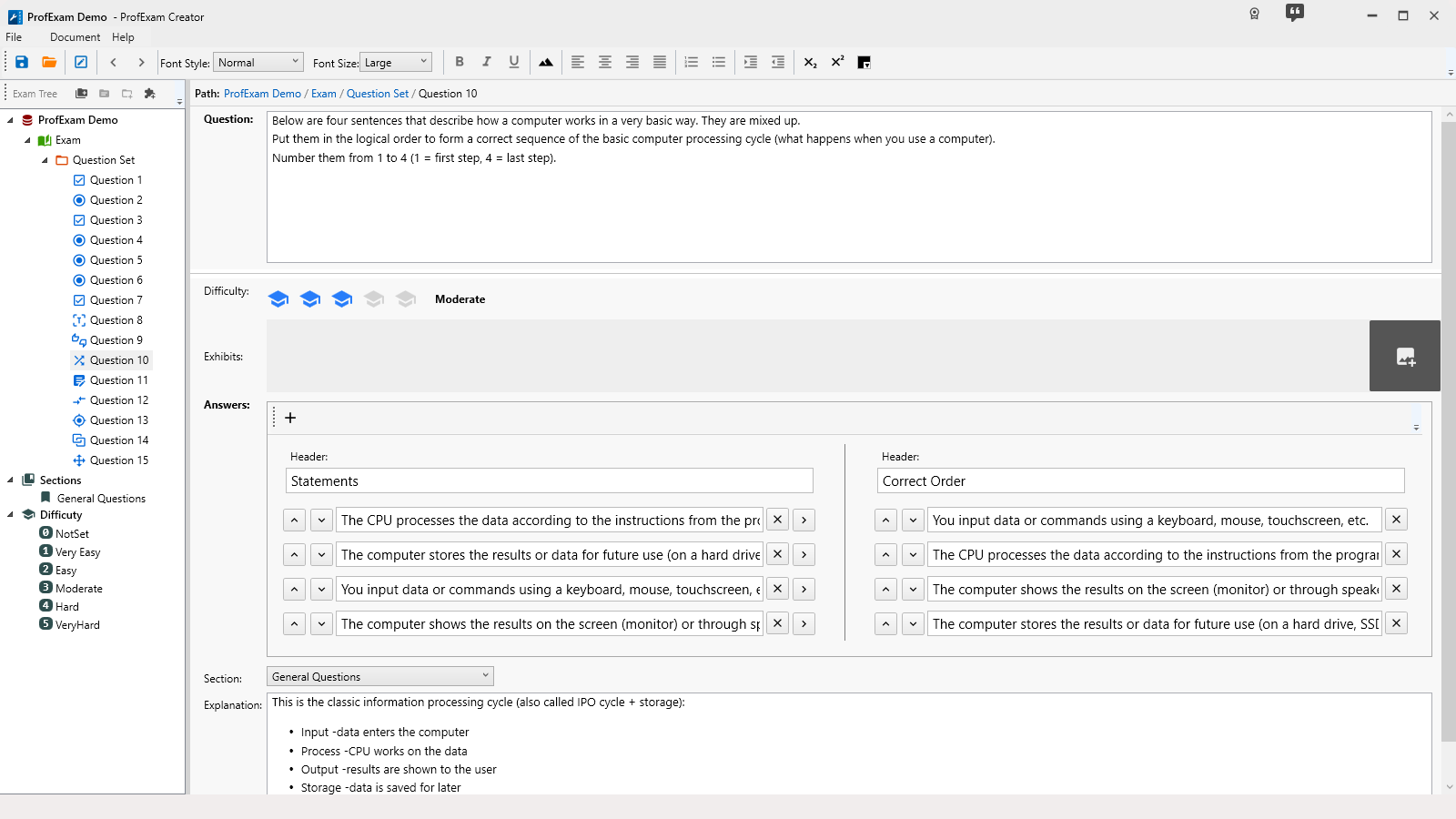
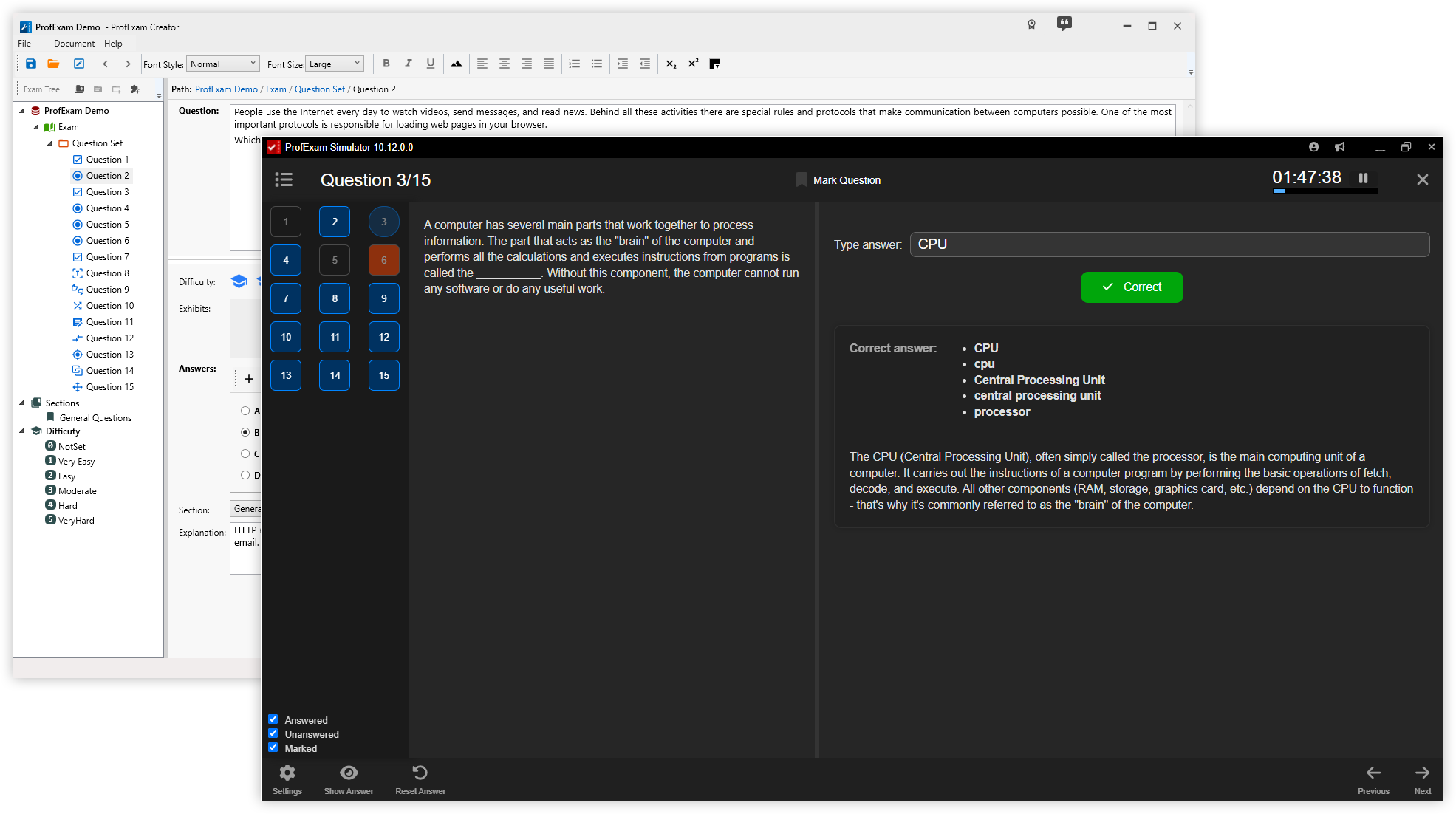
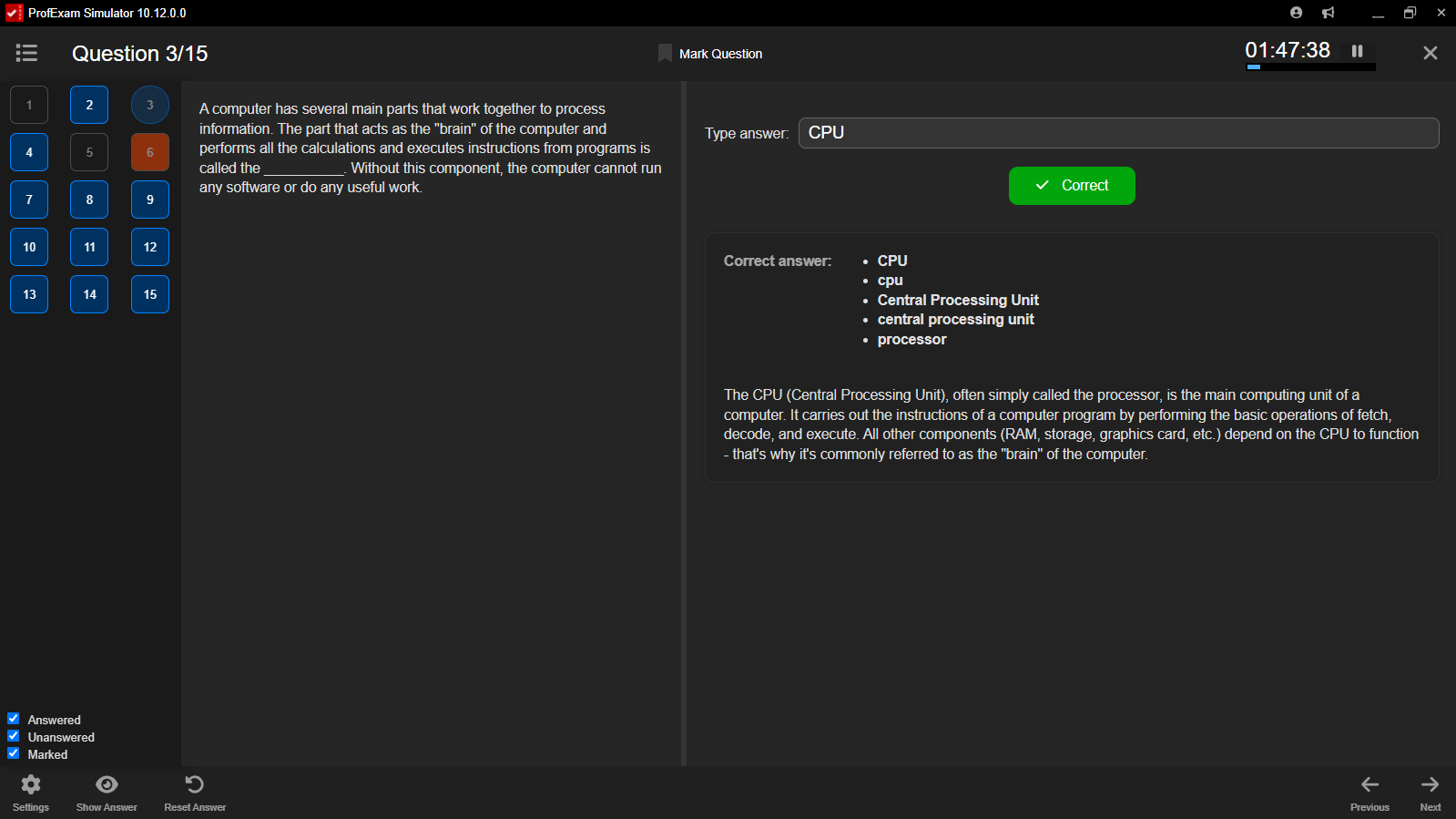
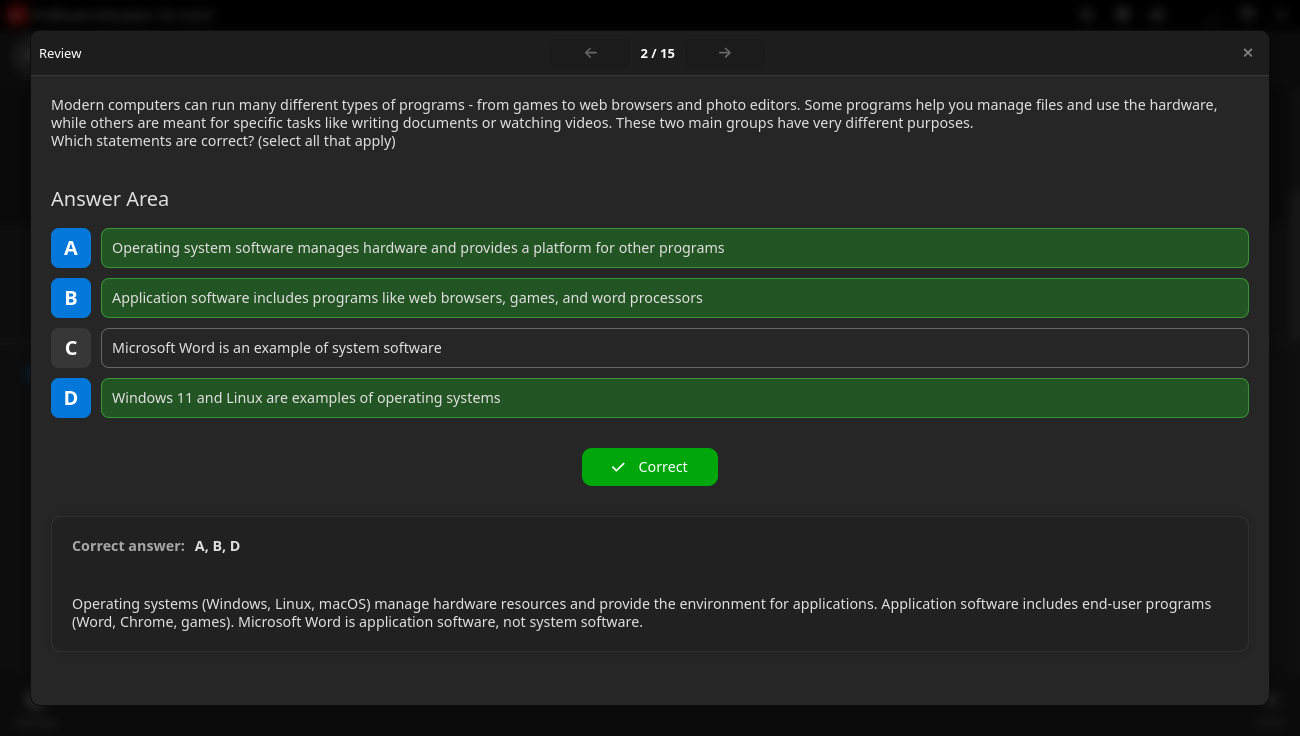
ProfExam Creator previewing an authored exam directly in ProfExam Simulator

Everything from the first question to the final result

Use focused tools for each stage of the assessment workflow - author with ProfExam Creator, deliver with ProfExam Simulator - without rebuilding the same exam content in different systems.

Author with precision

Structure sections, add interactive question types, configure scoring, and import existing content in ProfExam Creator.

Deliver realistic sessions

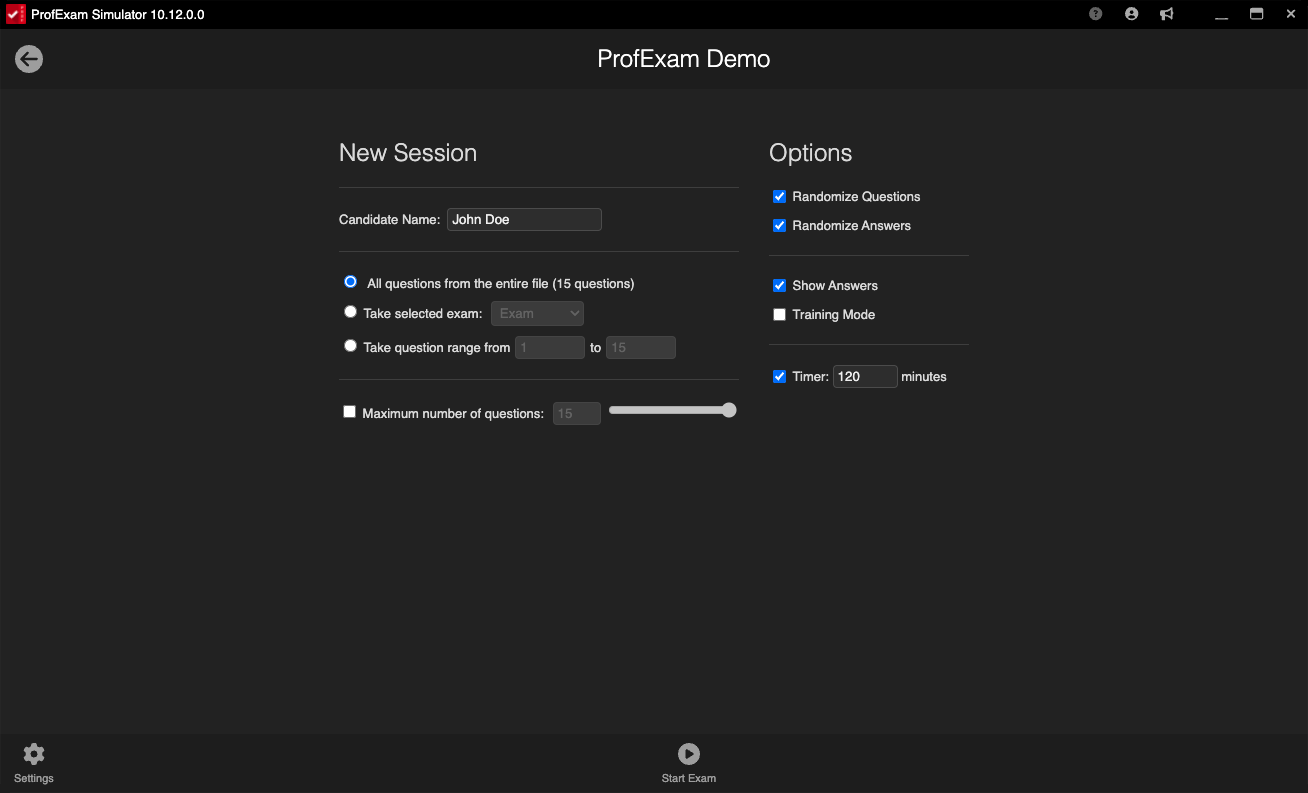
Open the finished exam in ProfExam Simulator and choose the right experience - from guided training to strict testing.

Learn from every attempt

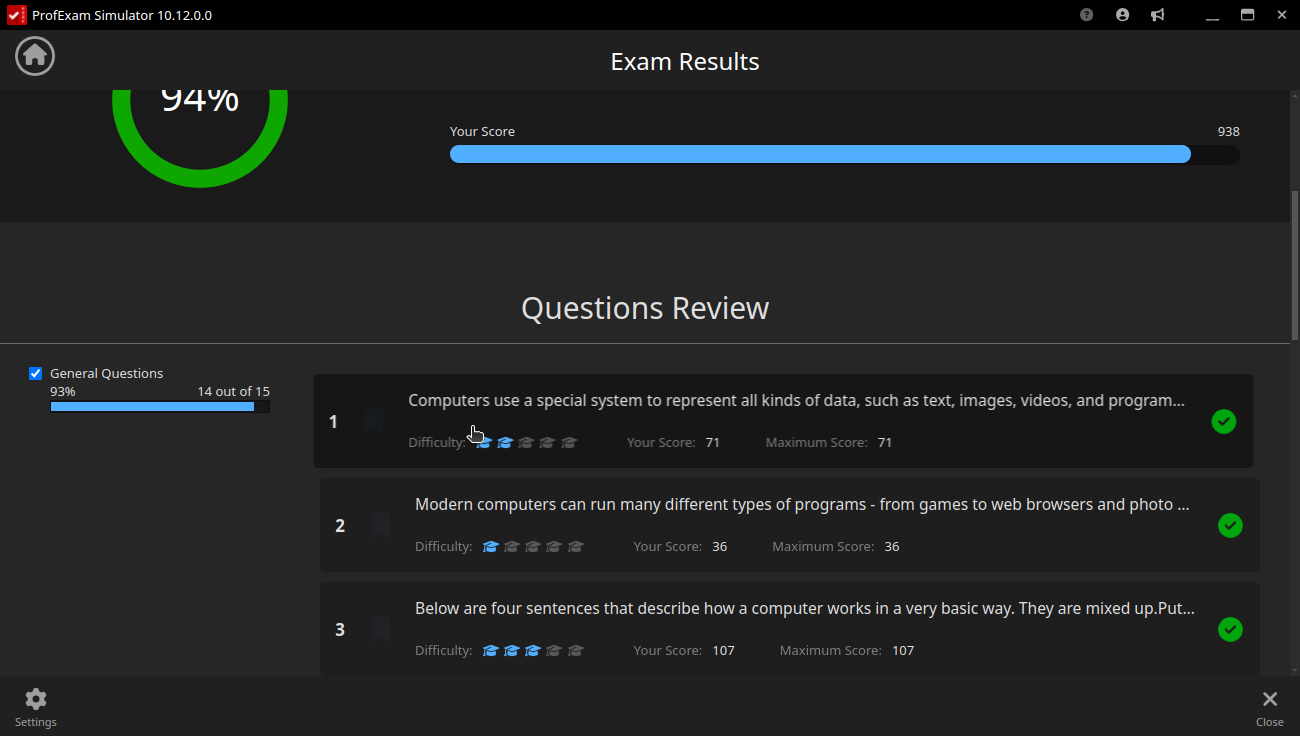
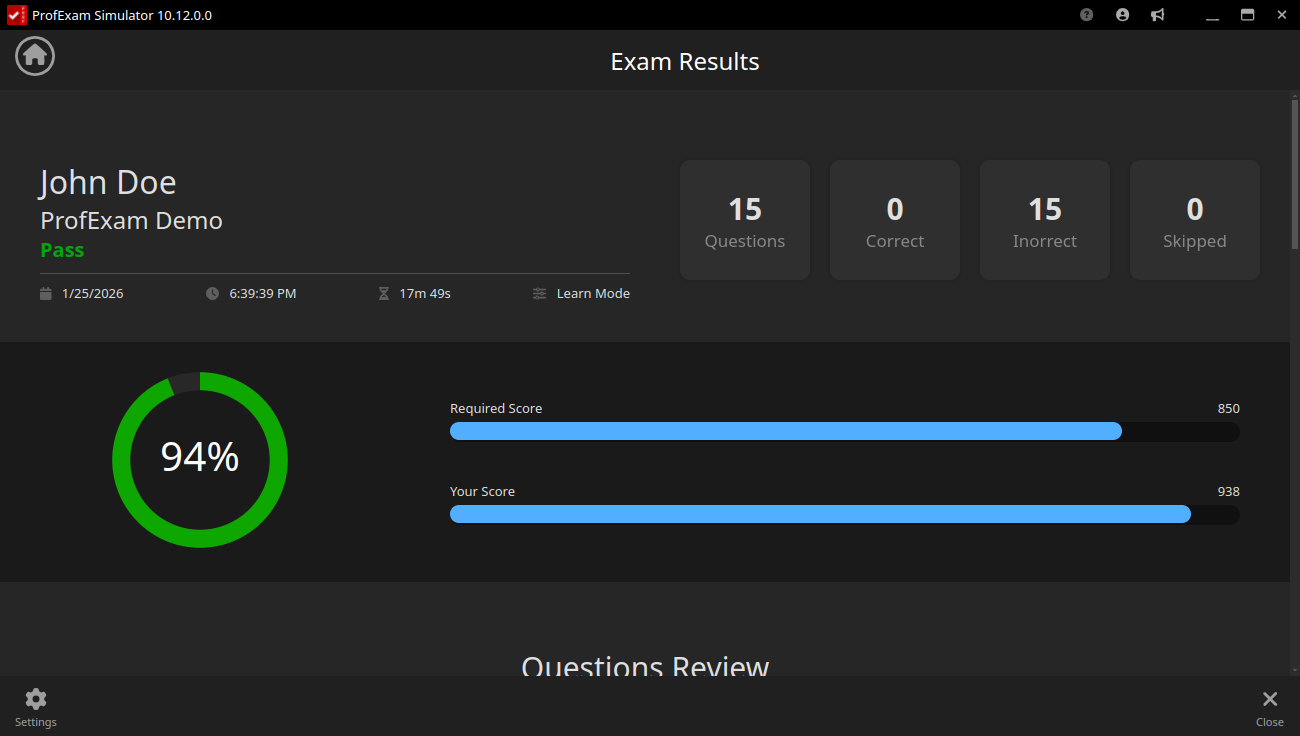
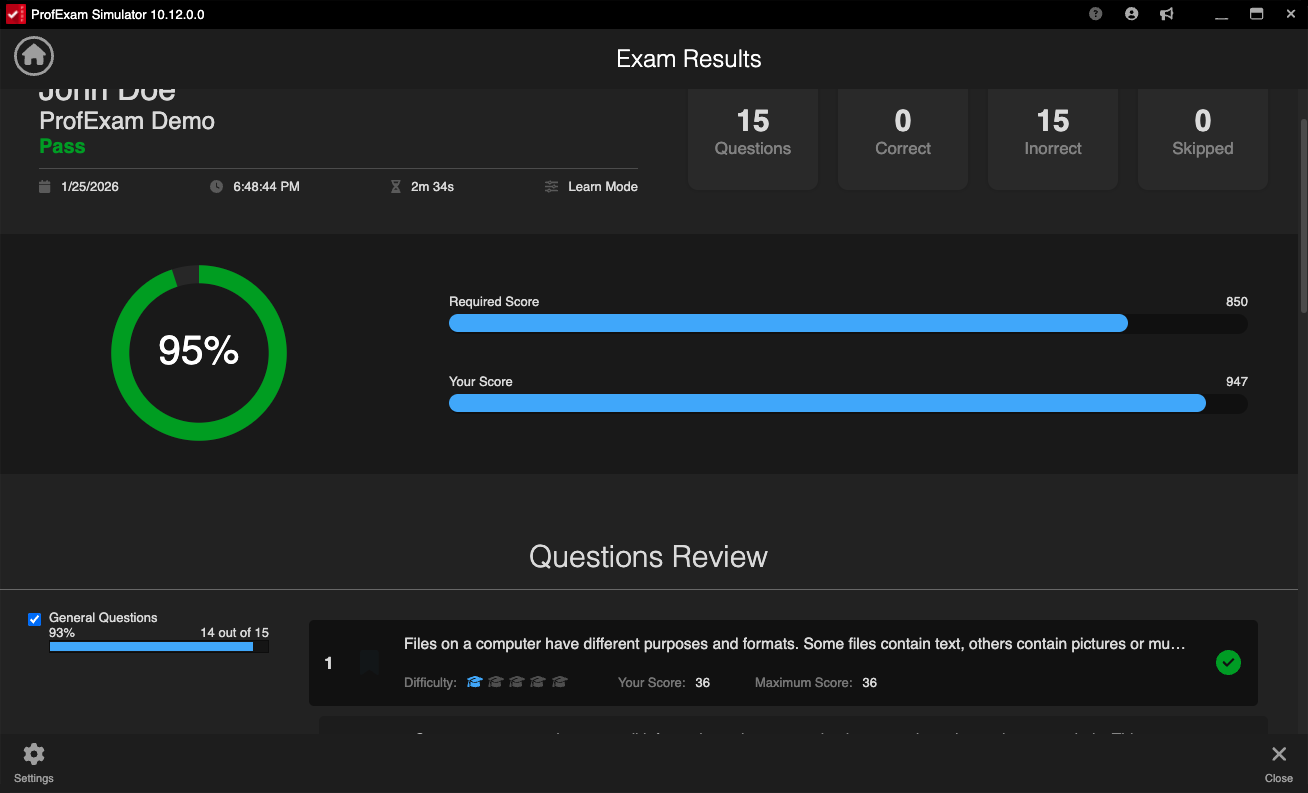
Review answers, identify weak areas, revisit difficult questions, and refine your material using real session outcomes.

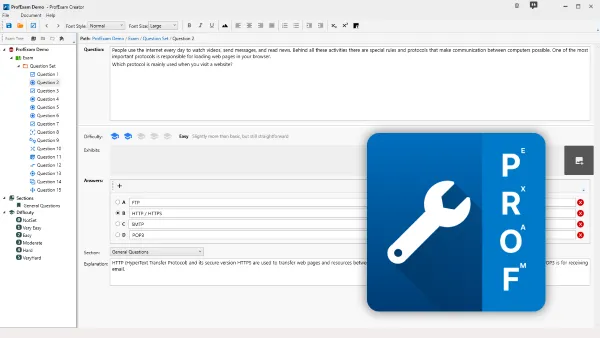
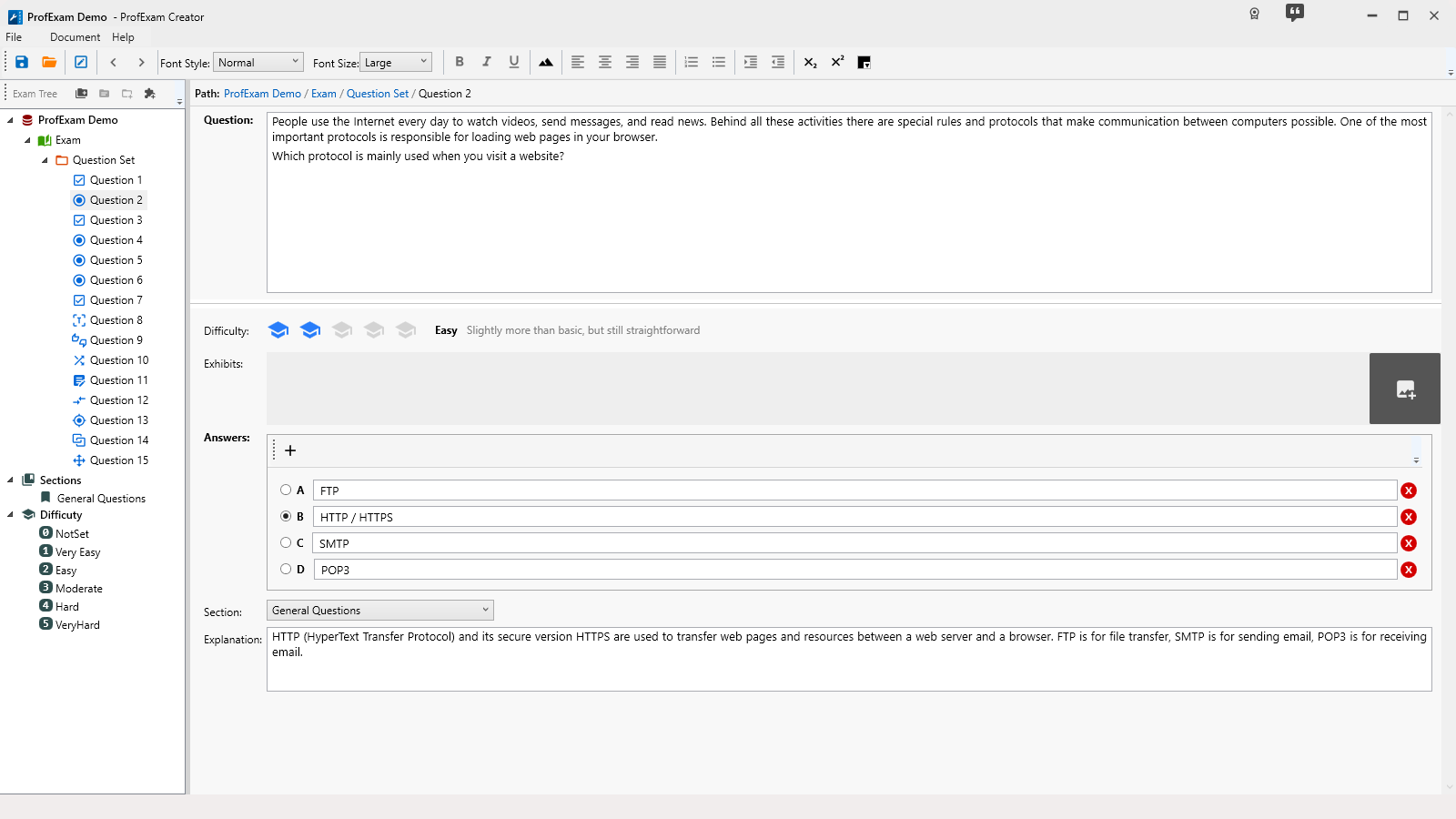
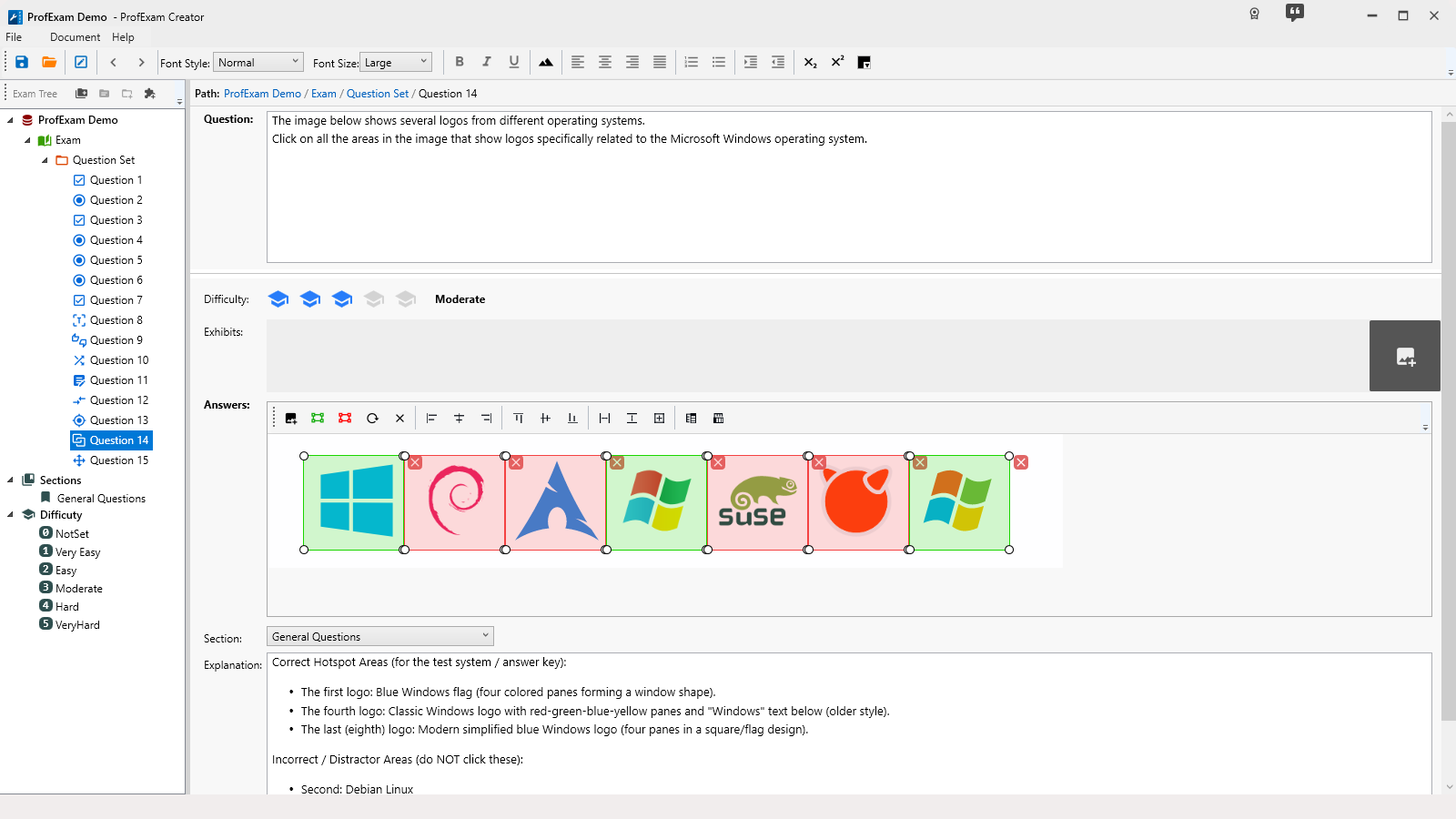
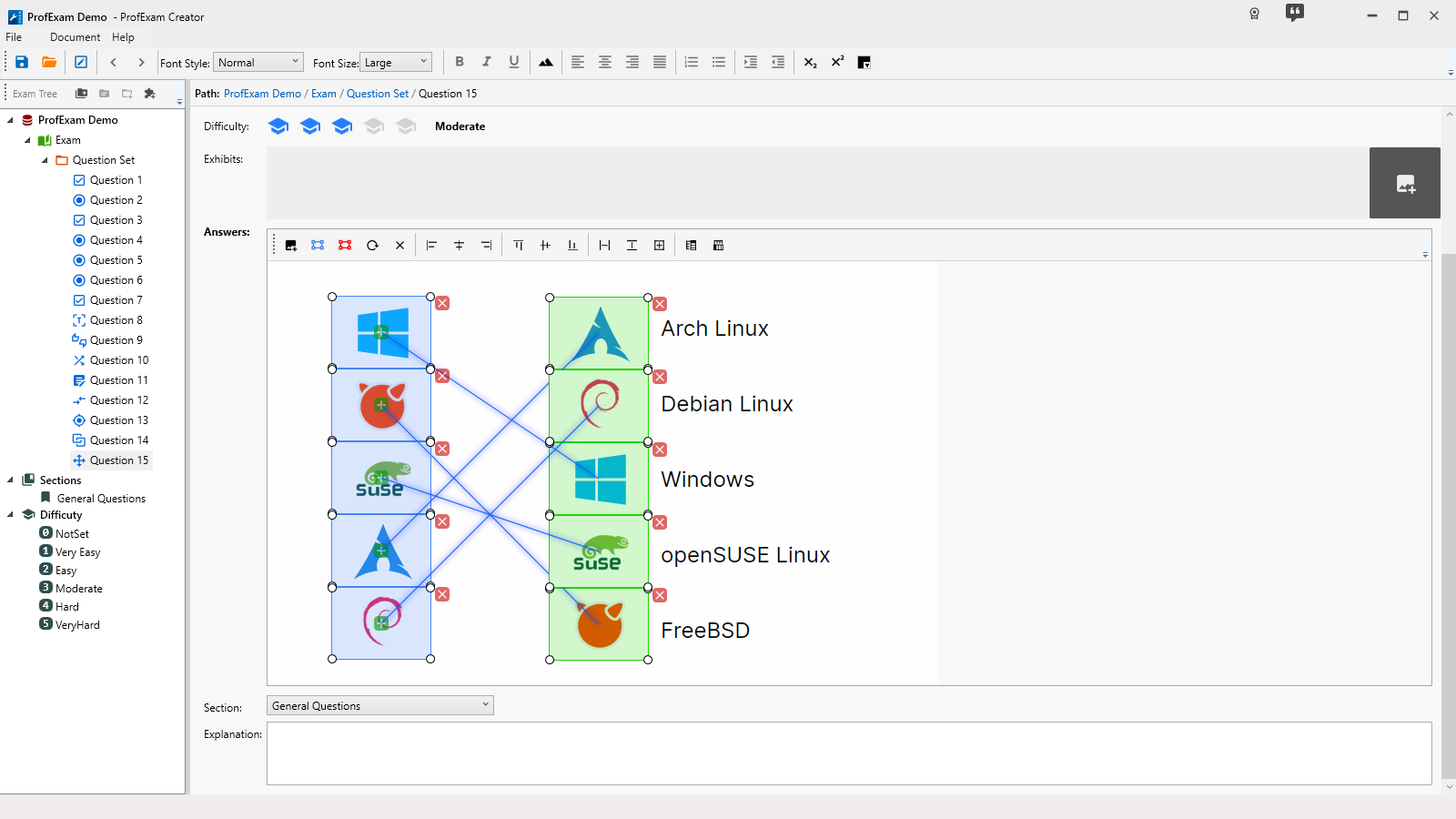
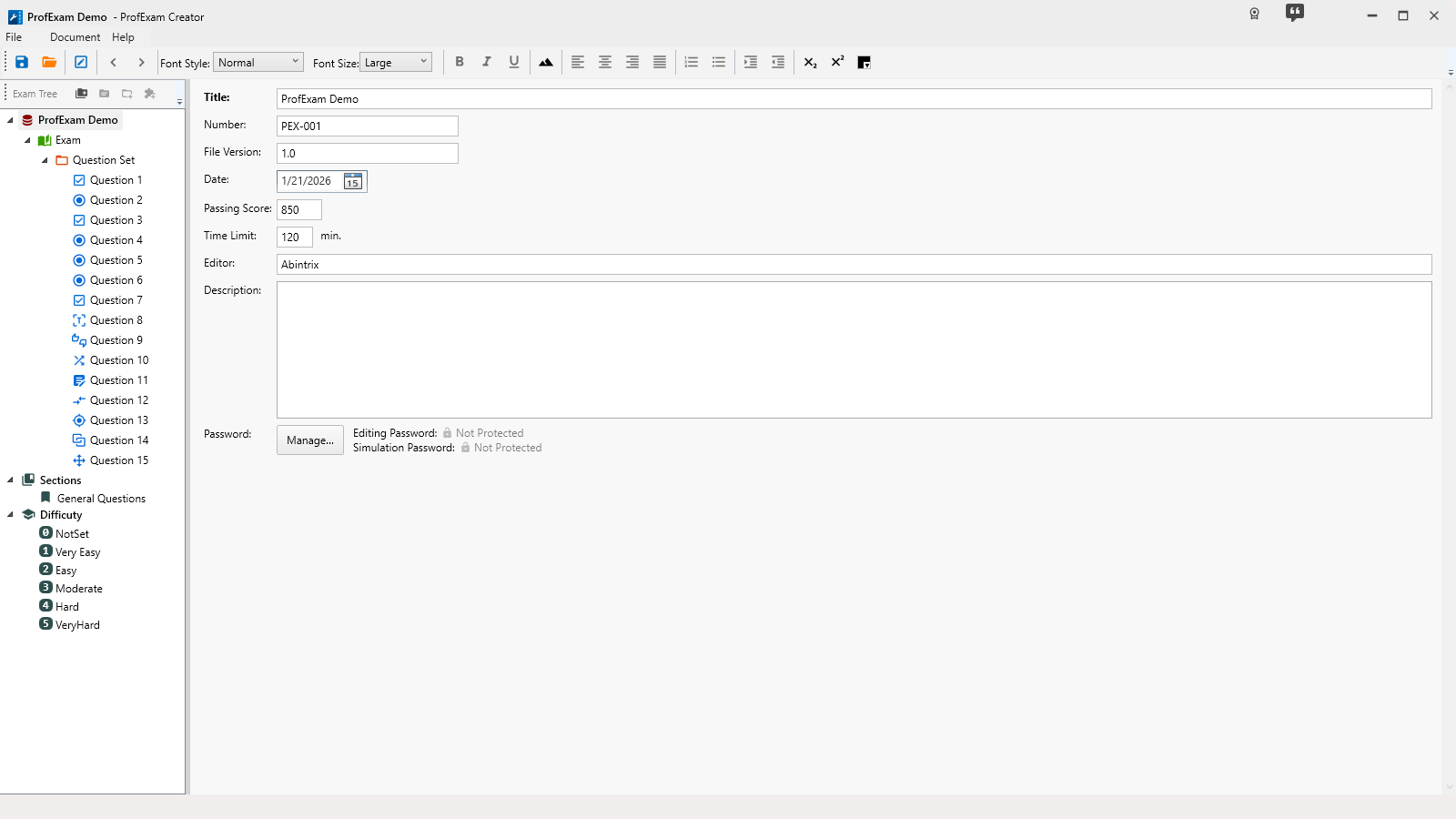
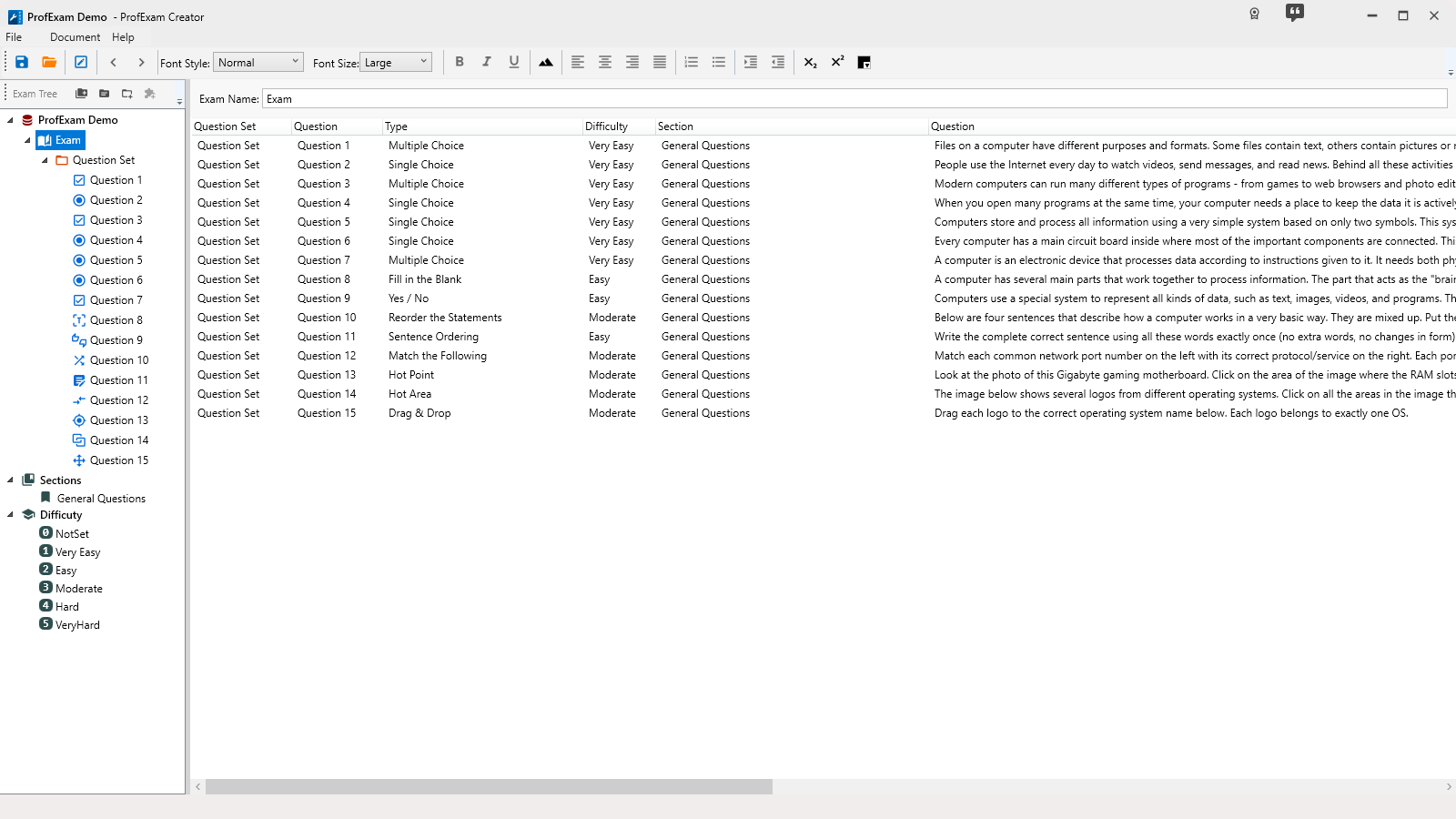
ProfExam Creator visual exam editor showing a structured certification test
For exam authors

ProfExam Creator: build professional exams in a visual editor

Organize content into sections, create interactive questions, set difficulty and scoring rules, and protect files with passwords.

  • Visual, hierarchical exam editor
  • JSON, TXT, RTF, and PDF import tools
  • Built-in validation and error detection
For candidates and learners

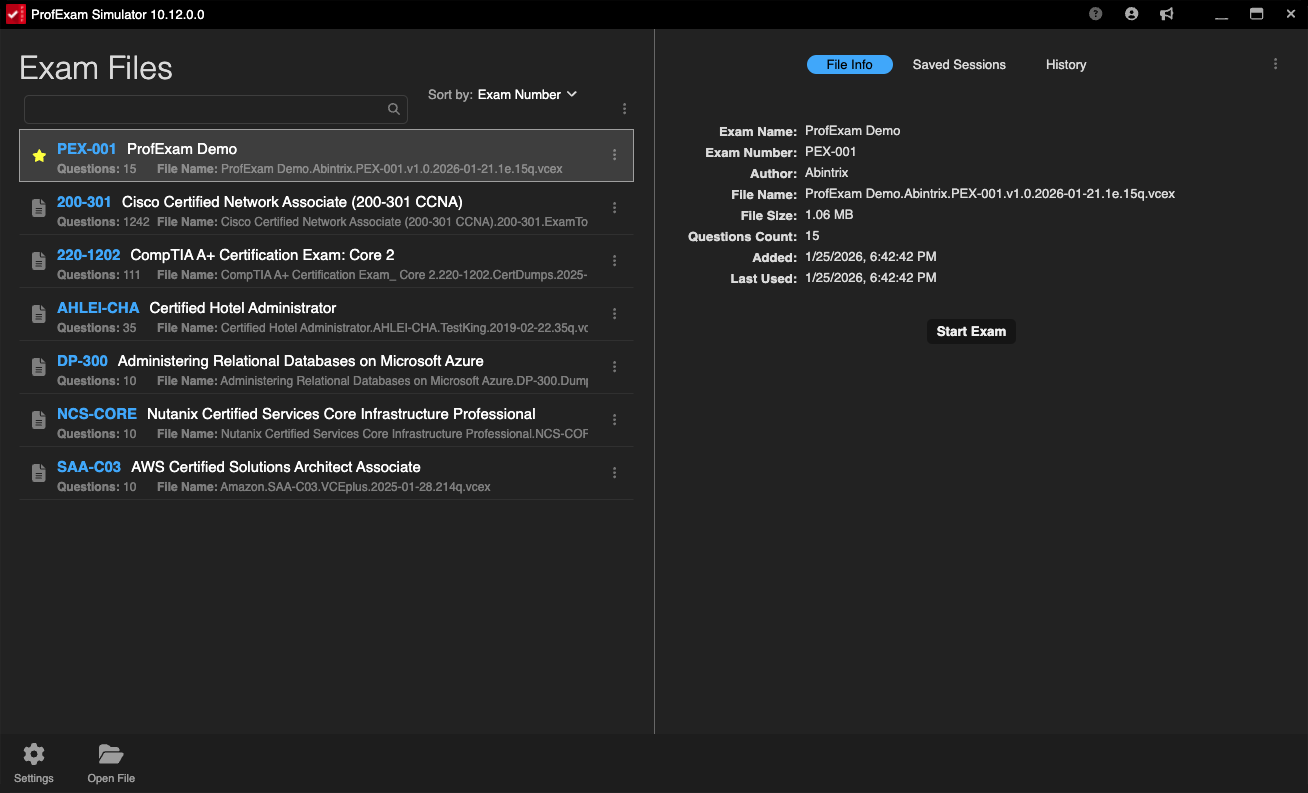
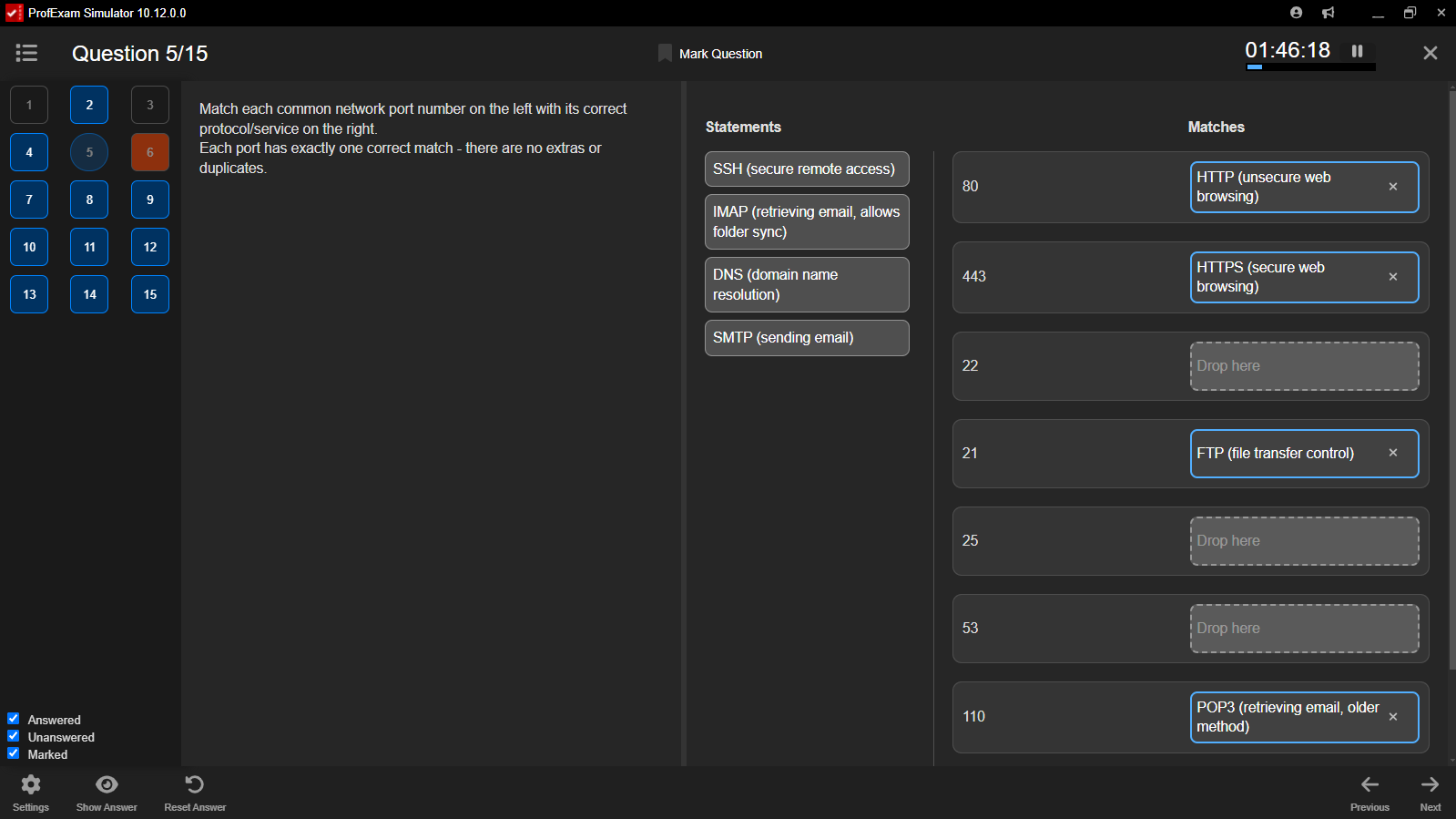
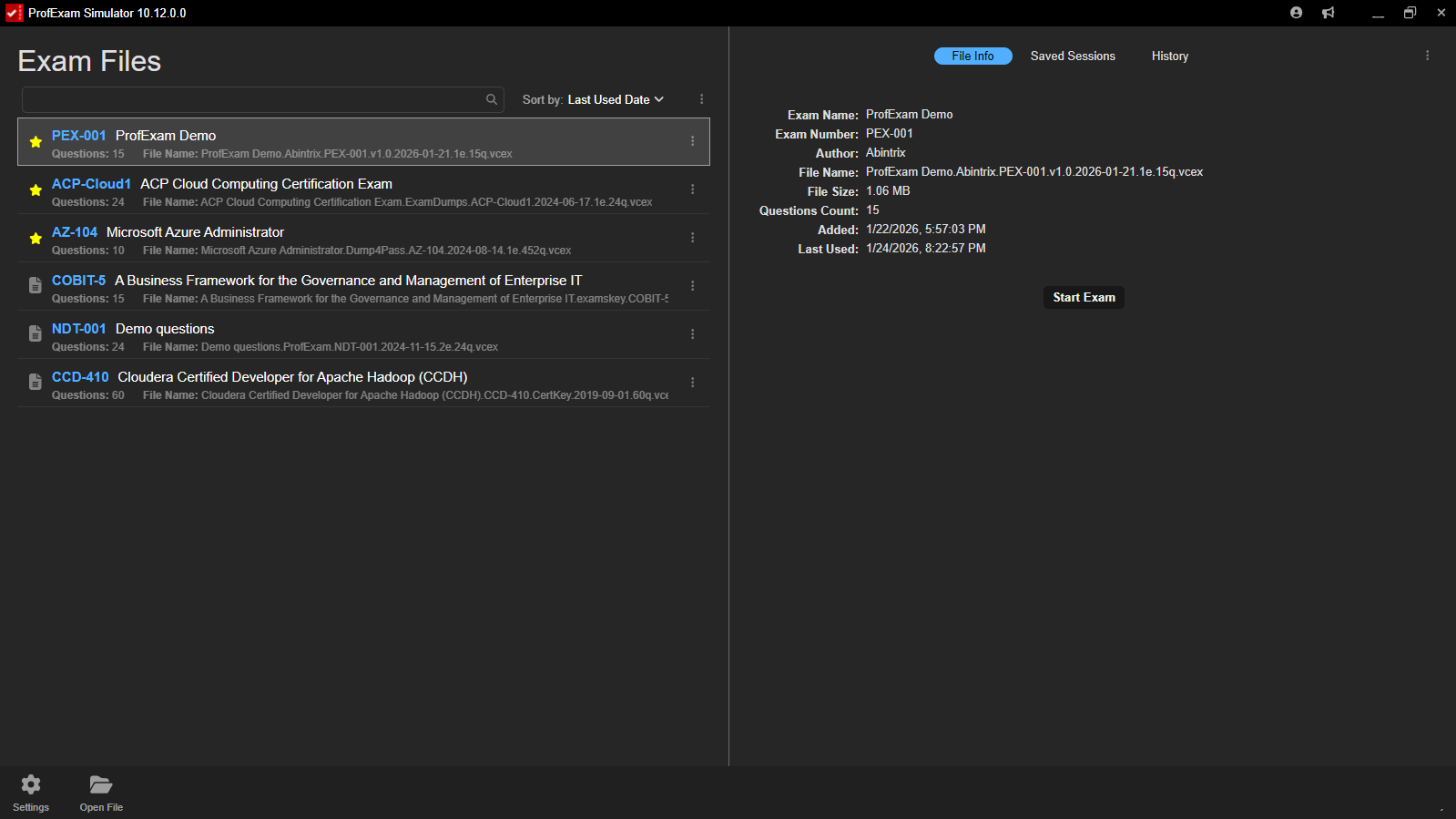
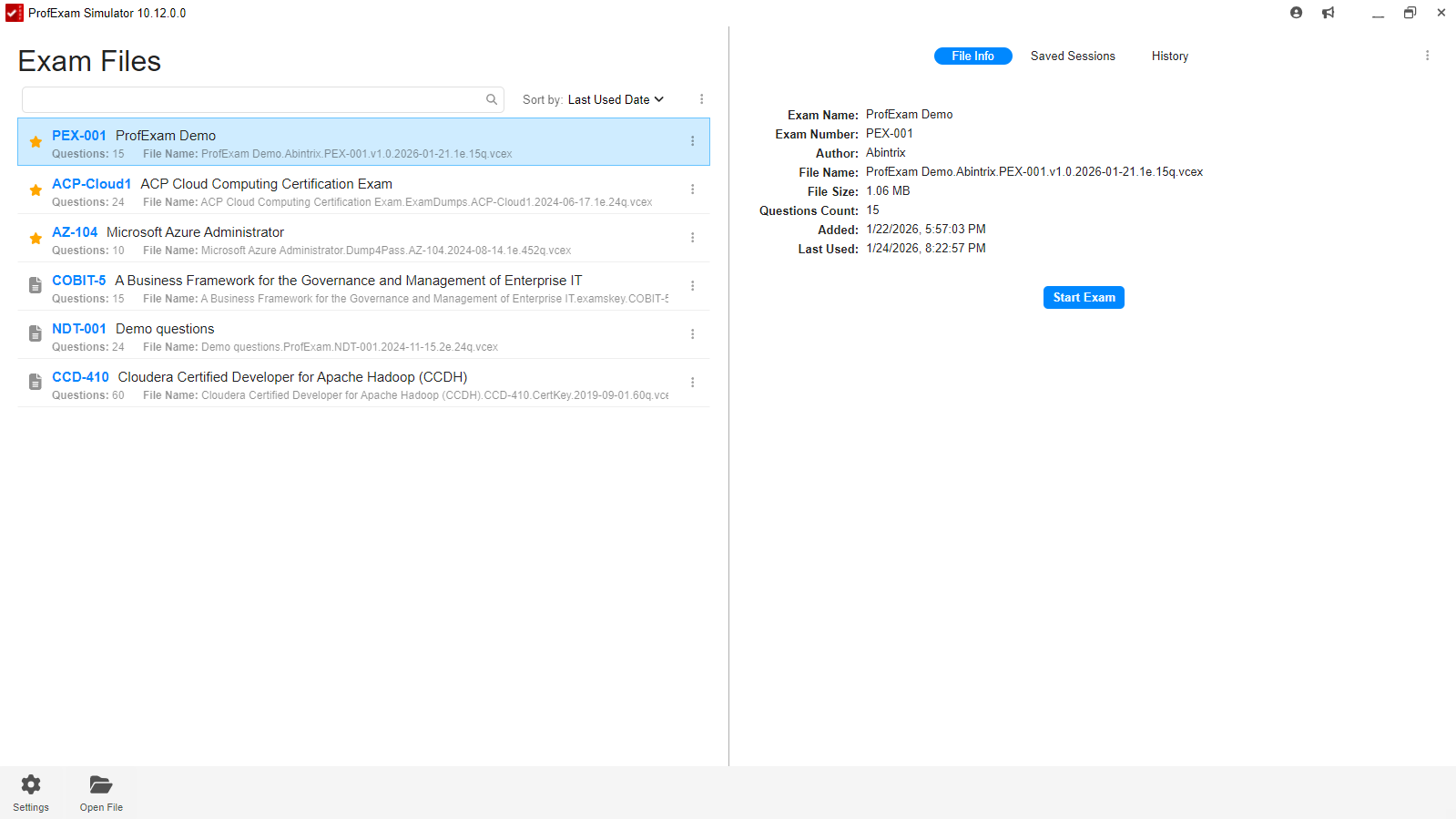
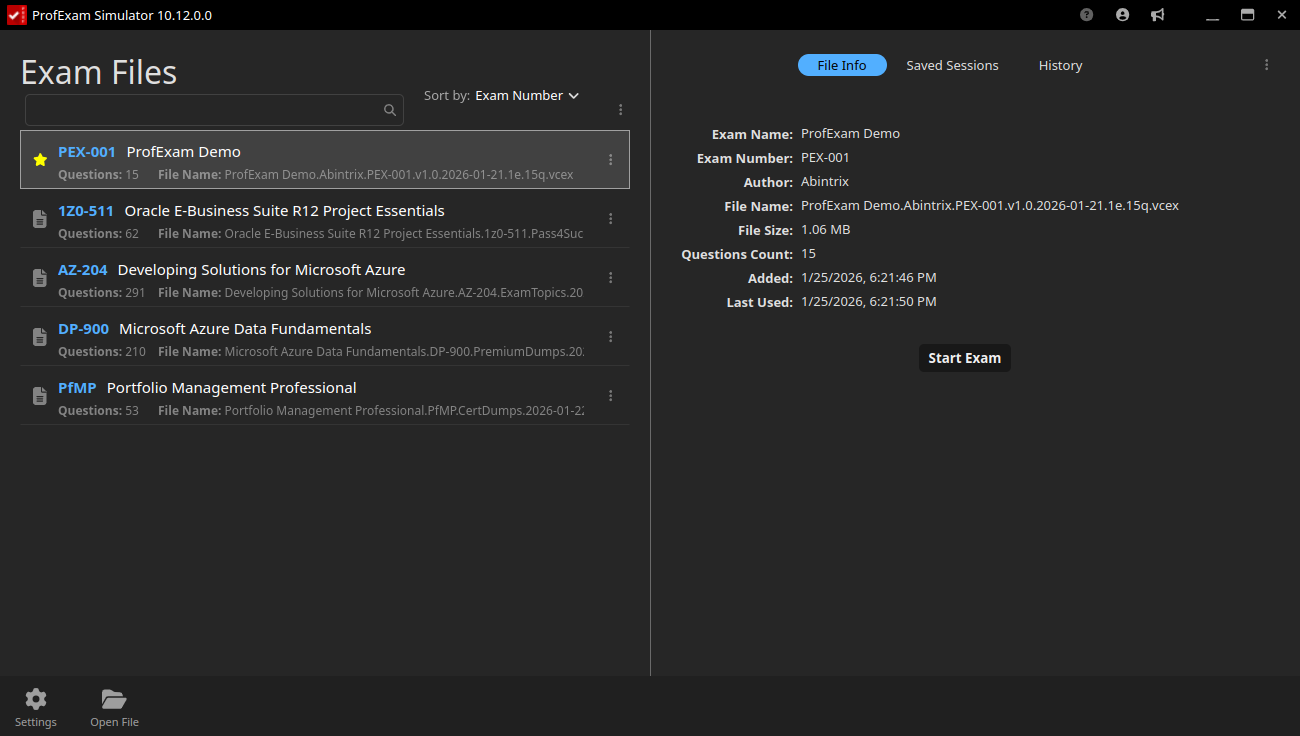
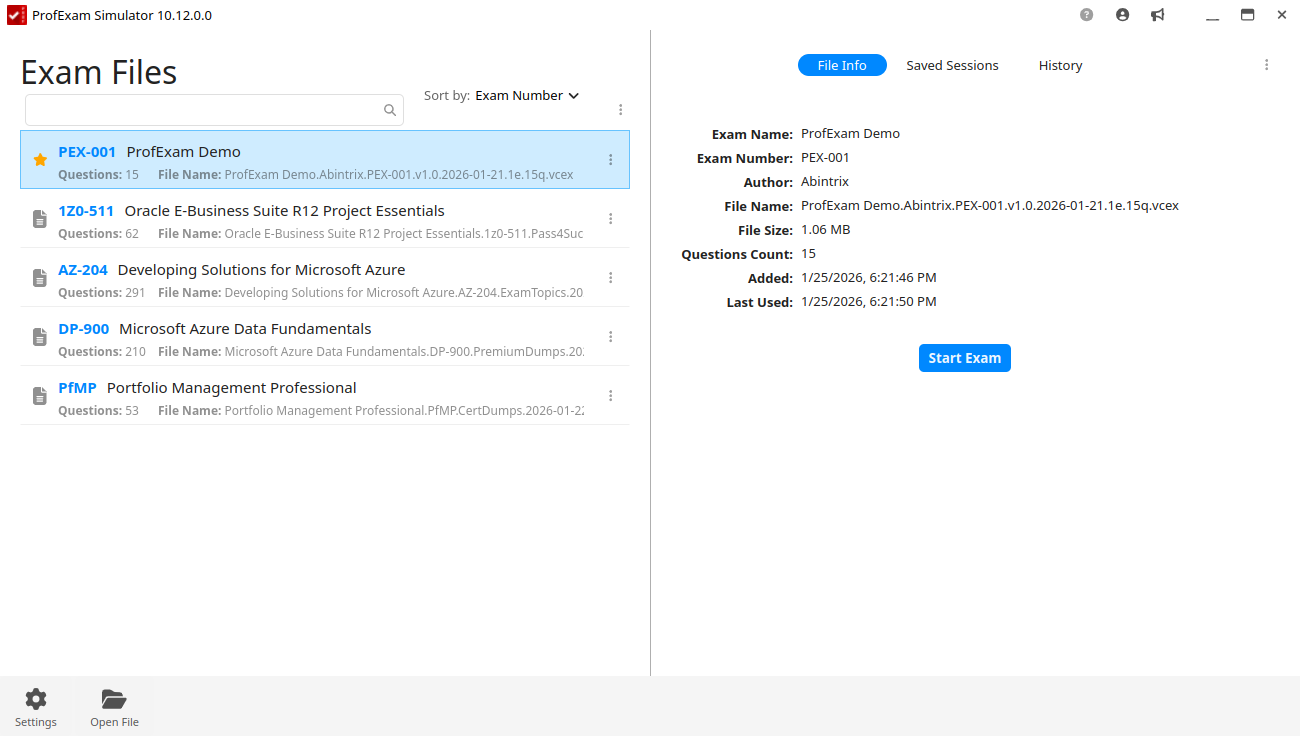
ProfExam Simulator: turn exam files into focused learning sessions

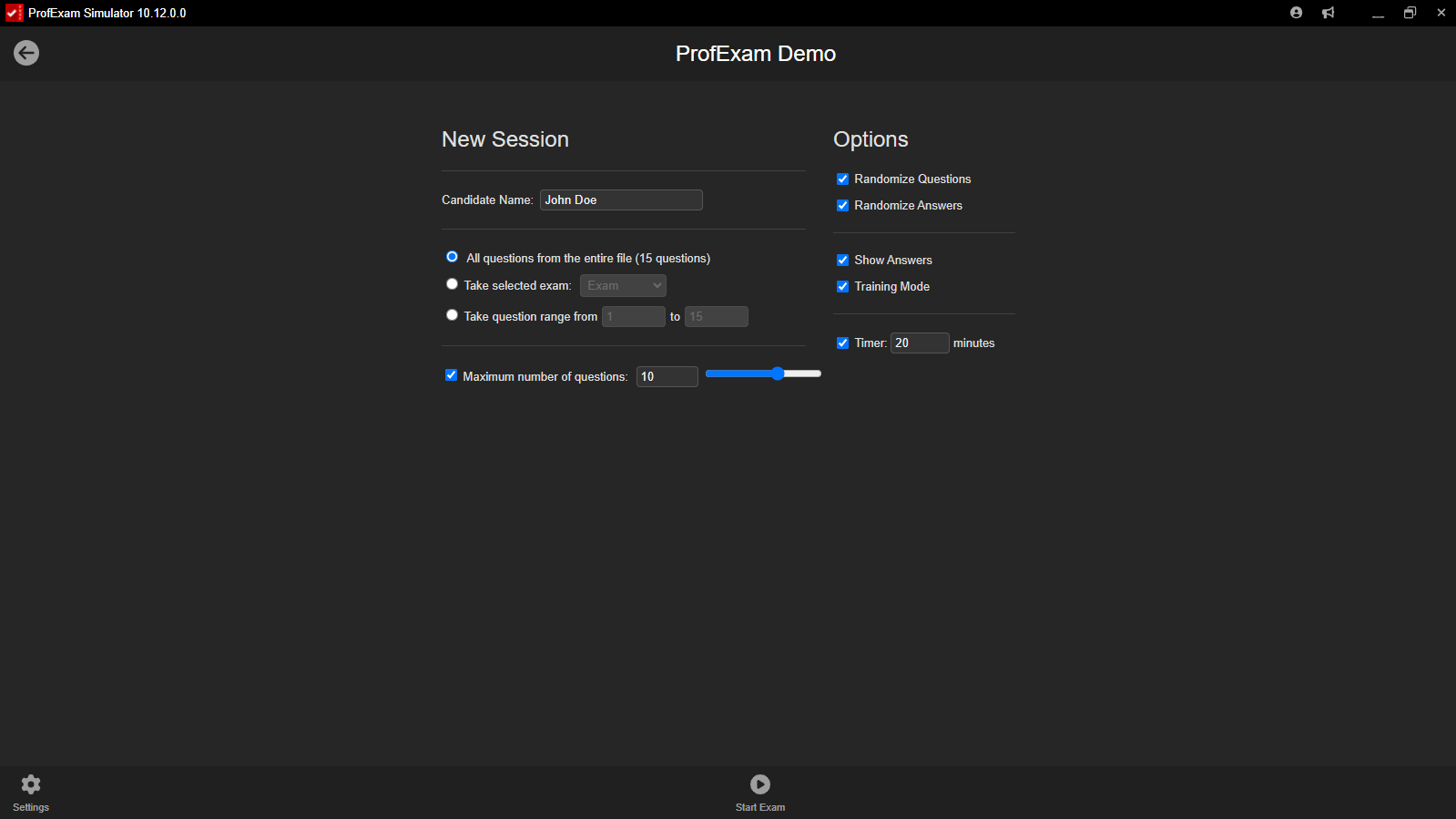
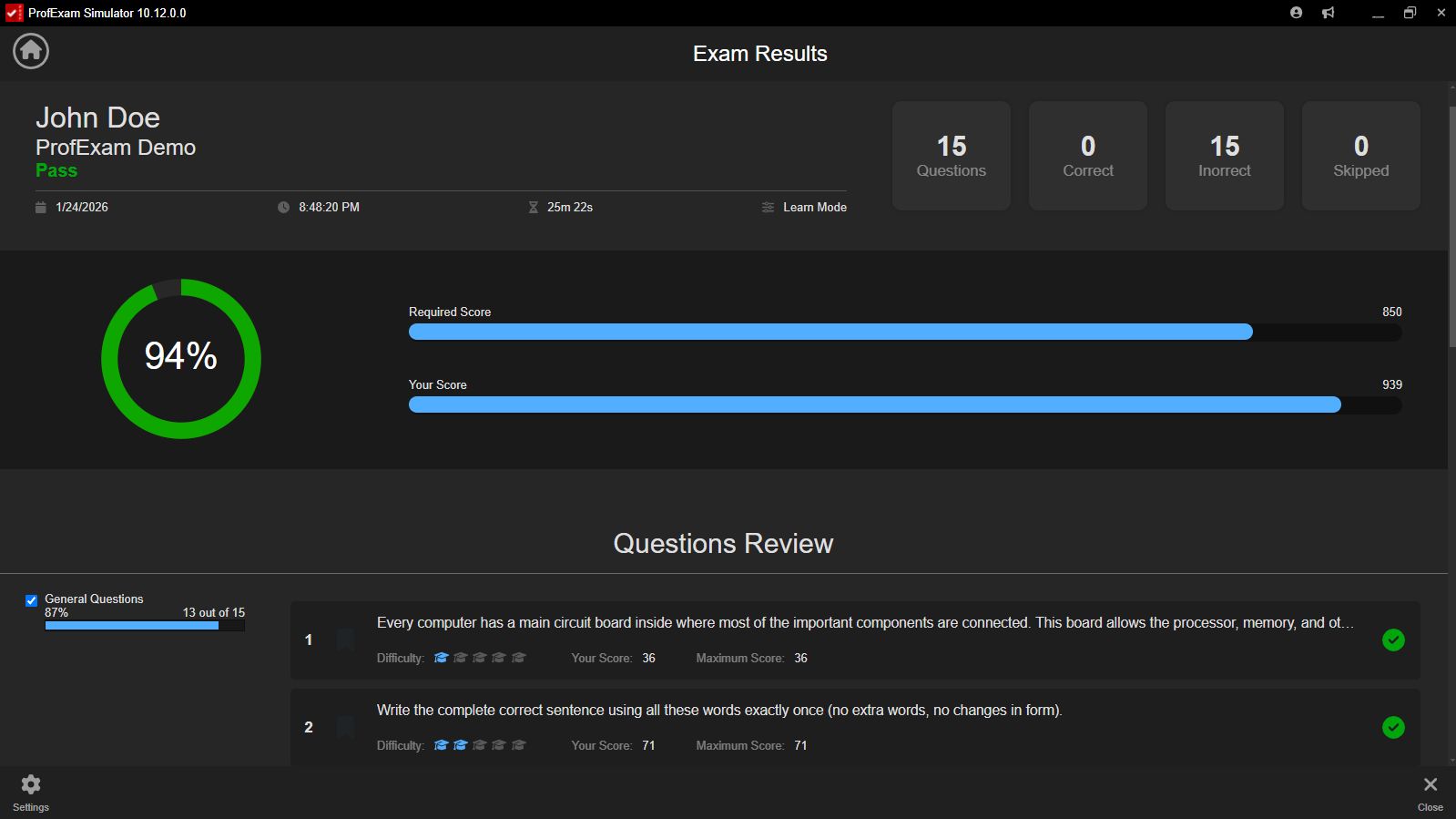
Flexible configuration, realistic testing conditions, complete navigation, and detailed review after every attempt.

  • Training, Practice, and Virtual Exam modes
  • Detailed results and session history
  • Windows, macOS, and Linux support
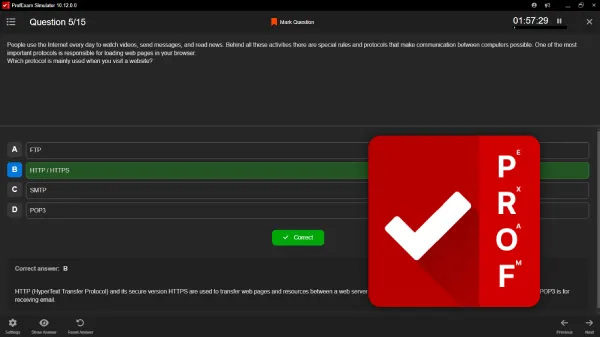
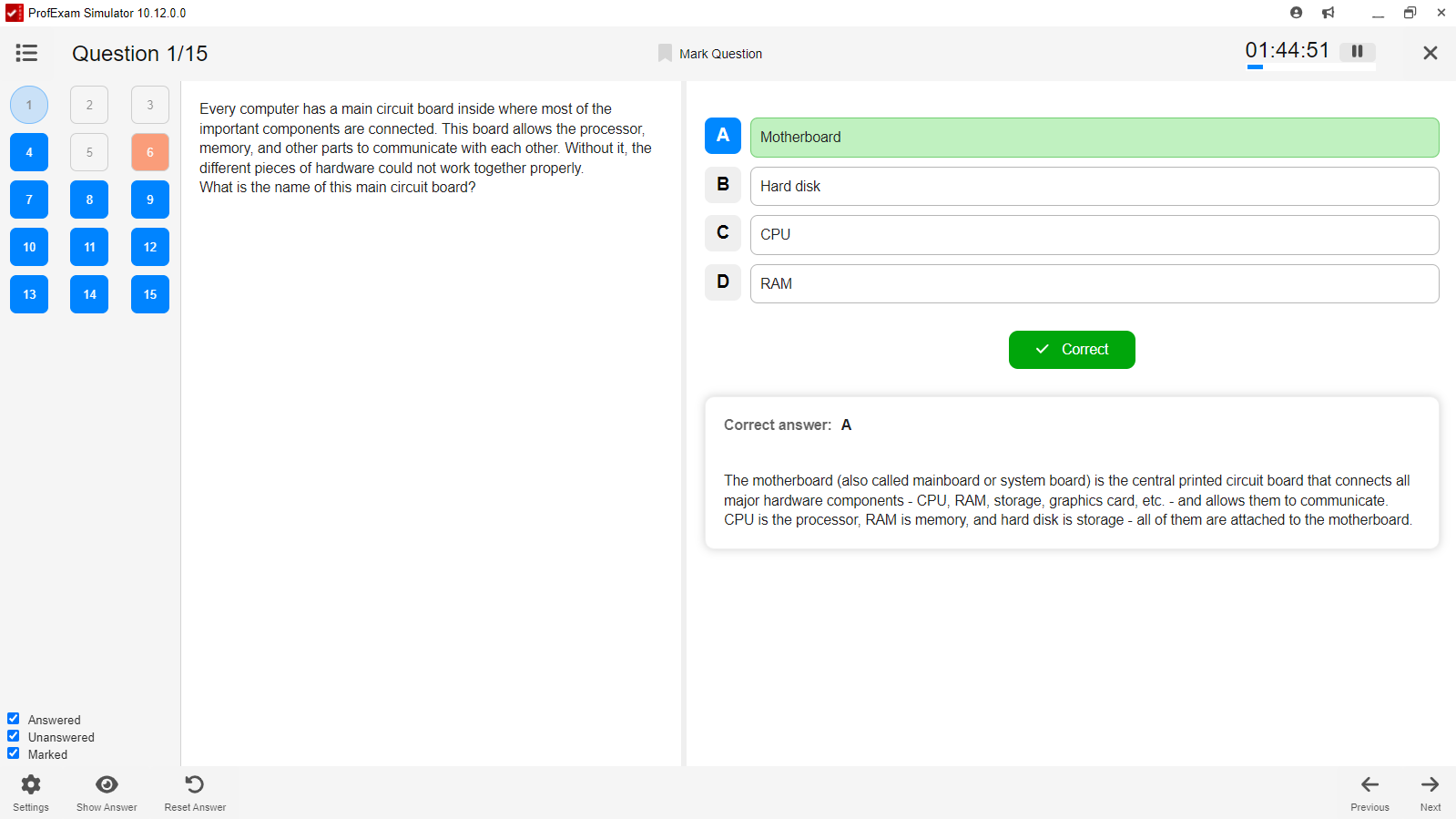
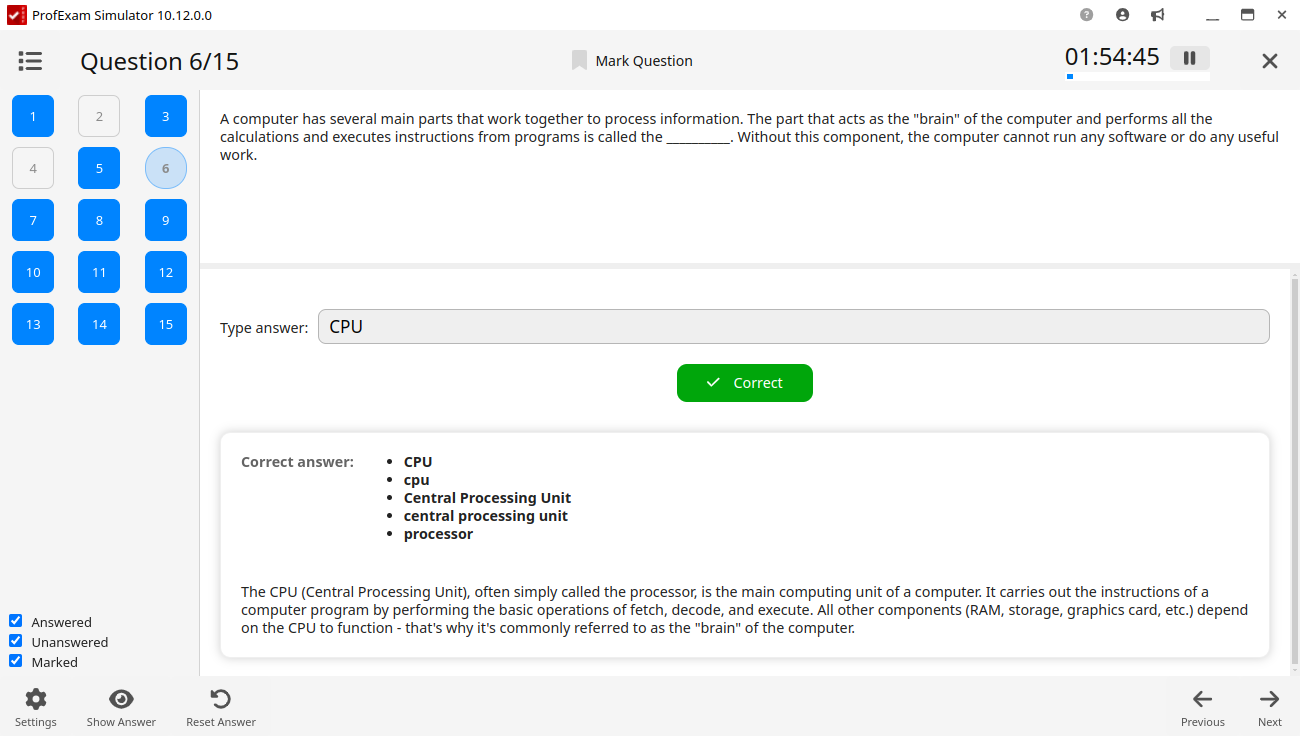
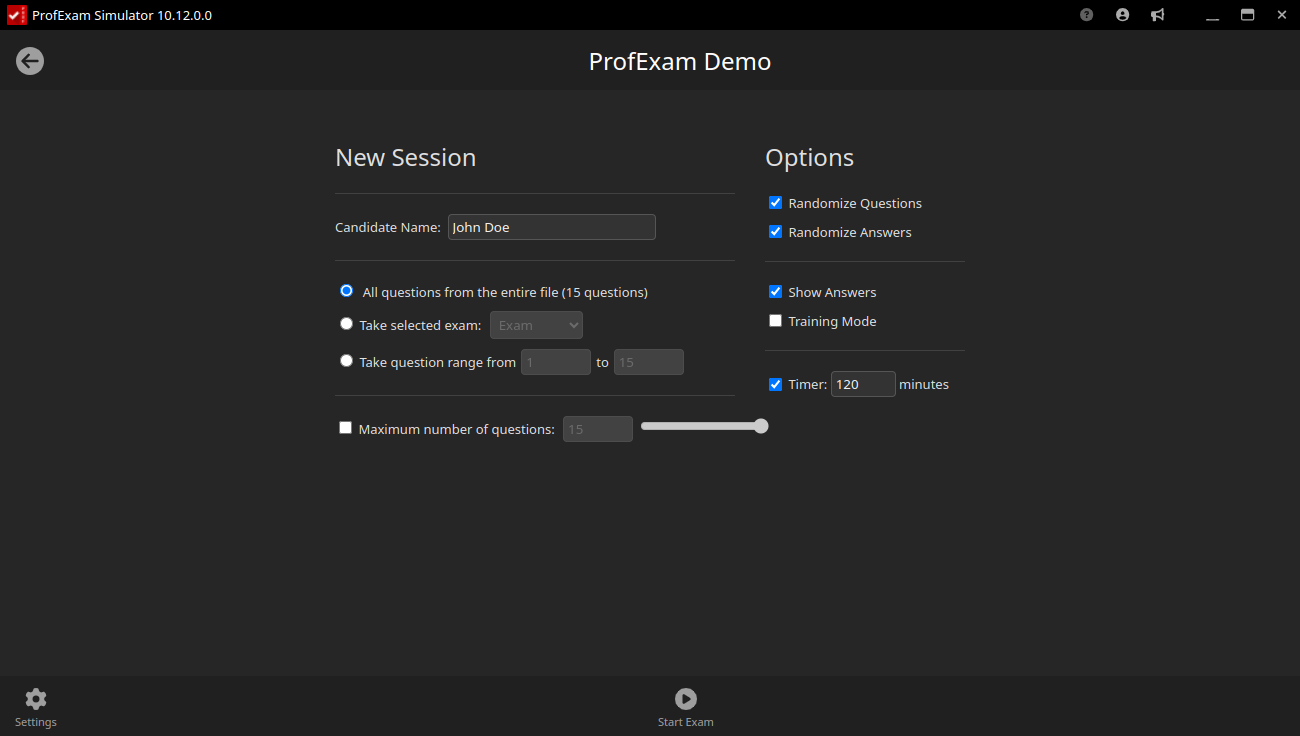
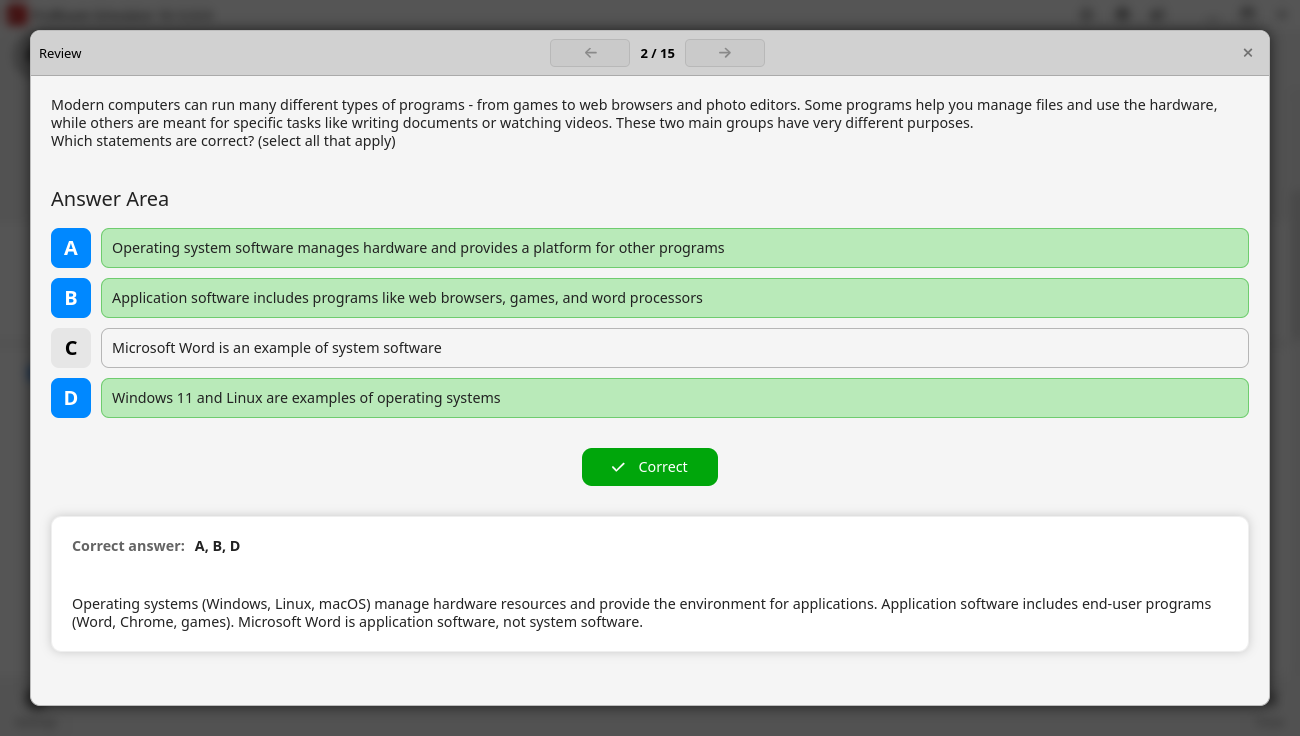
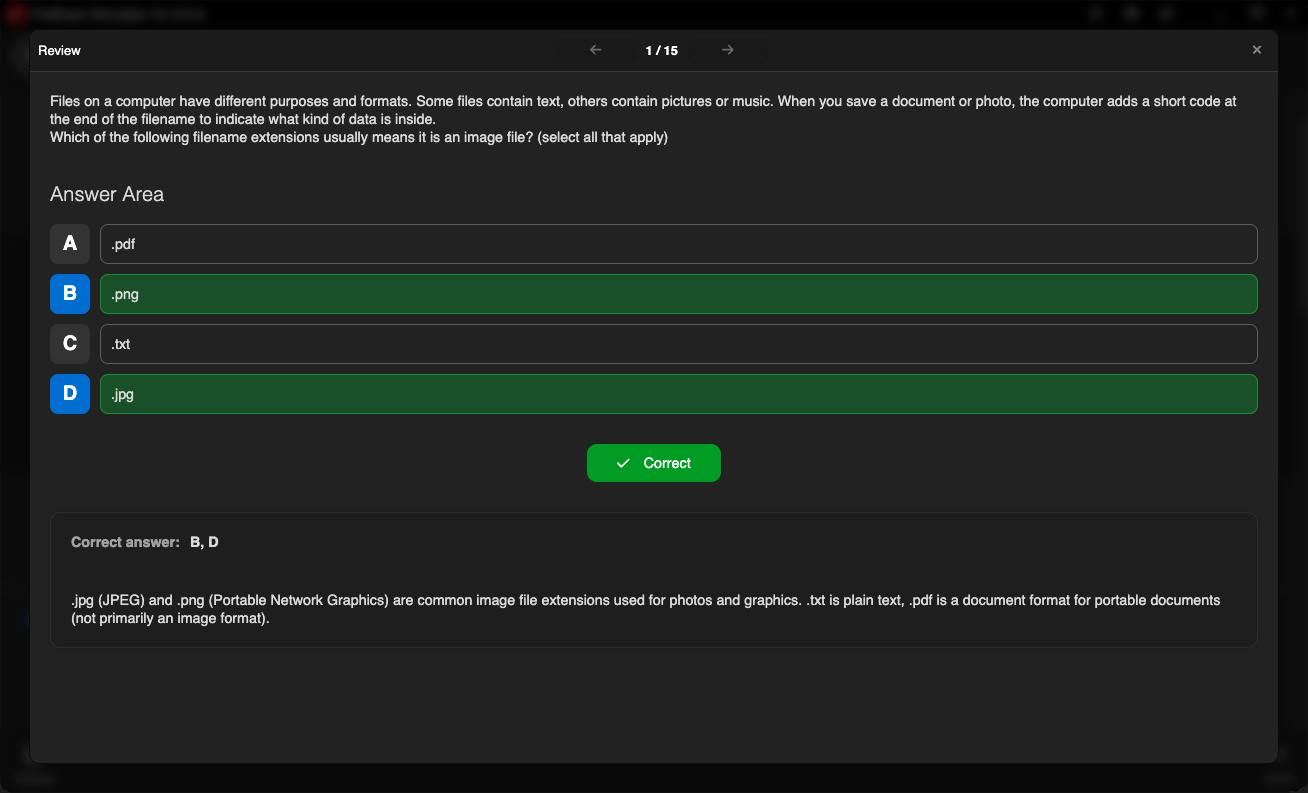
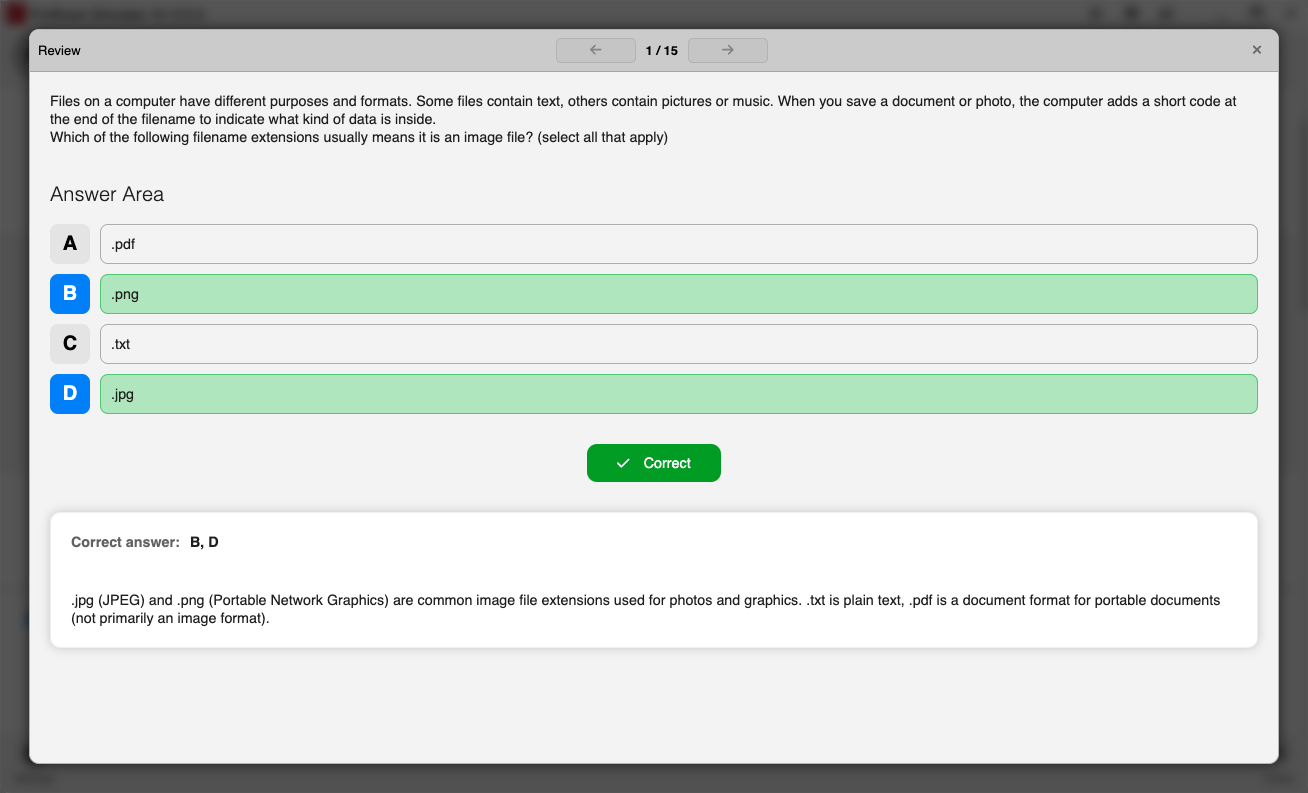
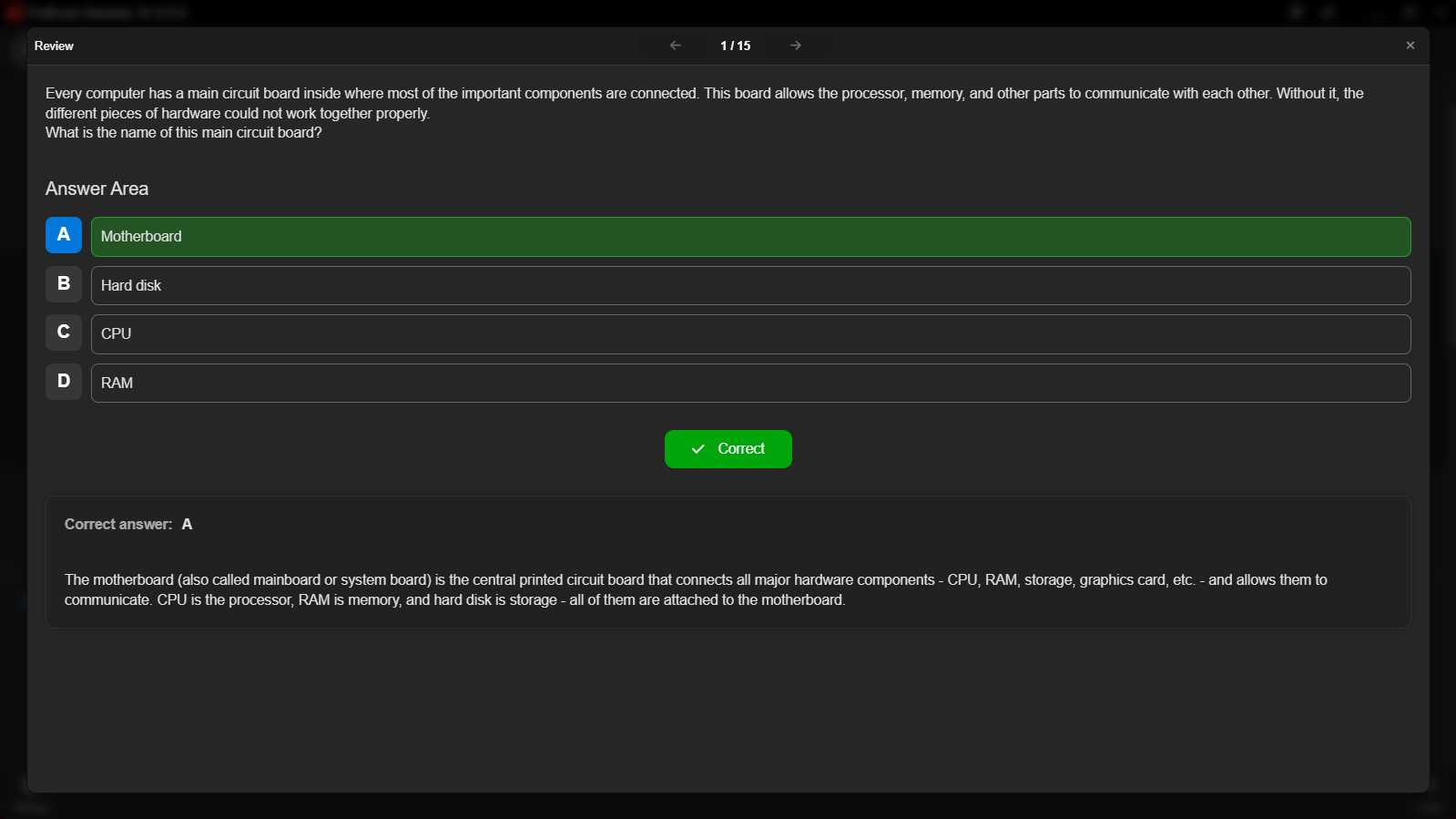
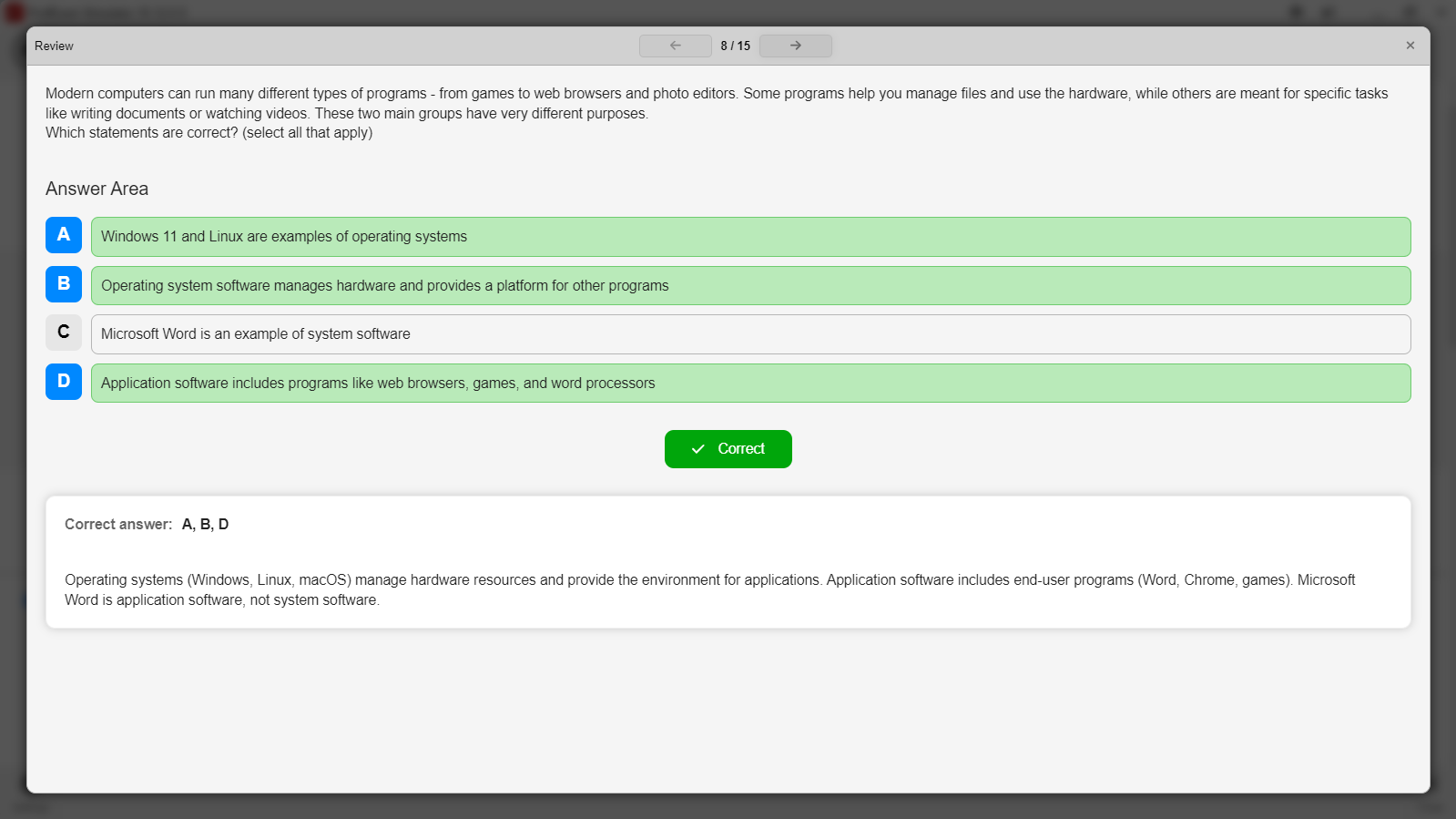
ProfExam Simulator displaying a realistic practice exam interface
ProfExam Creator previewing an authored exam directly in ProfExam Simulator
Seamless preview

See the learner's experience before you publish

Launch an exam from Creator in Simulator to verify layouts, interactions, explanations, and navigation. Catch issues while editing instead of discovering them during a live session.

  • Preview the full exam experience
  • Validate interactive question behavior
  • Keep authoring and testing closely connected
Rich assessment content

Build more than multiple-choice tests

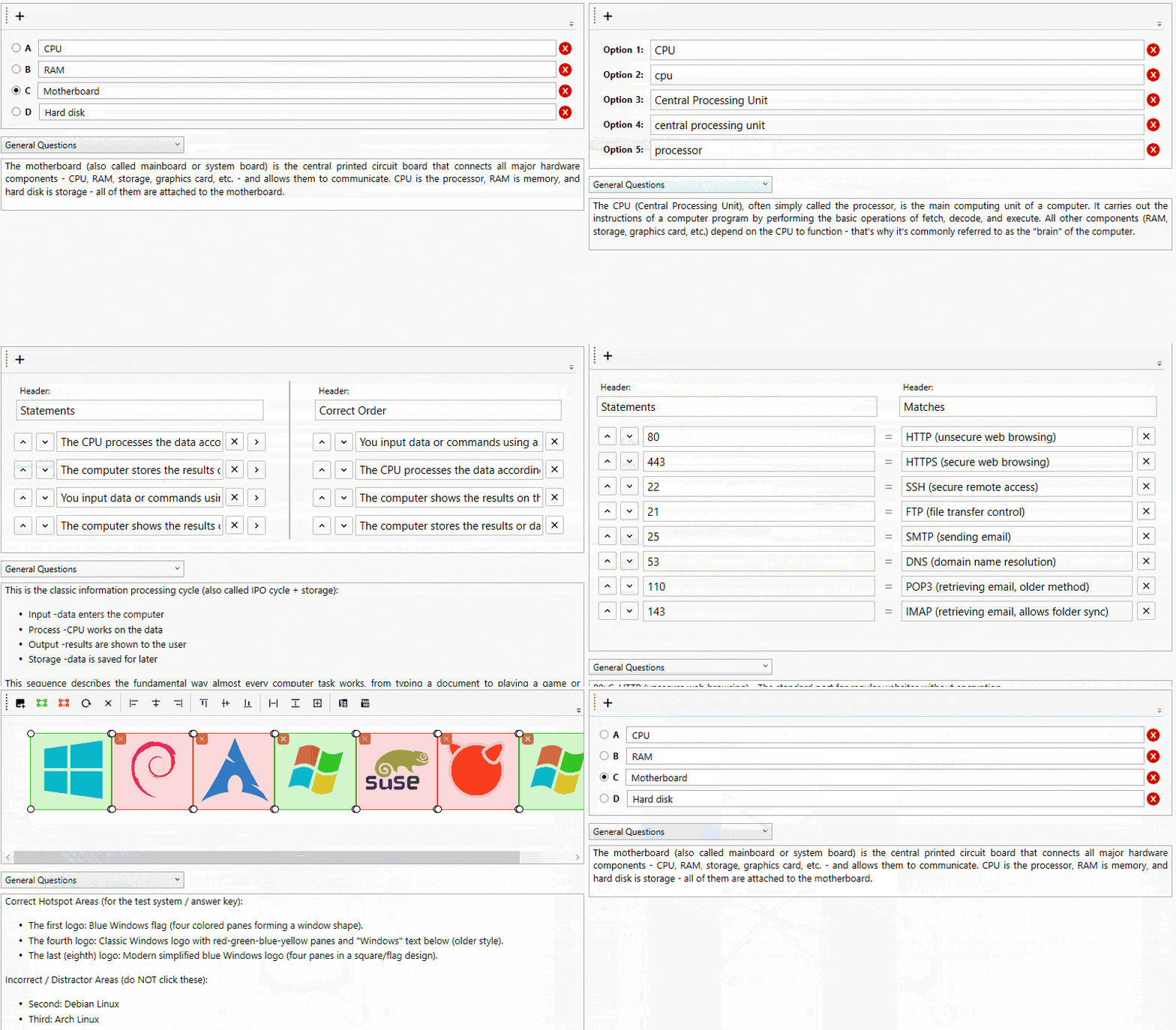
ProfExam Suite supports ten question formats for knowledge checks, visual tasks, ordering exercises, and scenario-based assessment: Single Answer, Multiple Answer, Fill Blank, Hot Point, Hot Area, Drag & Drop, Yes/No, Match Following, Reorder Statements, and Sentence Ordering.

  • 10 interactive question formats
  • Create once in Creator, run anywhere in Simulator
  • Windows, macOS, and Linux support
ProfExam Creator drag-and-drop question editor for building interactive professional certification exams
Gallery

Interface Screenshots

Take a visual tour through the different panels and dashboards of ProfExam Suite.

ProfExam Creator - Question Single Answer
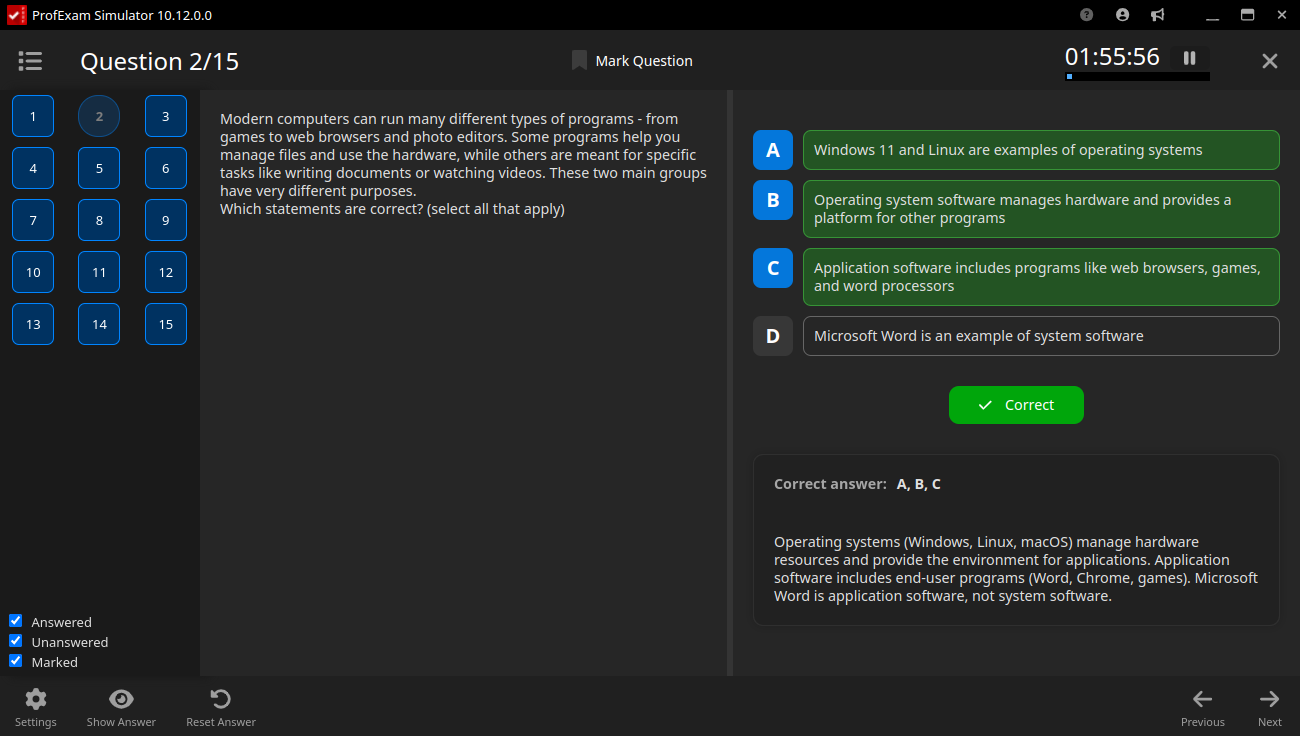
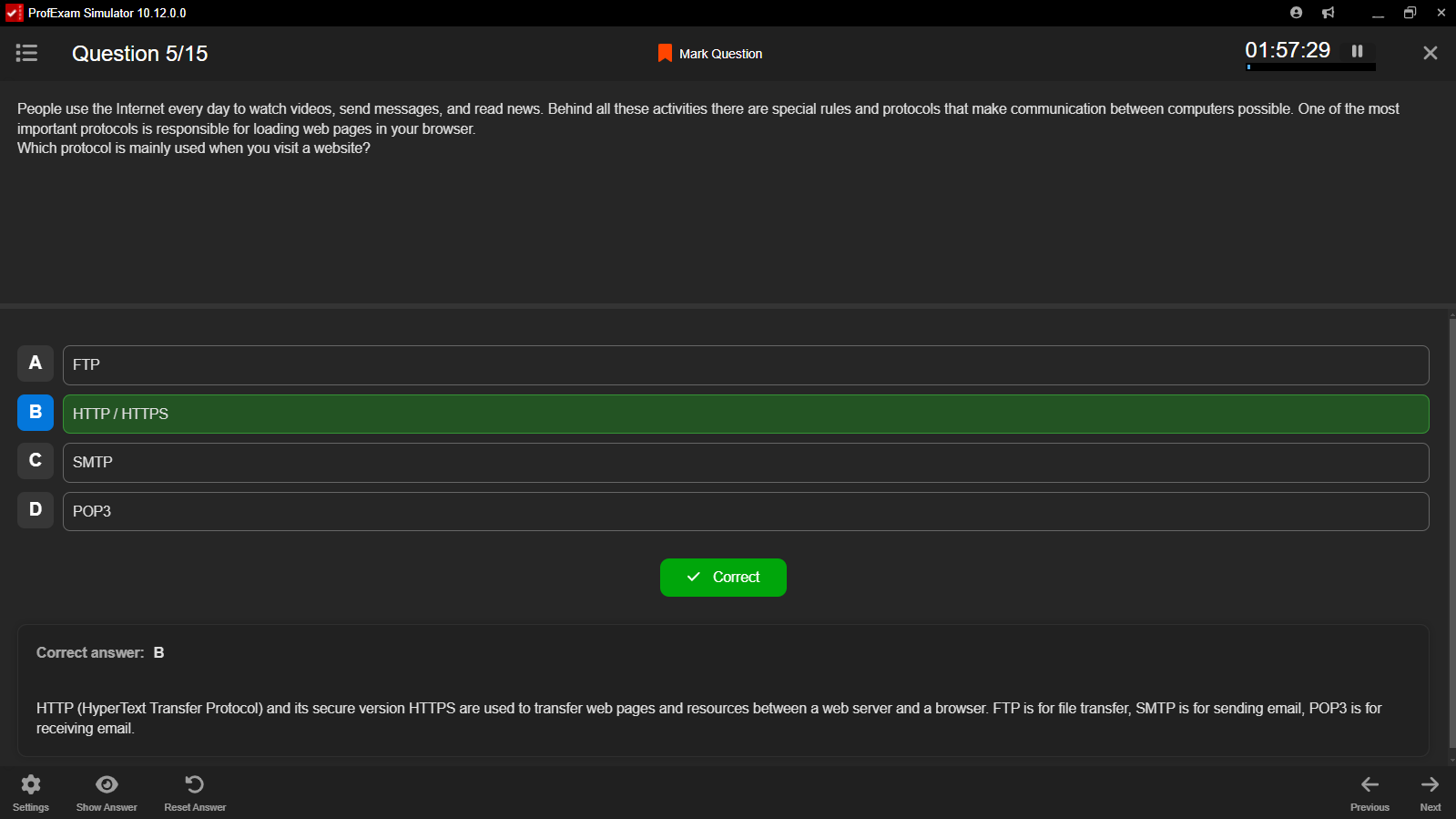
ProfExam Simulator for Linux - Question Single
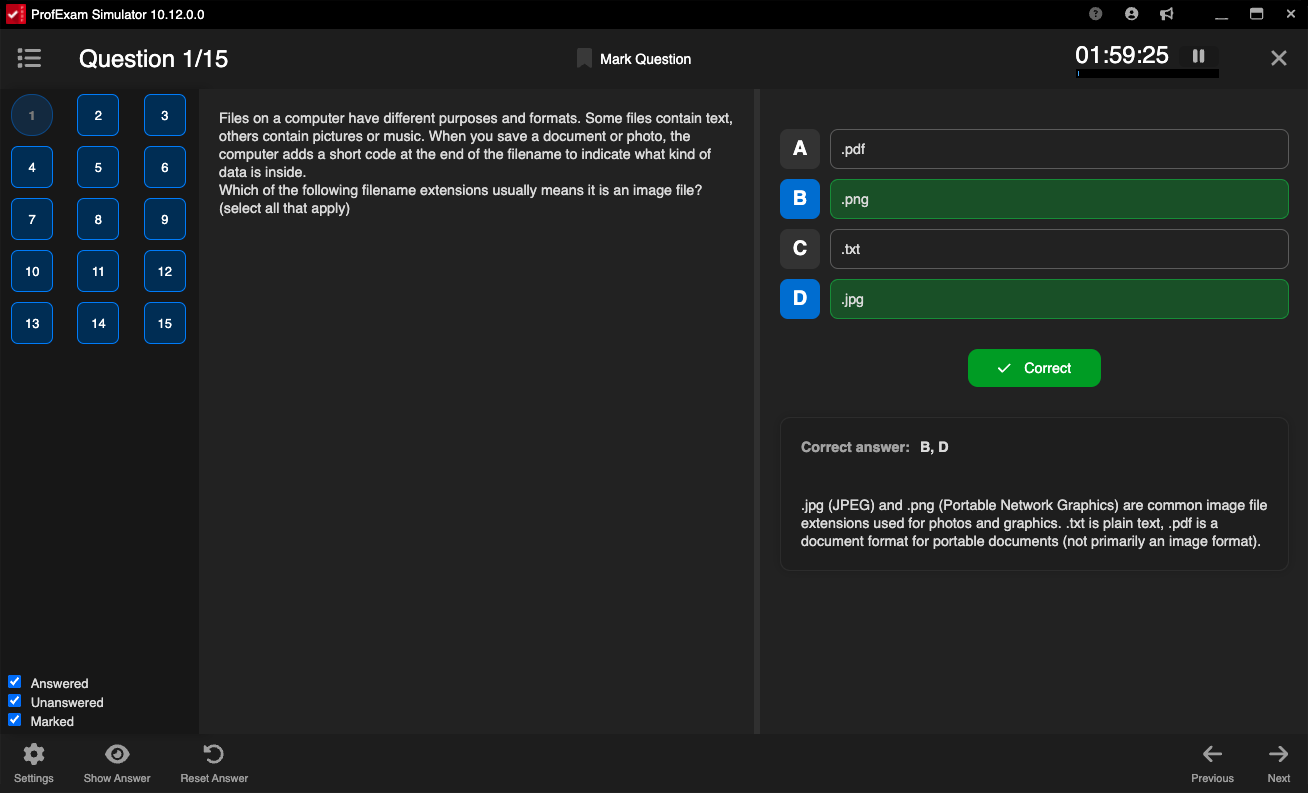
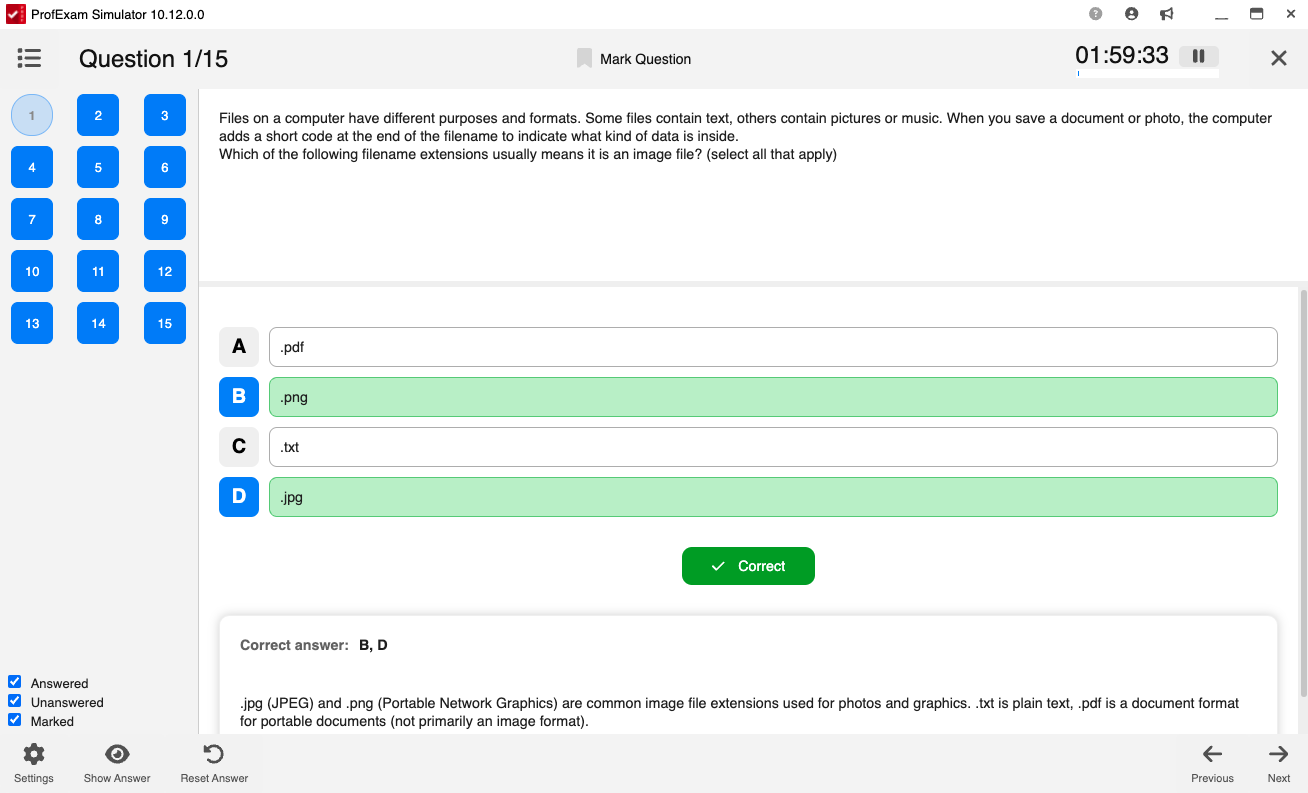
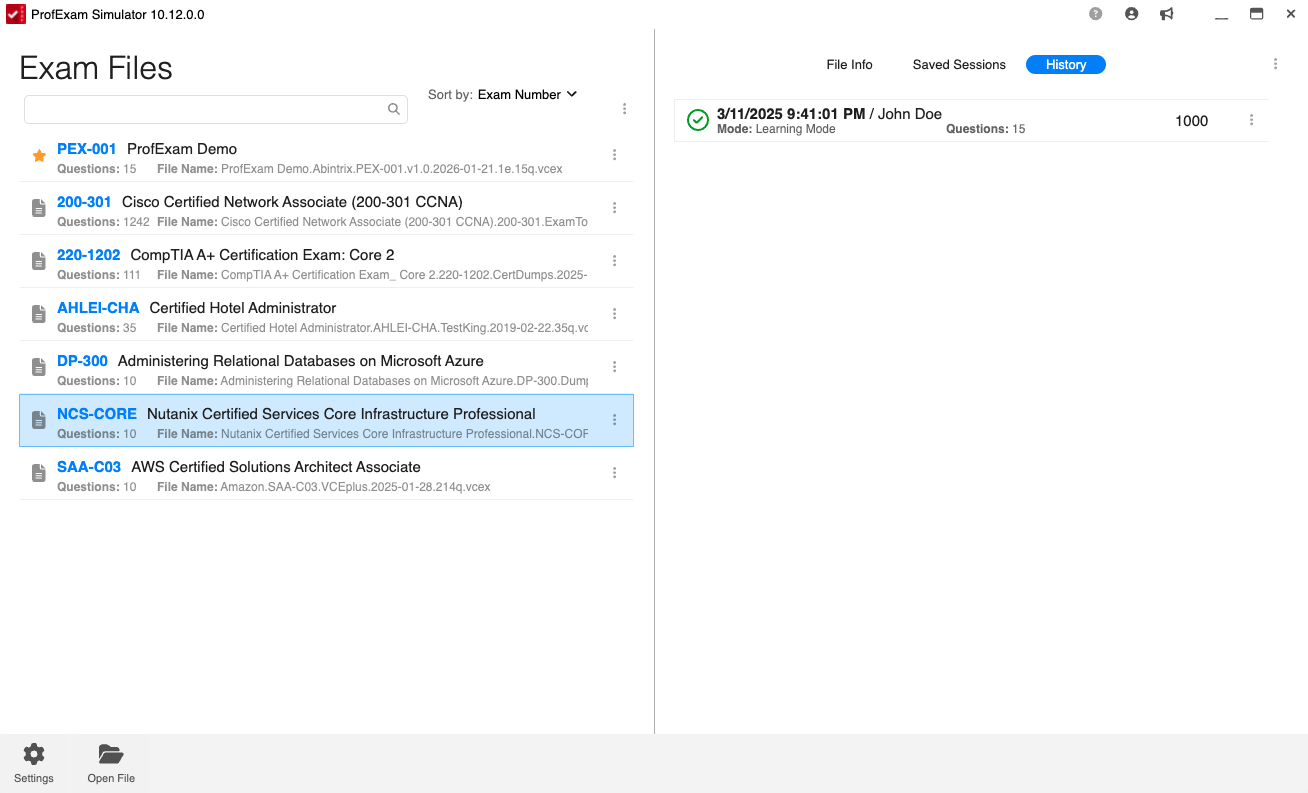
ProfExam Simulator for macOS - Question Single Answer
Flexible Pricing

Subscribe to Edition

Choose a subscription plan that fits your needs. Cancel or upgrade anytime.

Evaluation Trial Try all premium features free for 14 days on your system.

1-Month Subscription

Short-term projects

$9.95/ mo
  • Full premium access
  • Multi-platform license
  • Standard updates
  • Email support
Subscribe Now

3-Month Subscription

Medium-term usage

$19.95/ 3 mo
Equivalent to $6.65/mo
  • Full premium access
  • Multi-platform license
  • Standard updates
  • Email support
Subscribe Now

1-Year Subscription

Maximum commitment

$39.95/ 12 mo
Equivalent to $3.33/mo
  • Full premium access
  • Multi-platform license
  • Priority updates
  • Priority support
Subscribe Now

Lifetime Commercial License

One-time purchase, yours forever. Unlimited usage, lifetime updates and priority engineering support.

Latest Studio Updates

Keep up with product announcements, new features, and development logs from our team.

Retake Incorrect, Correct, or Skipped Questions in ProfExam Simulator 10.21.6
July 9, 2026 ProfExam

Retake Incorrect, Correct, or Skipped Questions in ProfExam Simulator 10.21.6

New in ProfExam Simulator 10.21: retake incorrect, correct, skipped, or all exam questions directly from the results screen for more effective certification exam preparation.

Read Article
ProfExam Creator 10.2.2.495: Import questions from JSON - a new dedicated window
May 29, 2026 ProfExam

ProfExam Creator 10.2.2.495: Import questions from JSON - a new dedicated window

Import from JSON is a new window in ProfExam Creator 10.2.2.495 that lets you load questions from a JSON file directly into your exams - with a built-in editor, live preview, and flexible import options

Read Article
ProfExam Simulator 10.20.5 - What's New
May 14, 2026 ProfExam

ProfExam Simulator 10.20.5 - What's New

A focused update packed with usability improvements - faster navigation, full keyboard control, flexible answer styles, and long-requested fixes for macOS and Linux users.

Read Article