Match the Following
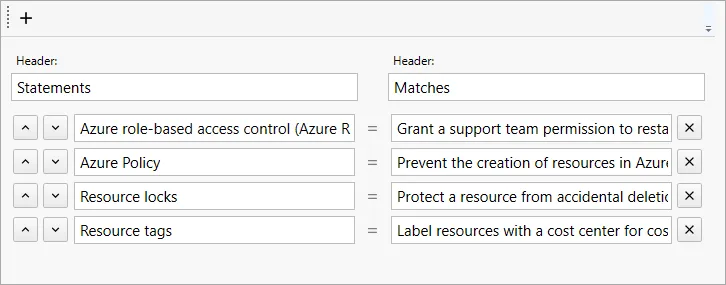
Two columns: the candidate matches each item on the left with the corresponding item on the right.
- Set the column titles in the Header fields (for example, "Protocol" and "Port").
- In the Answers list, each row is a correct pair: the left item and its matching right item.
- Add Answer — add another pair.
In the test, the right-hand items are shown shuffled.
The common fields of the question page (text, exhibits, explanation, section, difficulty) are described in Question page.