Certification exam simulator

Practice with the structure, pressure, and focus of a real exam

ProfExam Simulator turns professional exam files into realistic practice and assessment sessions. Configure the rules, work through interactive questions, review every answer, and use previous attempts to guide your next study session.

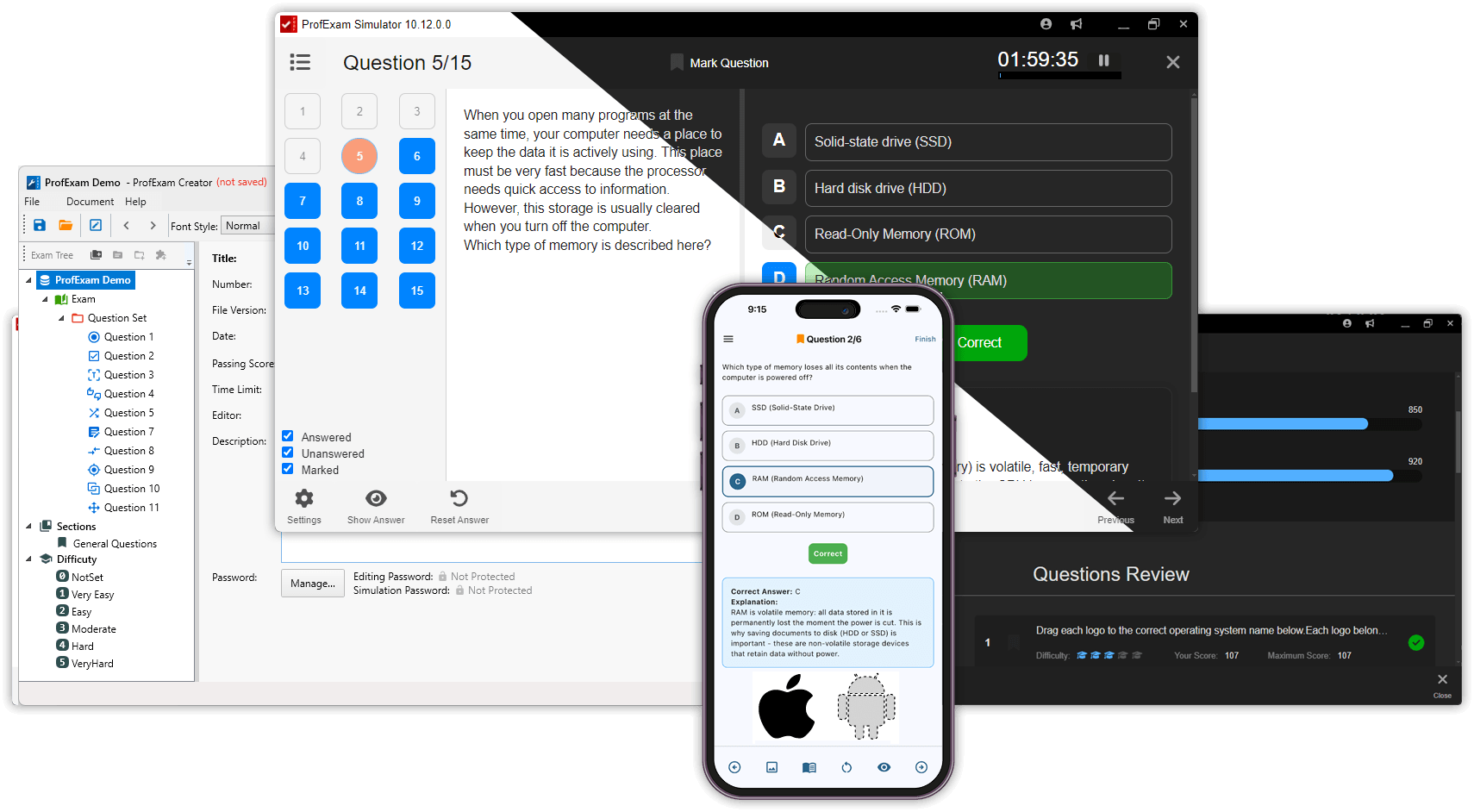
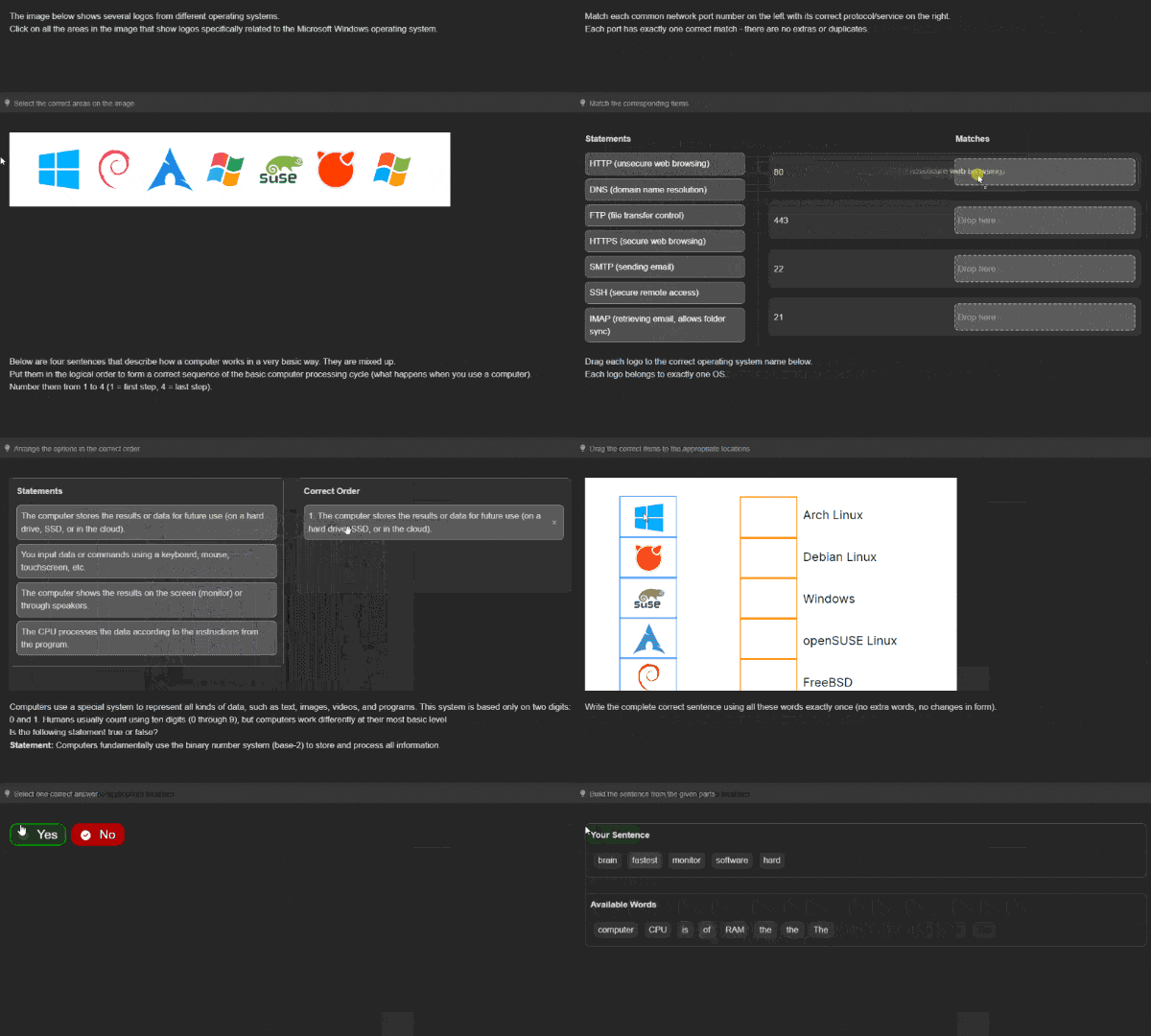
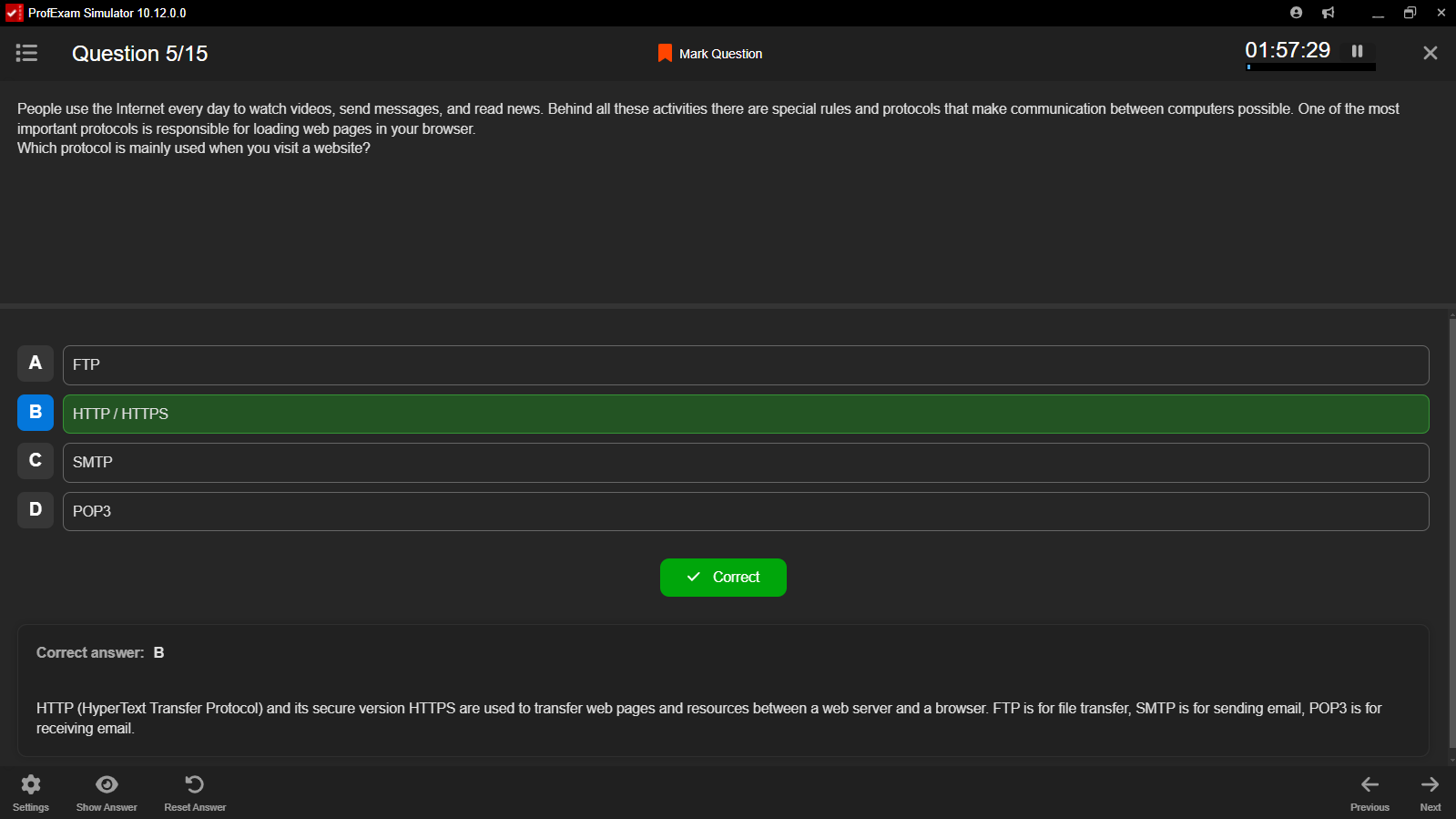
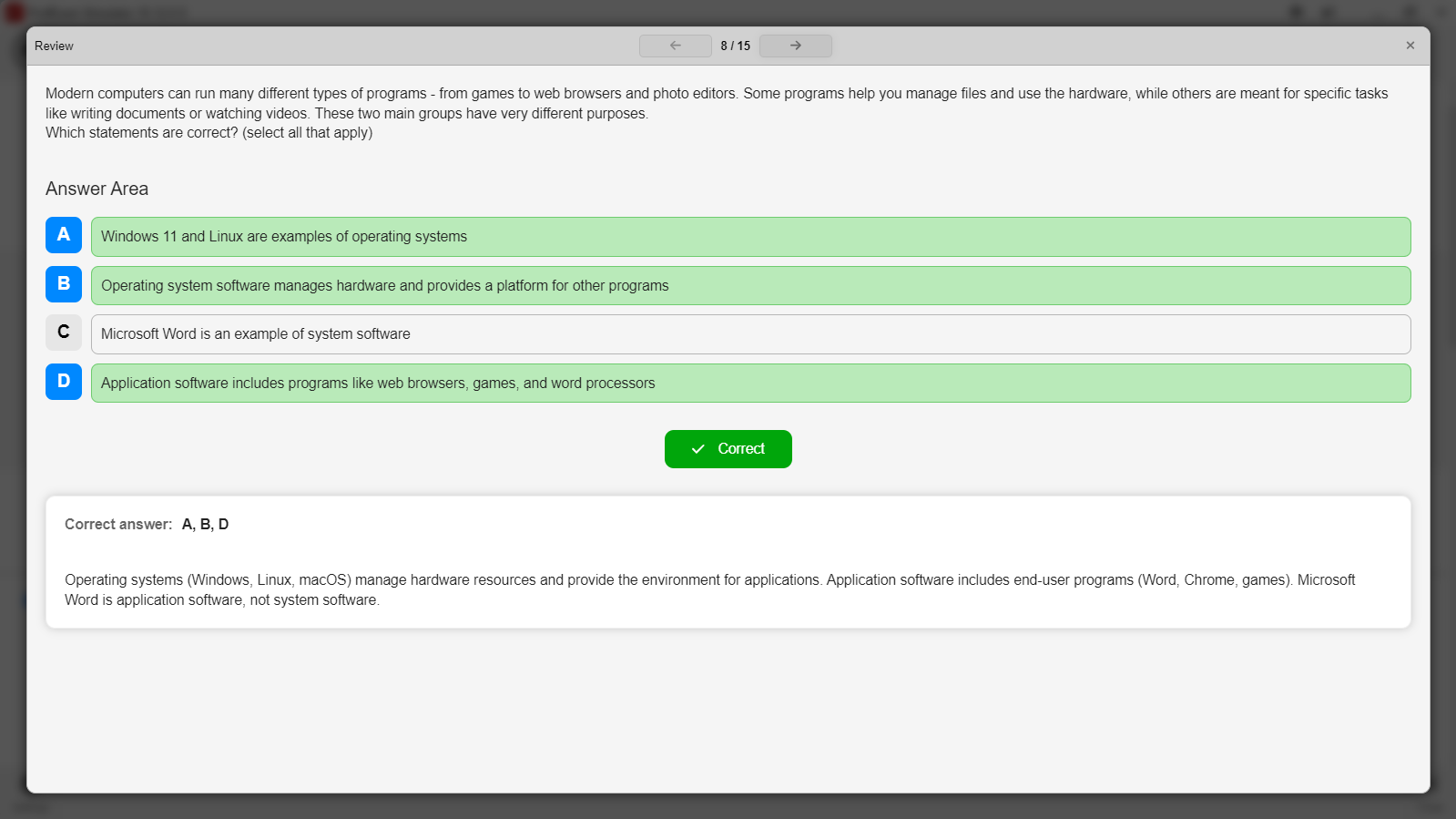
ProfExam Simulator showing certification exam questions, testing interface, and detailed score results

Adjust the exam experience to the goal of each session

Use the same exam file for guided learning, focused practice, or a strict virtual exam across 10 supported question types - Simulator changes the level of feedback and control without requiring a separate exam file.

Training Mode

Learn with immediate feedback while working through the exam content.

Practice Mode

Prepare with optional hints and explanations while retaining session flexibility.

Virtual Exam Mode

Recreate controlled conditions with time limits, scoring, and limited guidance.

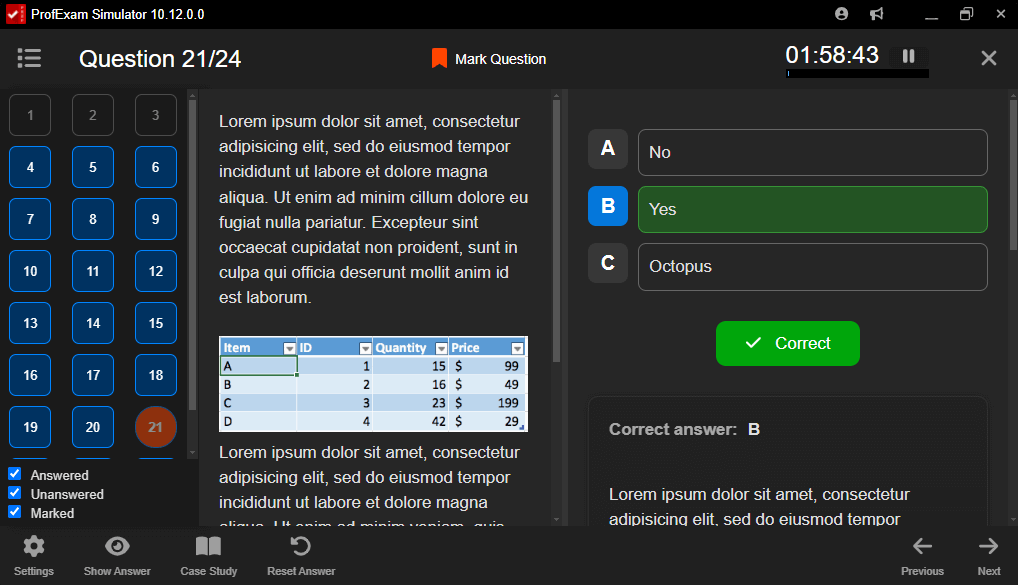
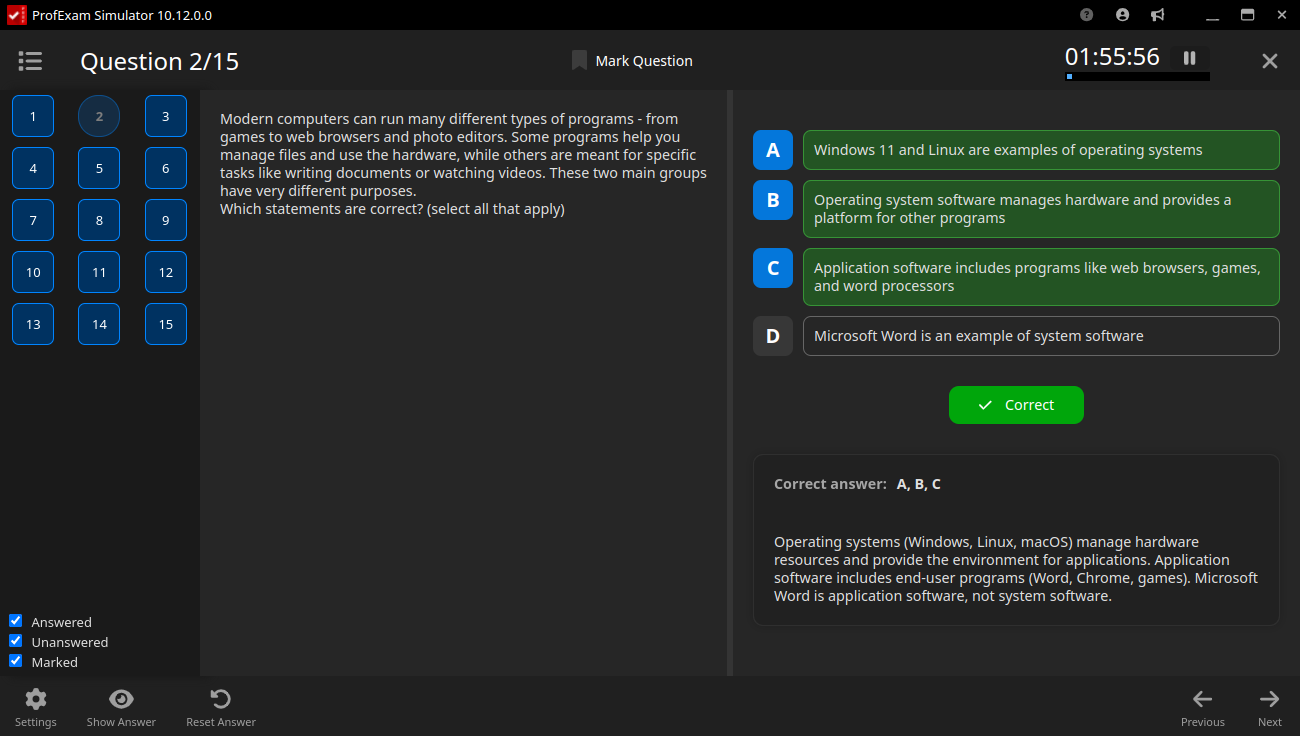
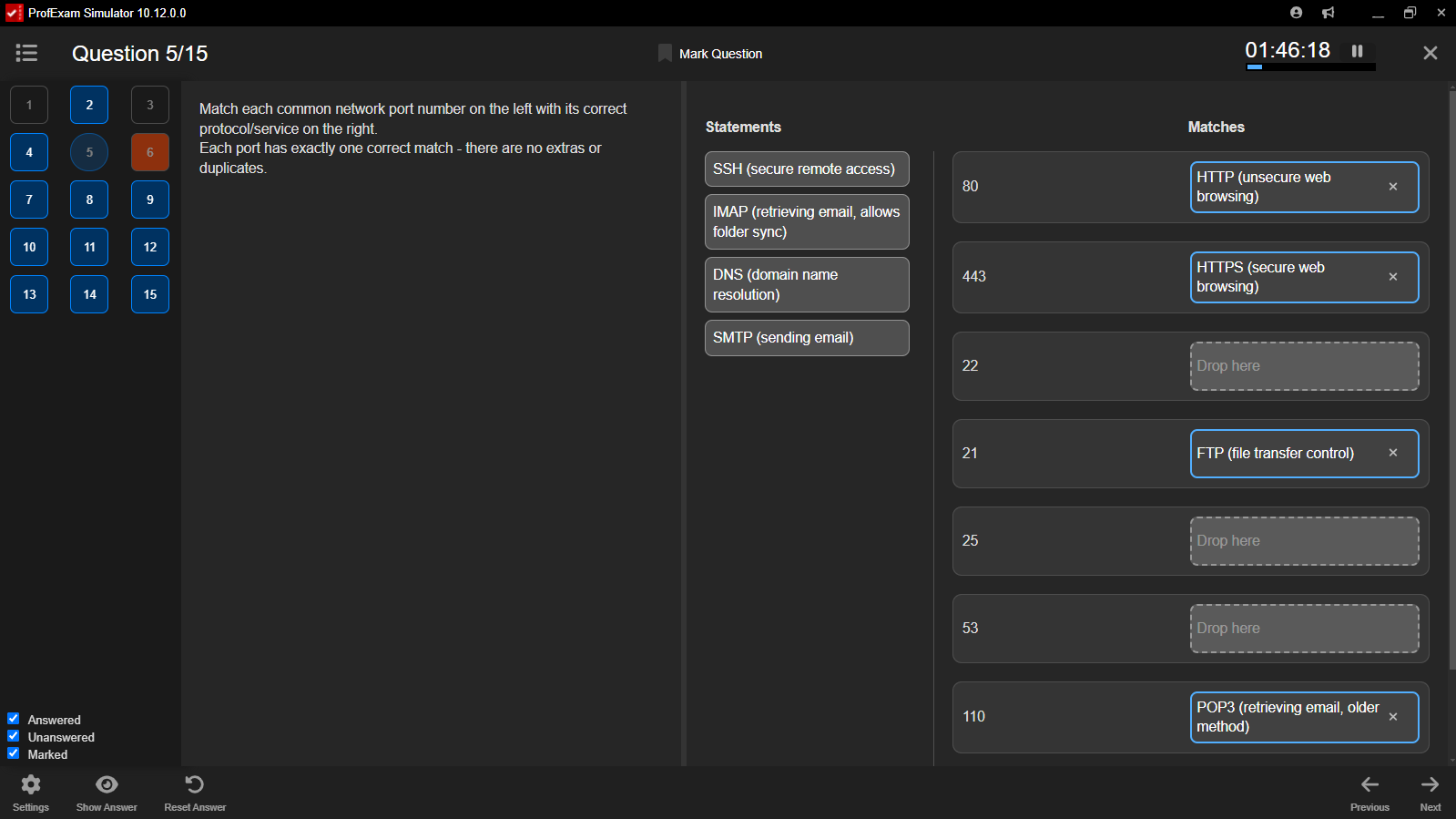
ProfExam Simulator realistic certification exam interface with timer, question navigation, and answer controls
Realistic exam environment

Build confidence before exam day

A focused interface, optional timer, structured progression, and controlled navigation recreate the rhythm of professional testing. Suitable for individual certification preparation, classroom assessment, and formal institutional exams.

  • Optional time limits and exam pressure
  • Clear, distraction-free question workspace
  • Consistent exam behavior across platforms
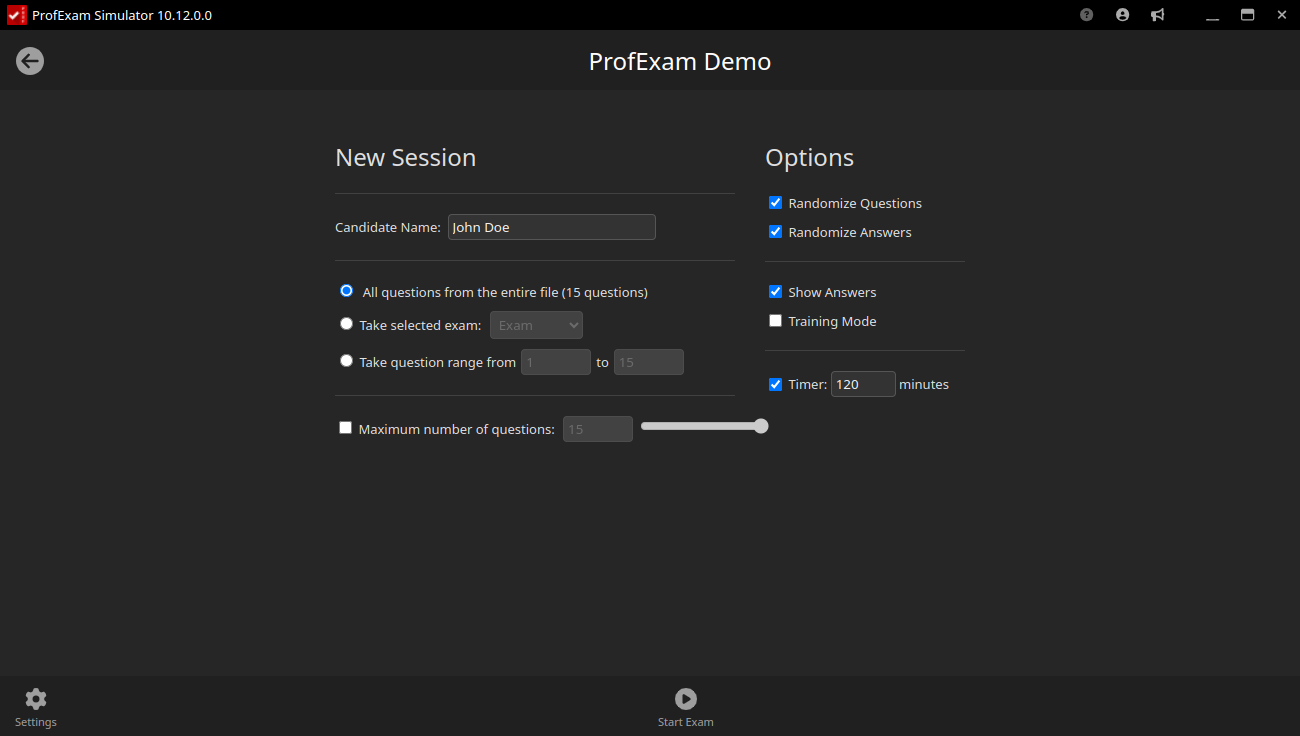
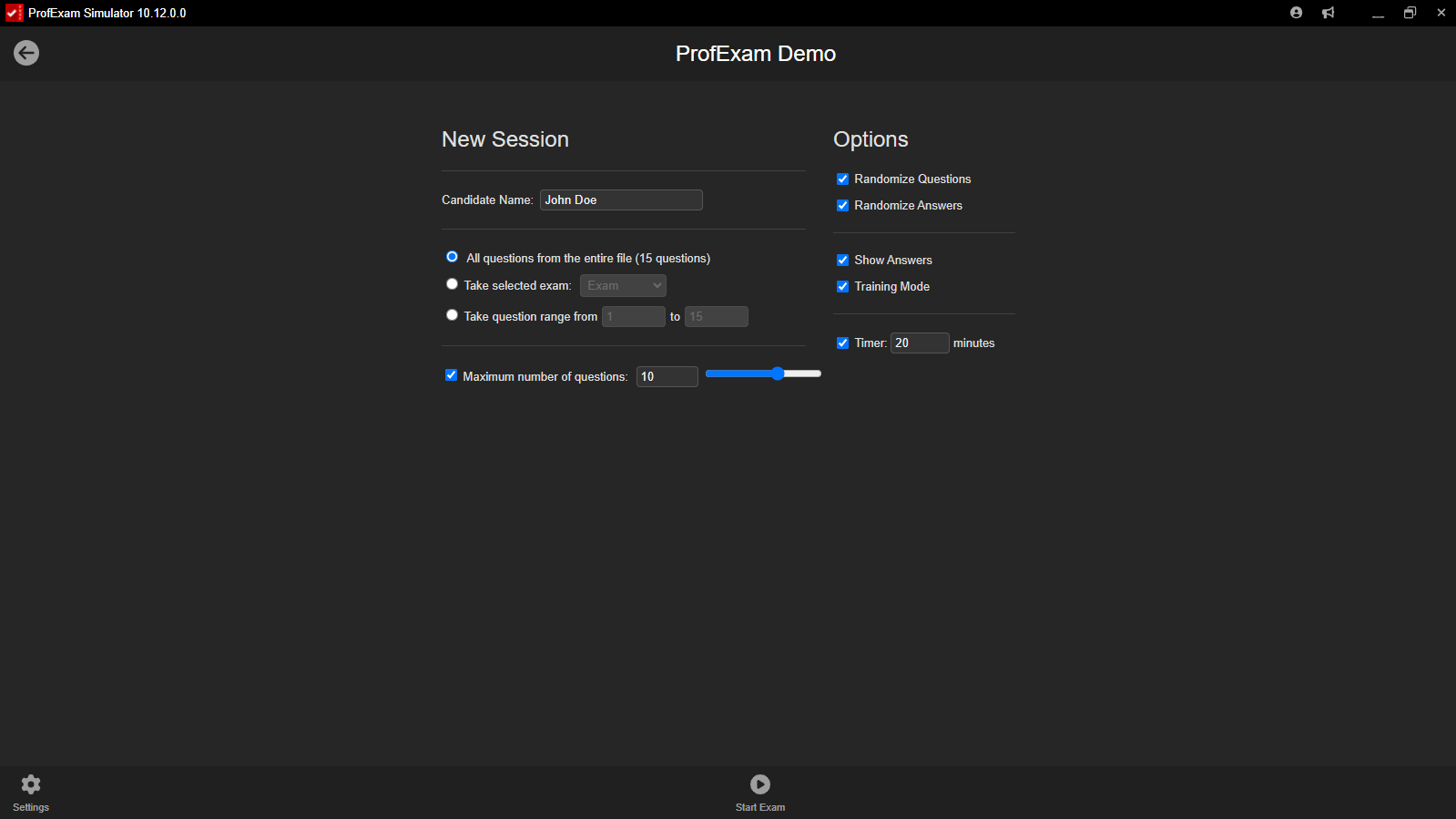
Session configurator

Decide exactly how the next attempt should behave

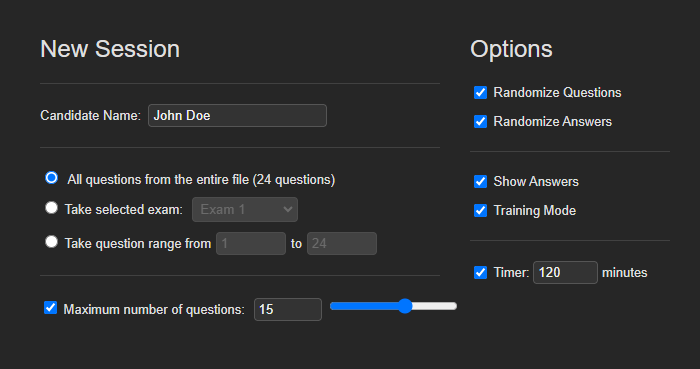
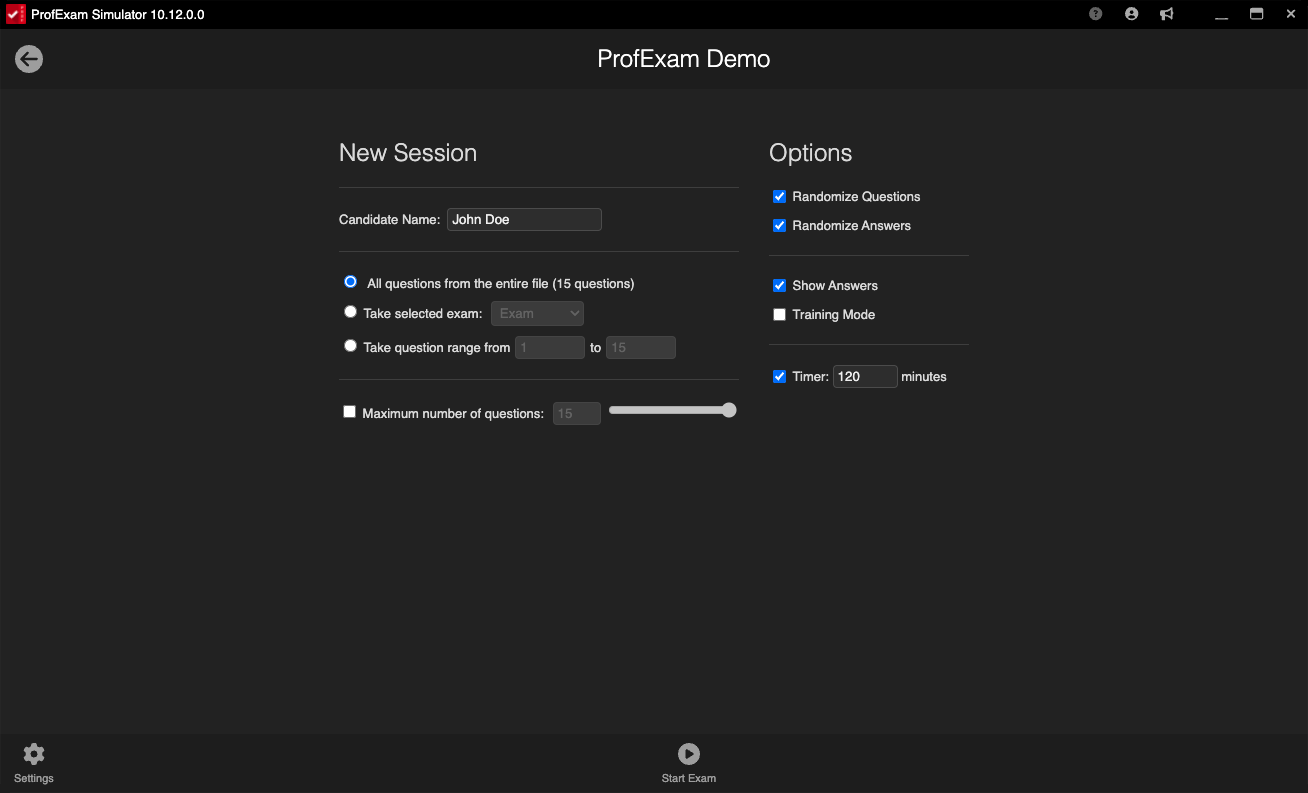
Before the session starts, choose the number and order of questions, shuffle answers, set a time limit, and control whether hints are available. Create a strict simulation or a more forgiving study session without changing the source exam.

  • Fixed or randomized question order
  • Answer shuffling and question-count restrictions
  • Configurable timer and hint availability
ProfExam Simulator session configurator with question order, answer shuffle, time limit, and hint settings
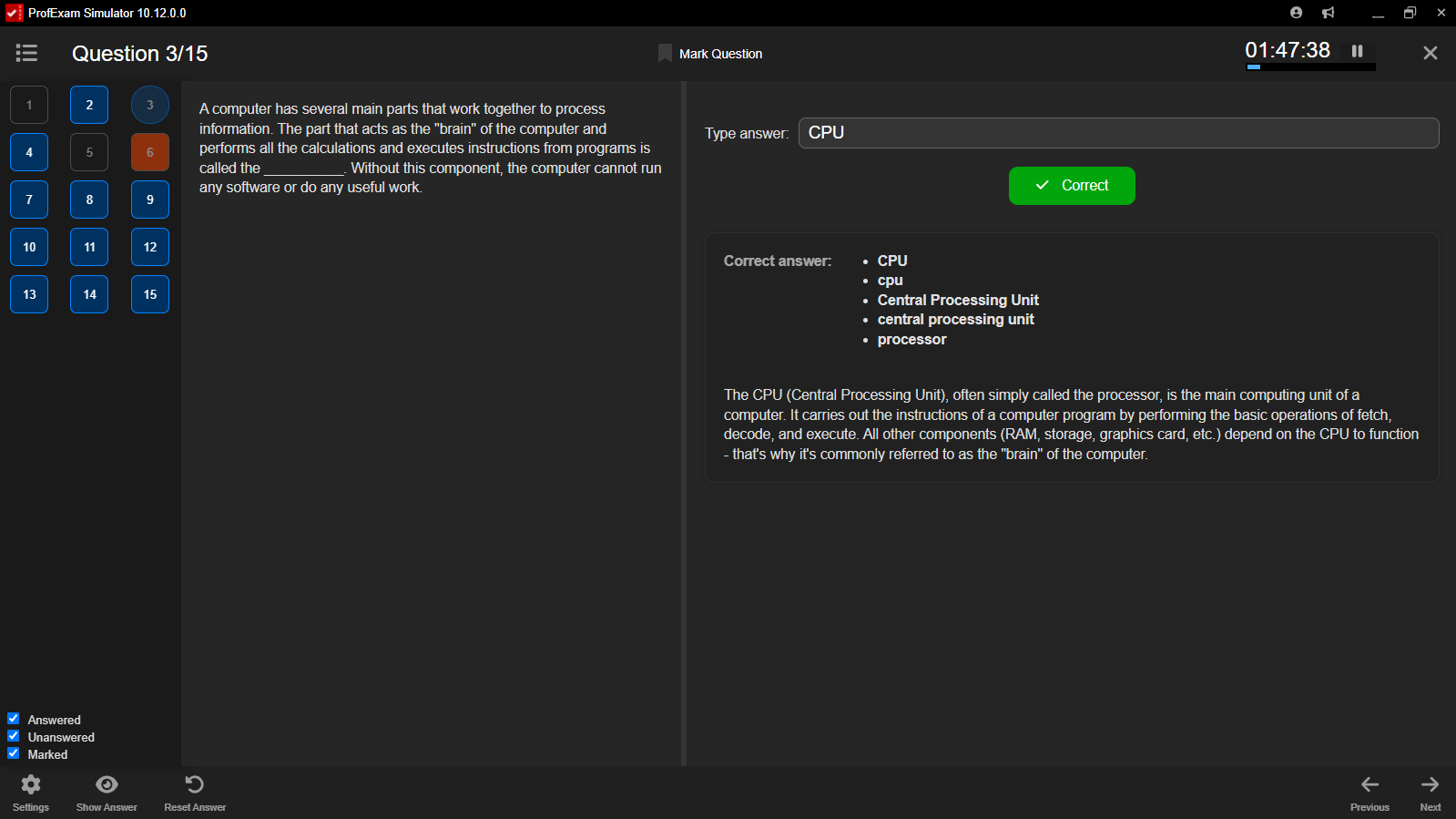
ProfExam Simulator question navigation panel showing answered, unanswered, and marked-for-review questions
In-exam navigation

Keep long exams under control

Open the complete question list without leaving the session. Jump to any item and use clear status indicators to distinguish answered questions, unanswered questions, and items marked for review.

  • Complete question list in one panel
  • One-click navigation to any question
  • Answered, unanswered, and marked-for-review status
Results and targeted retakes

Turn every mistake into the next study plan

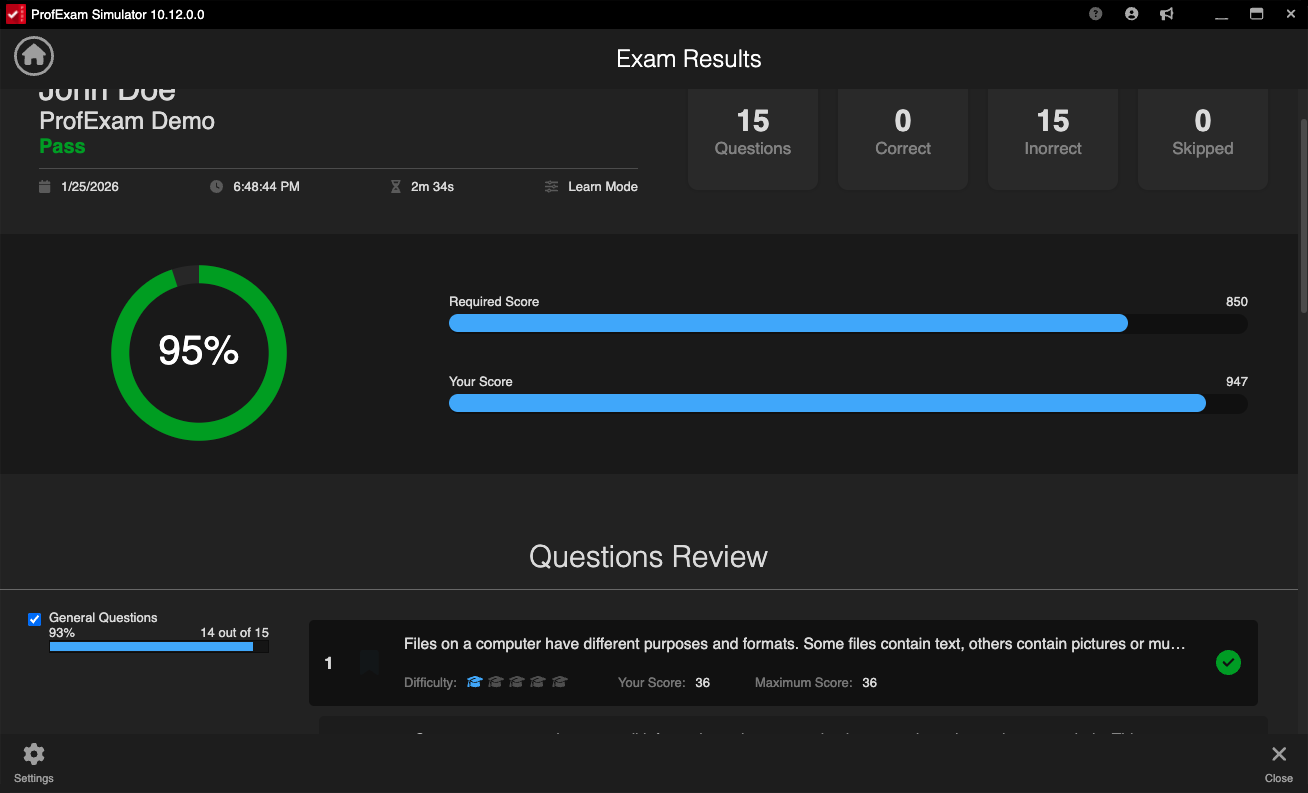
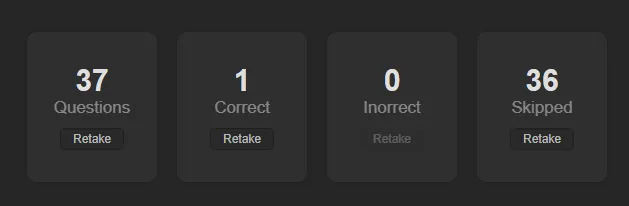
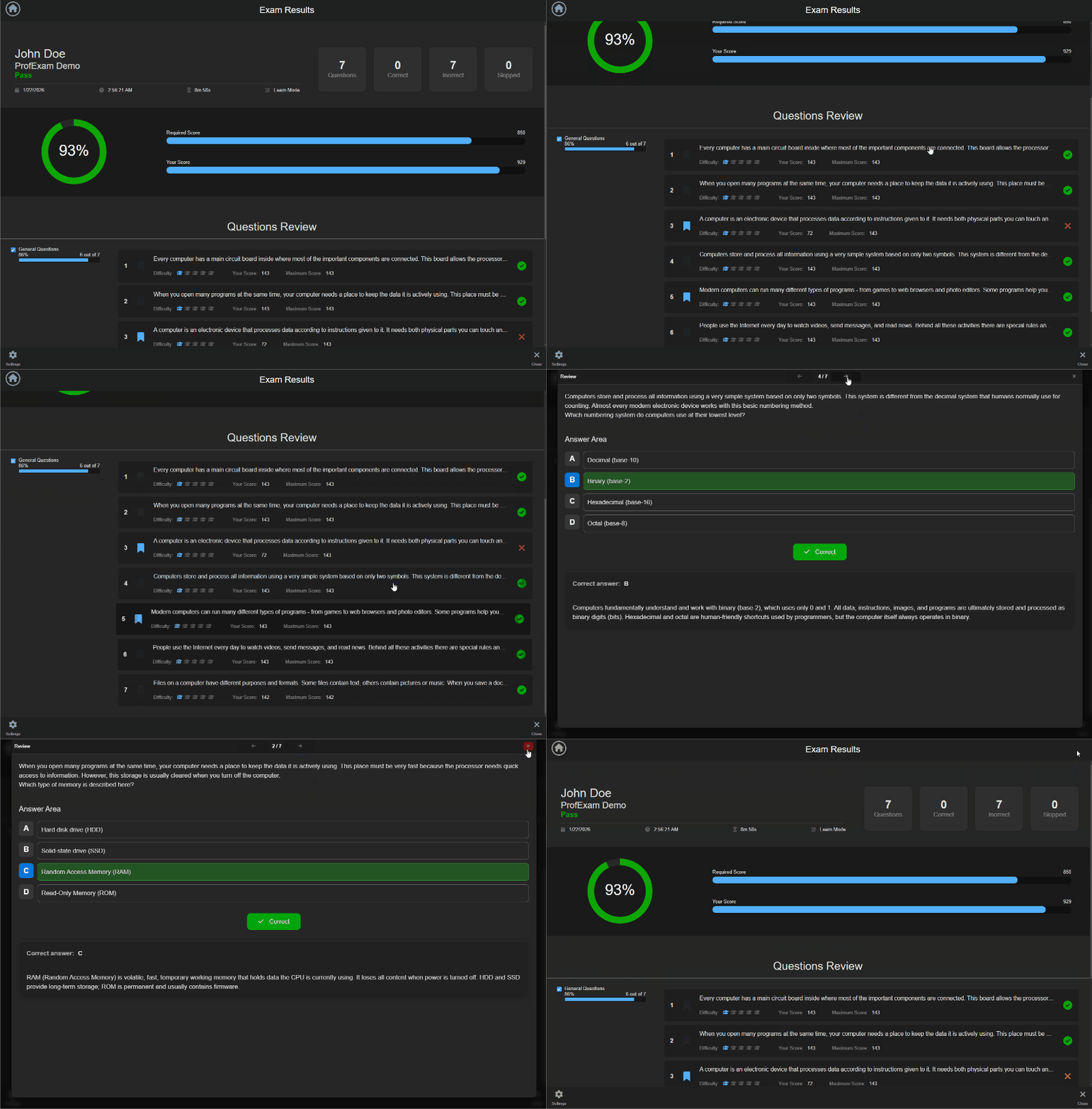
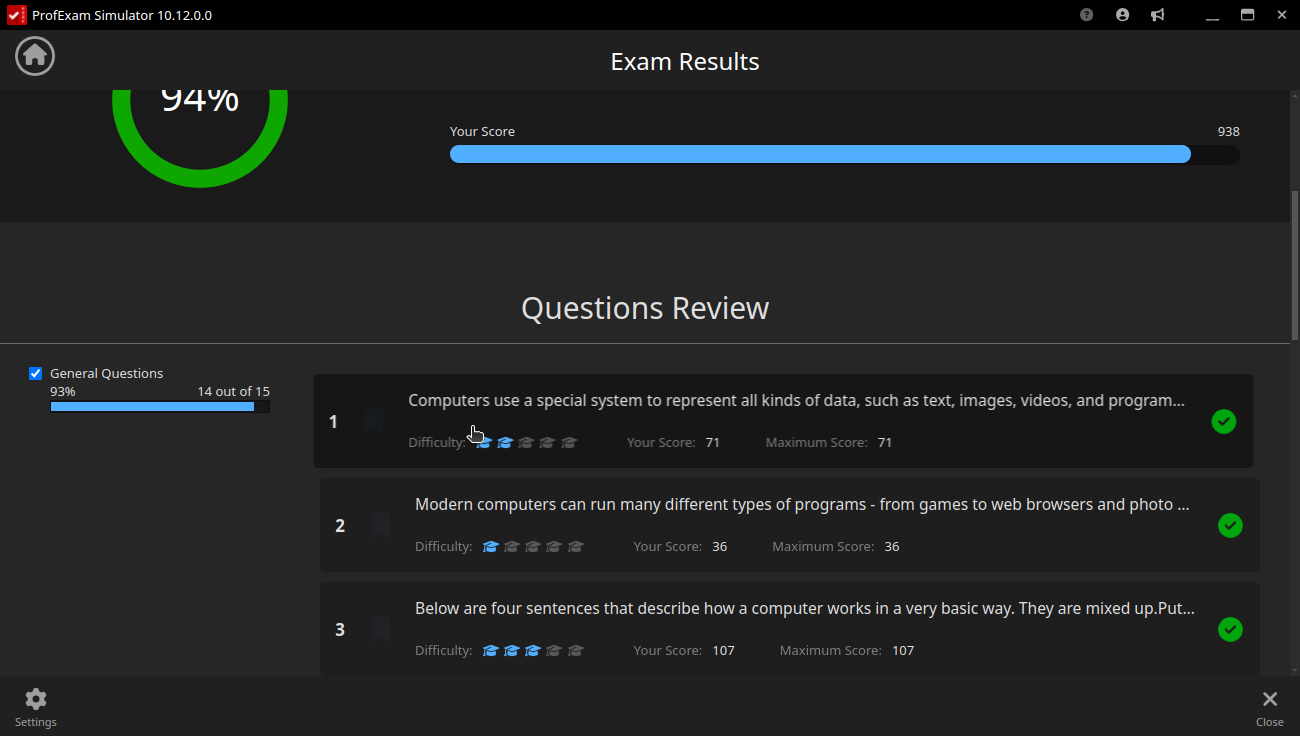
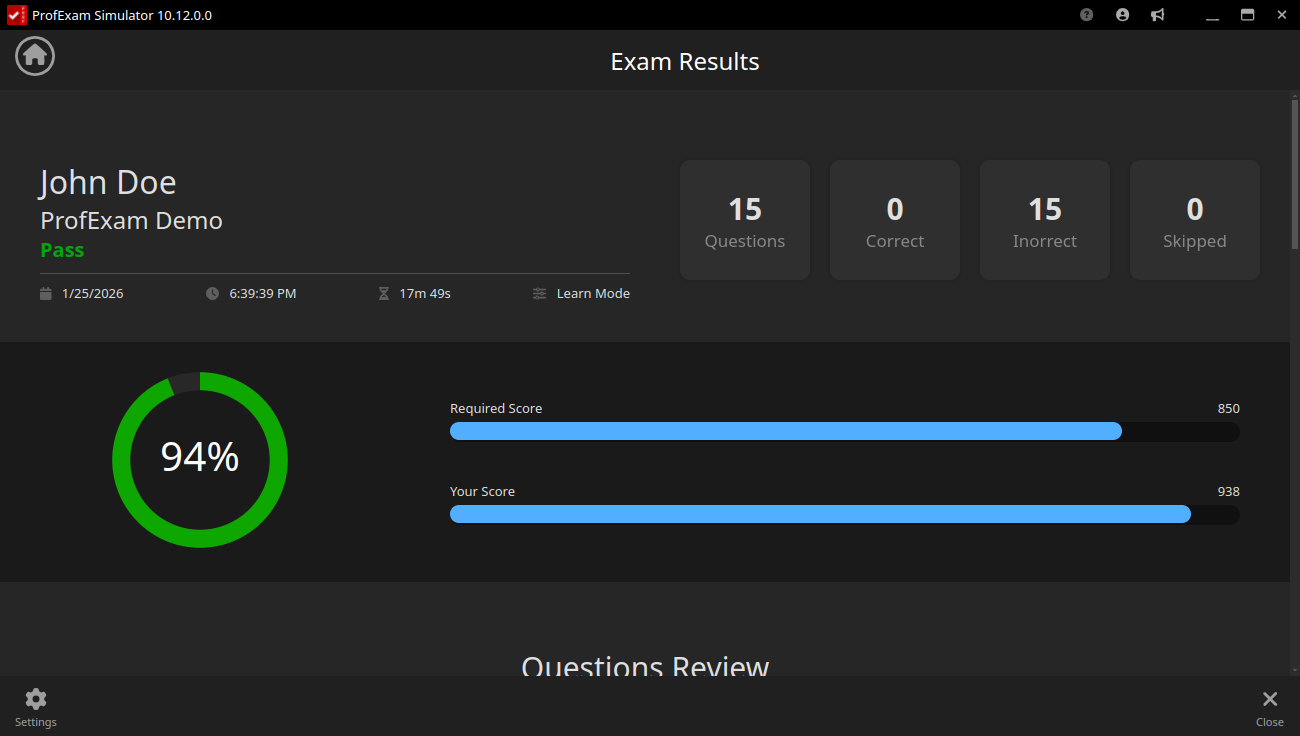
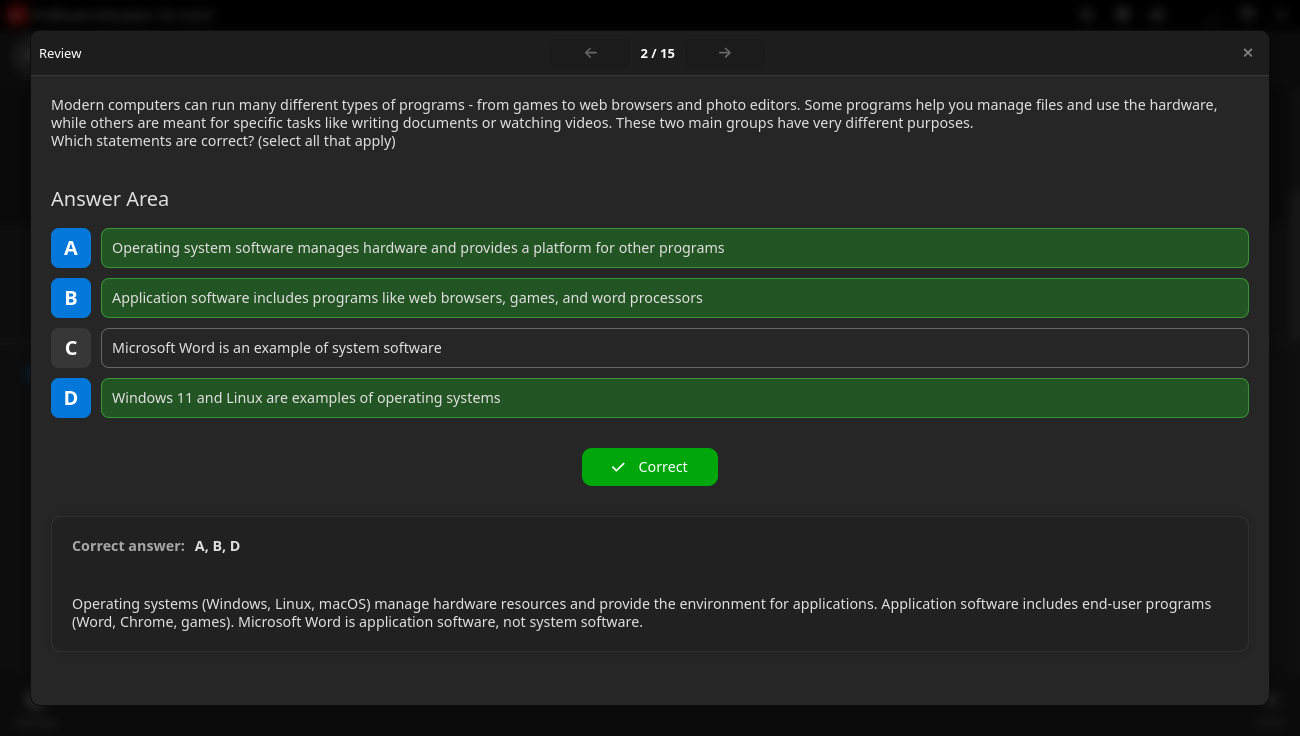
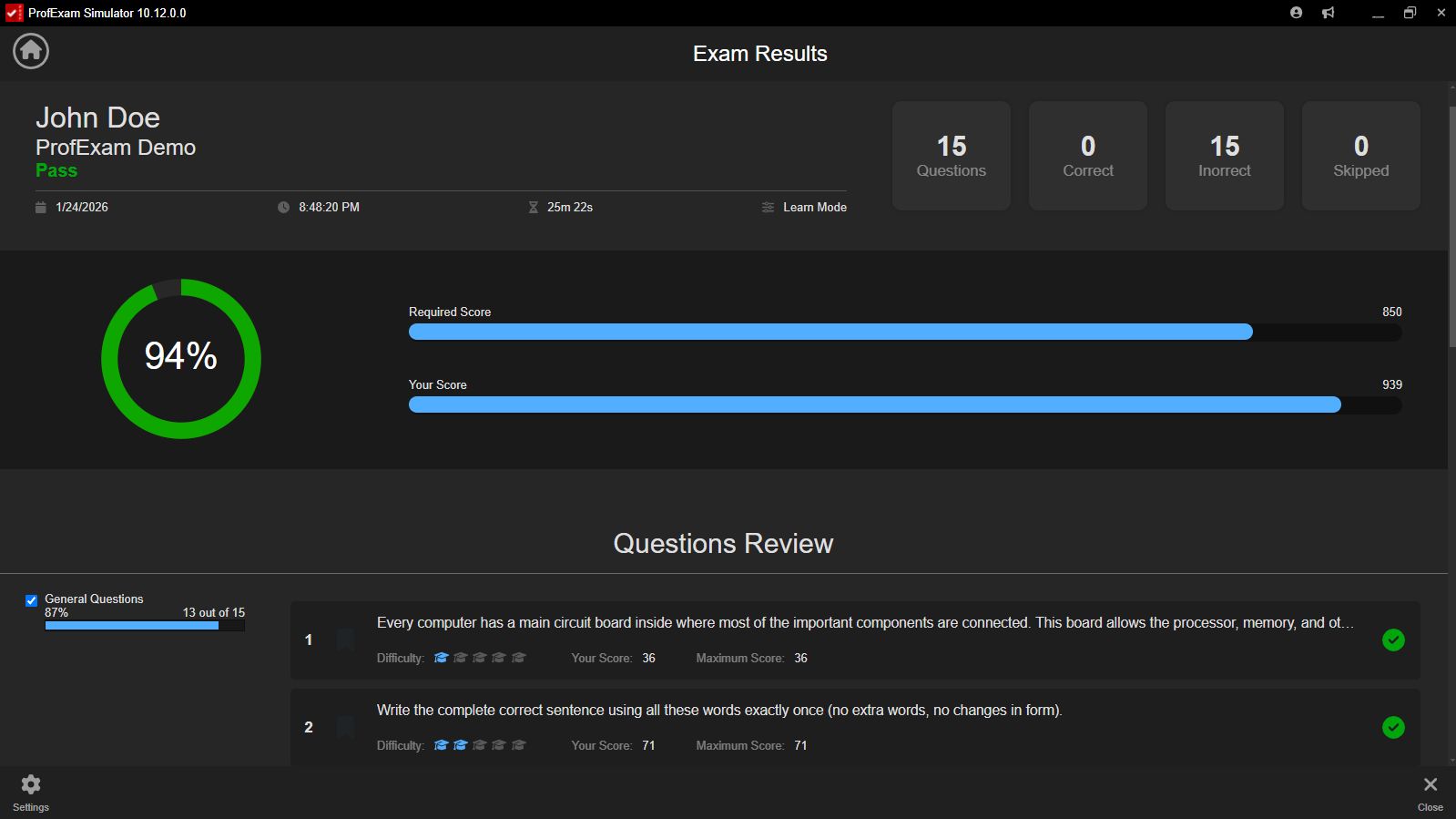
Review the full session after completion, compare your responses with the correct answers, and focus on the questions that caused difficulty. Start another attempt using incorrect, unanswered, or selected question groups.

  • Full question-and-answer review
  • Dedicated incorrect and unanswered views
  • Retakes based on previous results
ProfExam Simulator score report with correct and incorrect answers, explanations, and targeted retake options
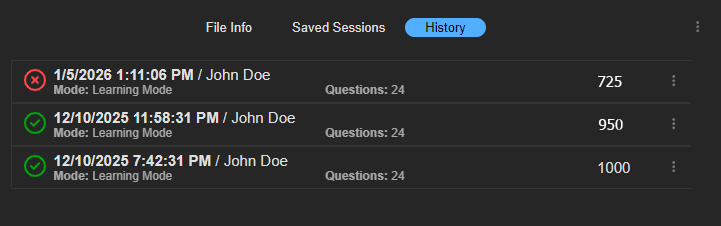
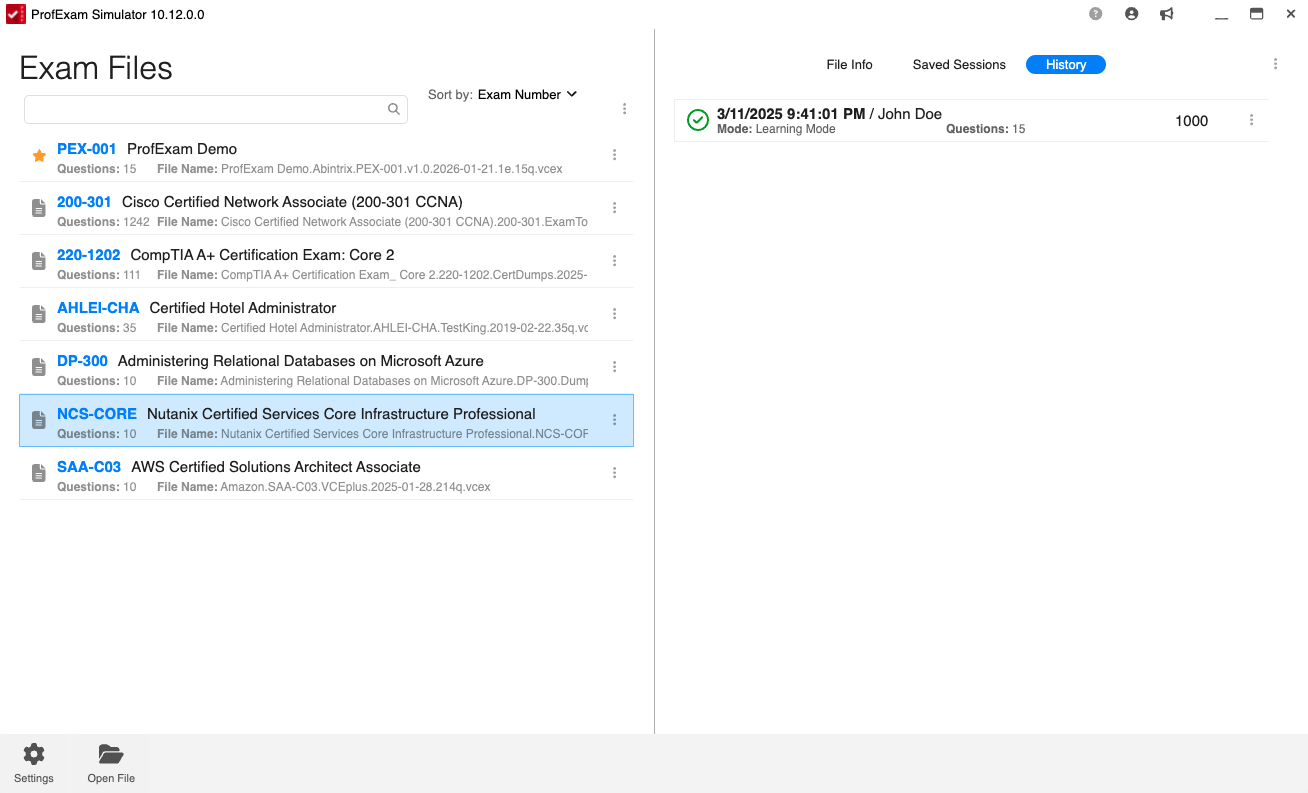
ProfExam Simulator session history with completed results and resumable unfinished exam attempts
Session history

Continue unfinished work and revisit every attempt

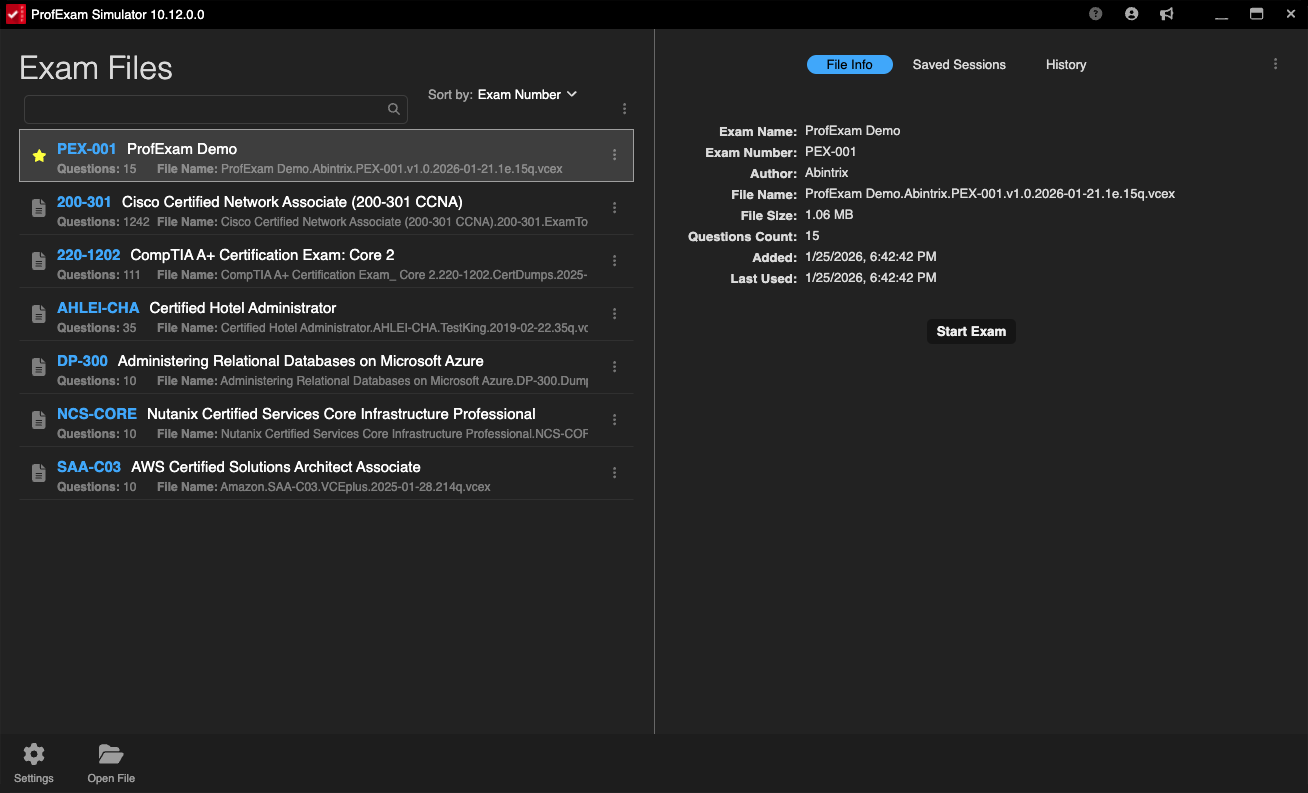
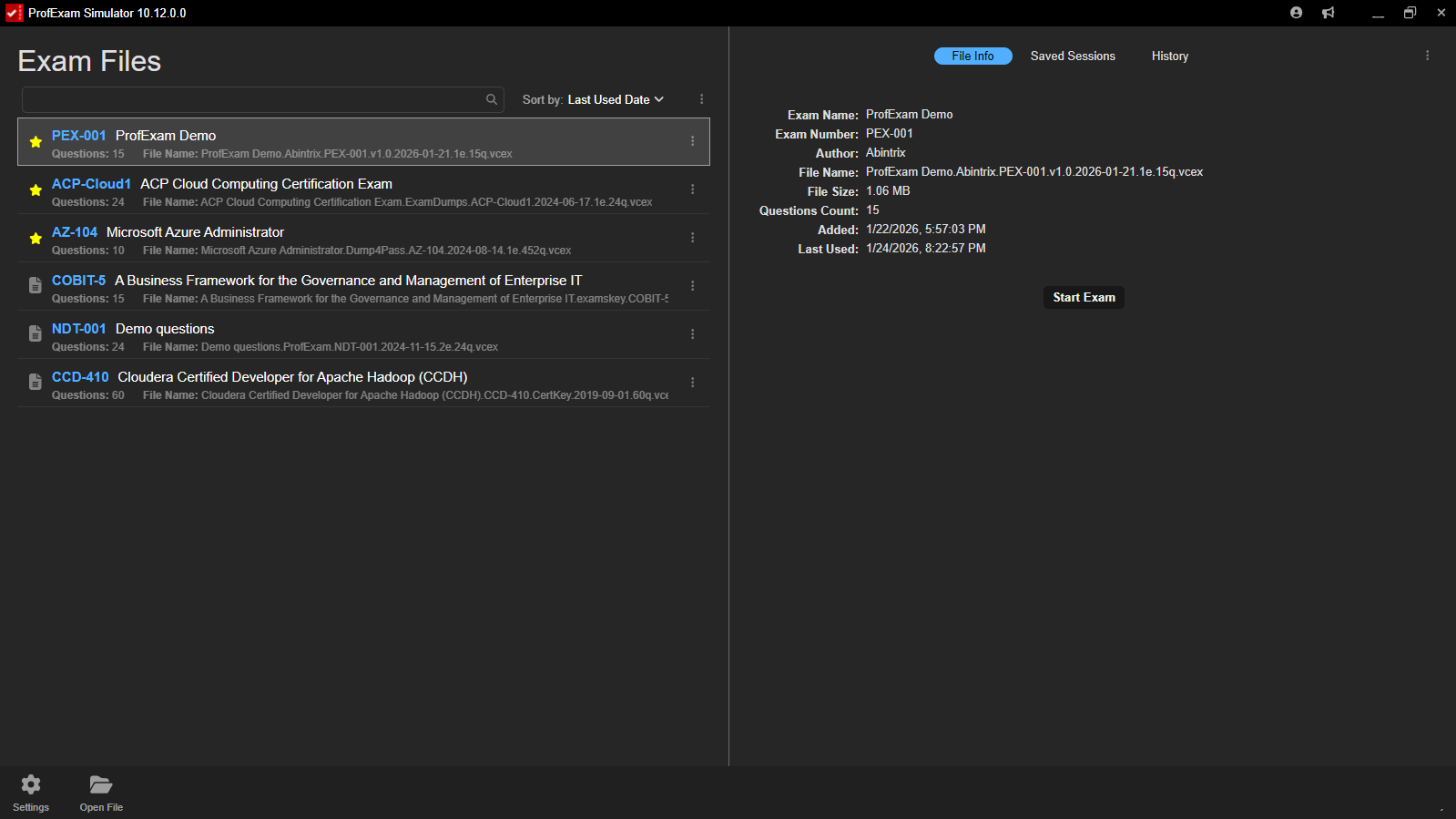
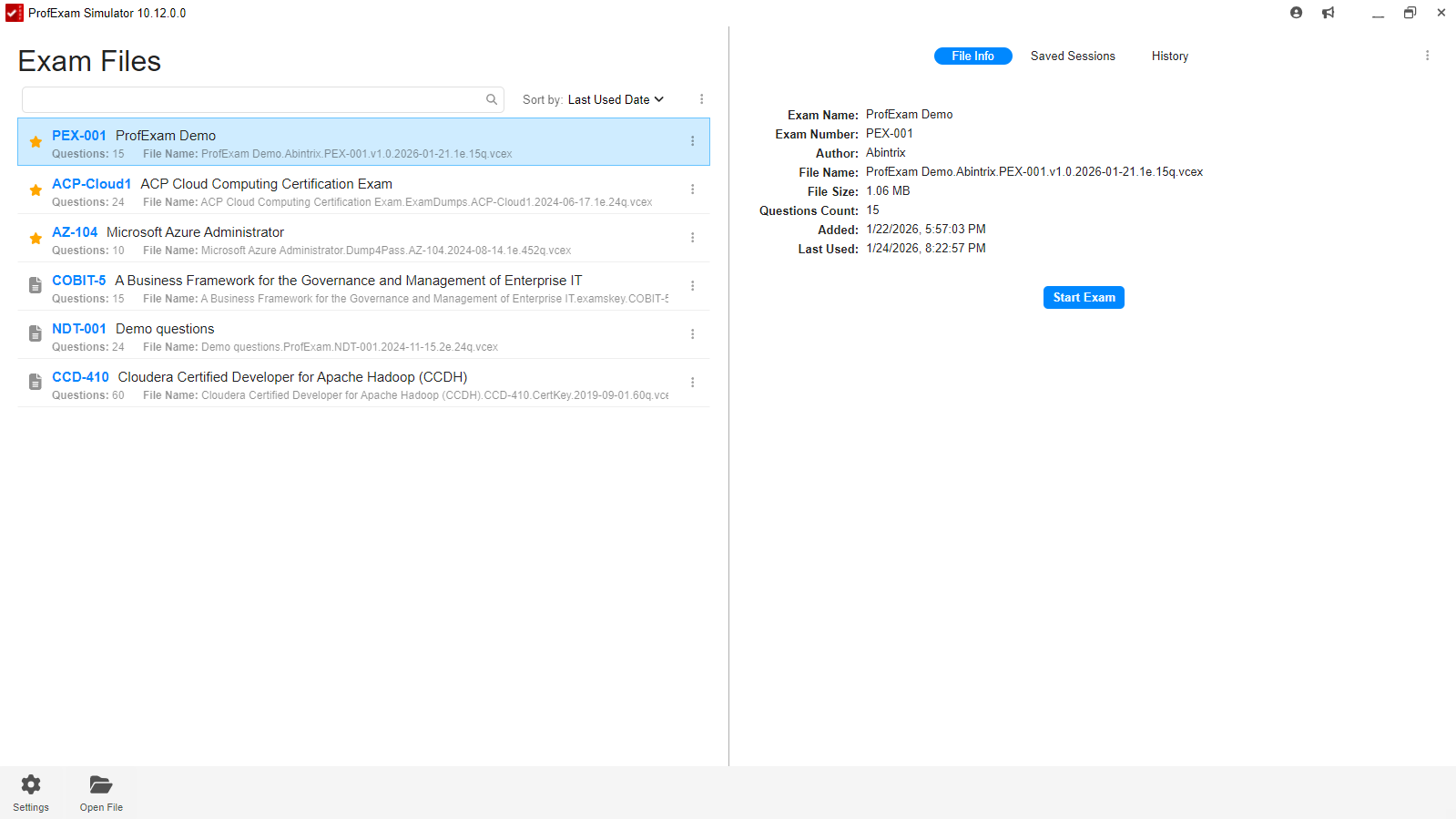
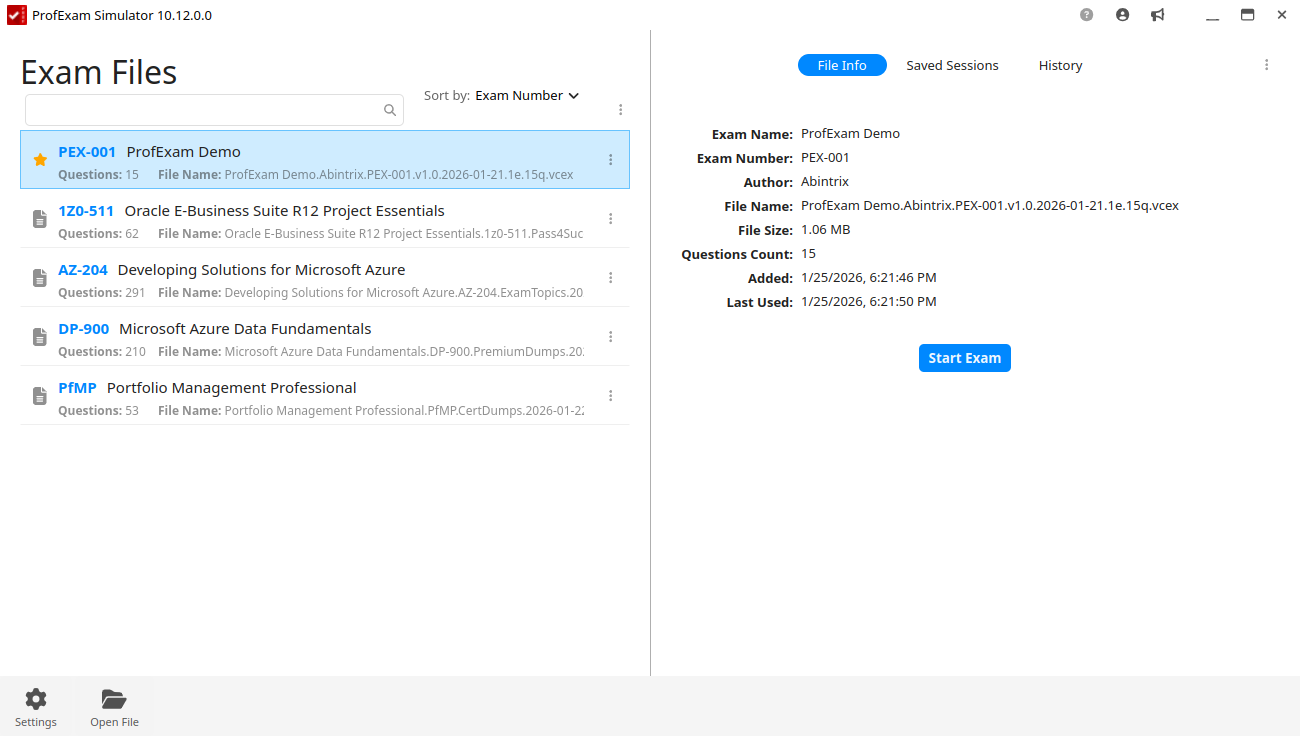
ProfExam Simulator keeps completed and unfinished sessions together. Resume a paused exam from the same position, inspect the result of an earlier attempt, or begin a new session based on previous performance.

  • Completed and separate unfinished-session history
  • Resume from the paused question
  • Review and retake earlier attempts
Gallery

Interface Screenshots

Take a visual tour through the different panels and dashboards of ProfExam Simulator.

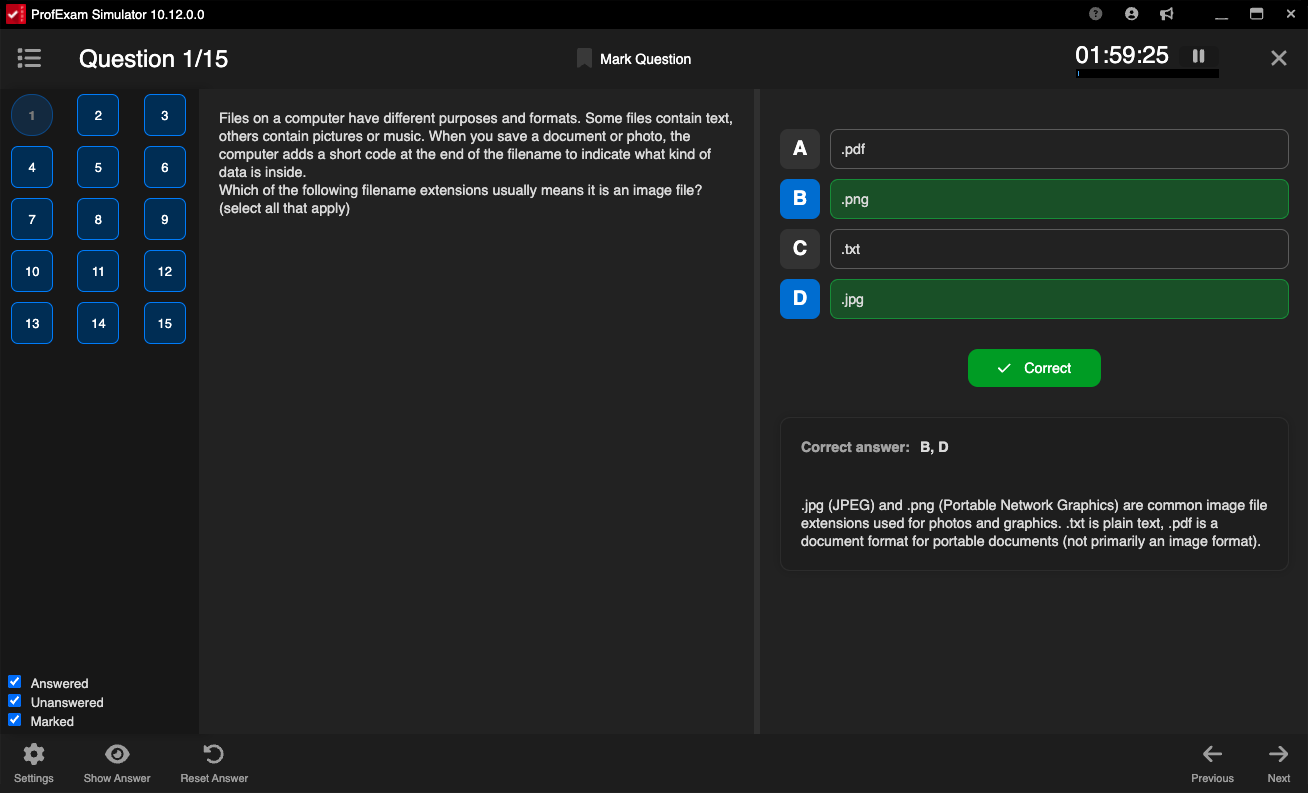
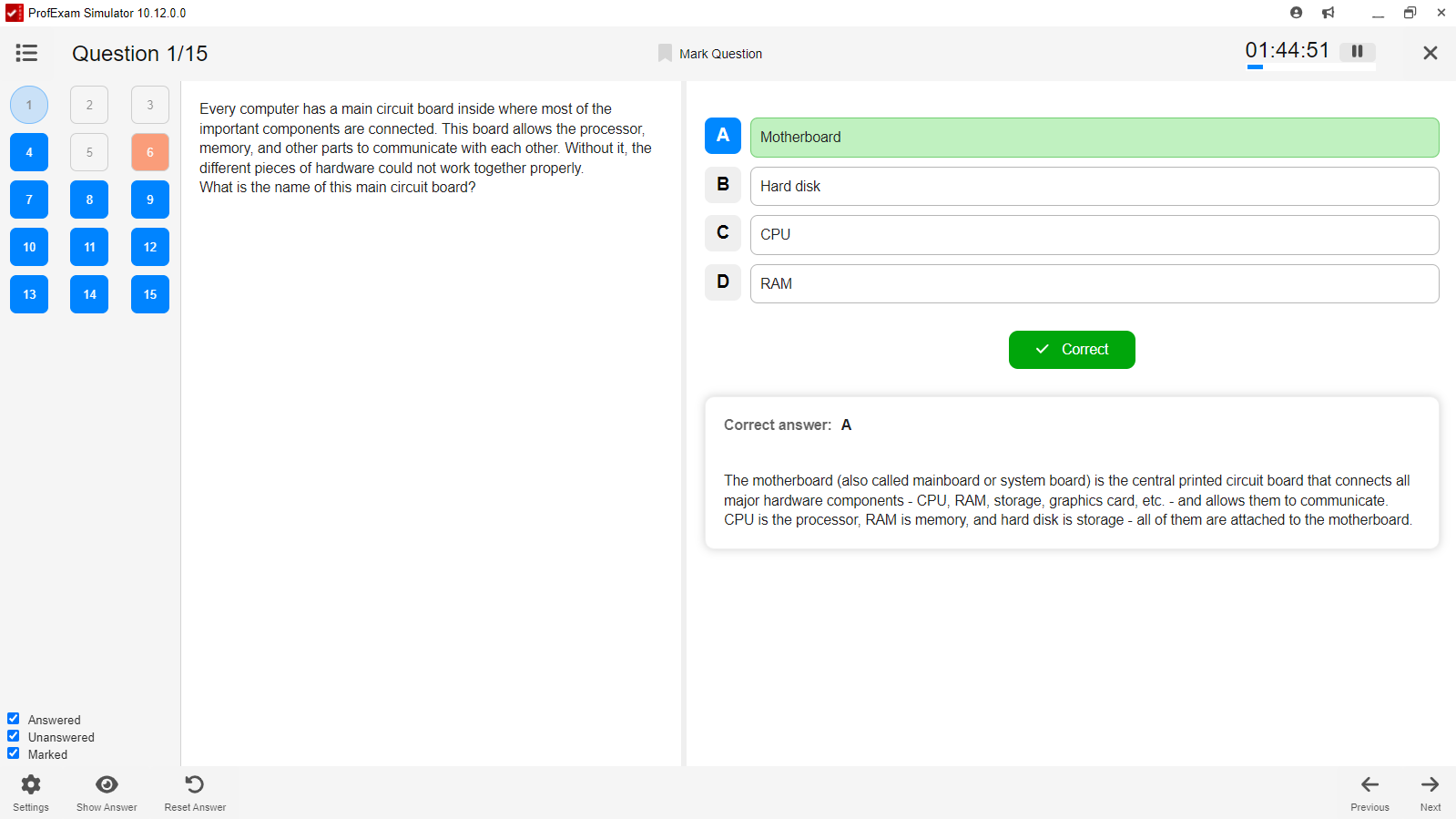
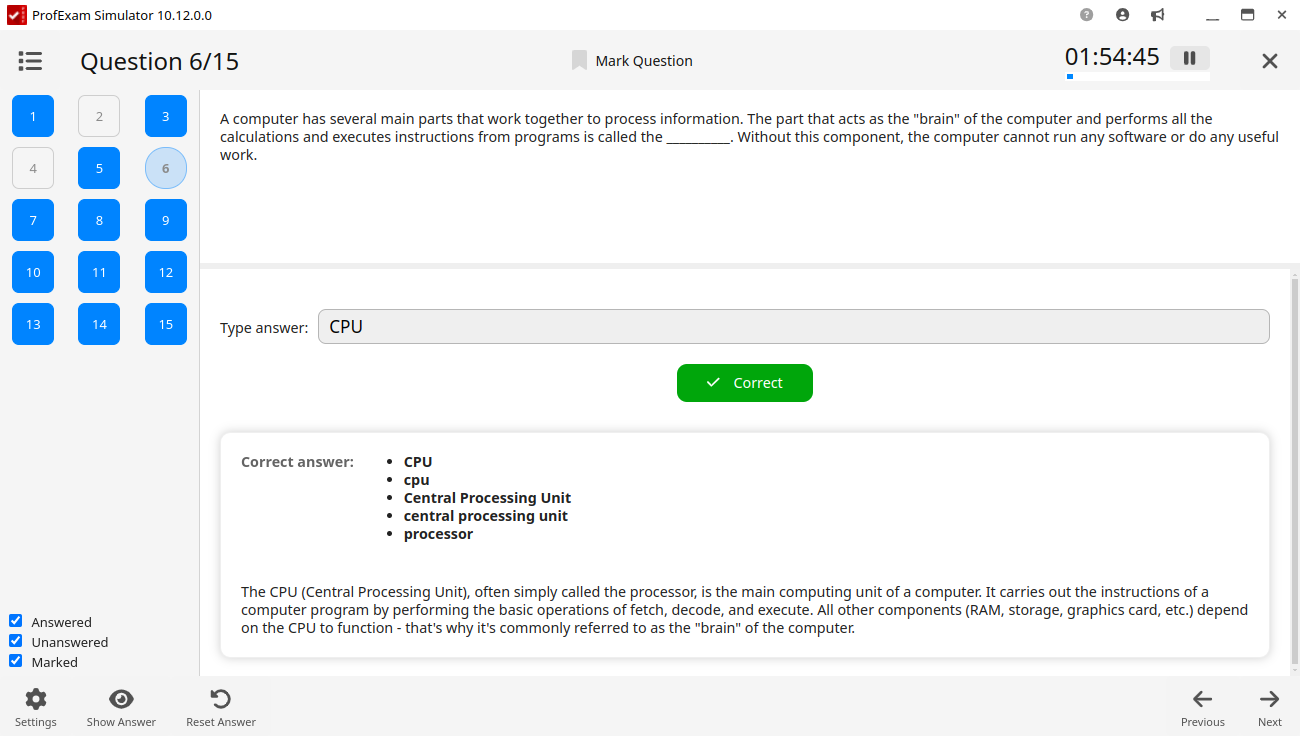
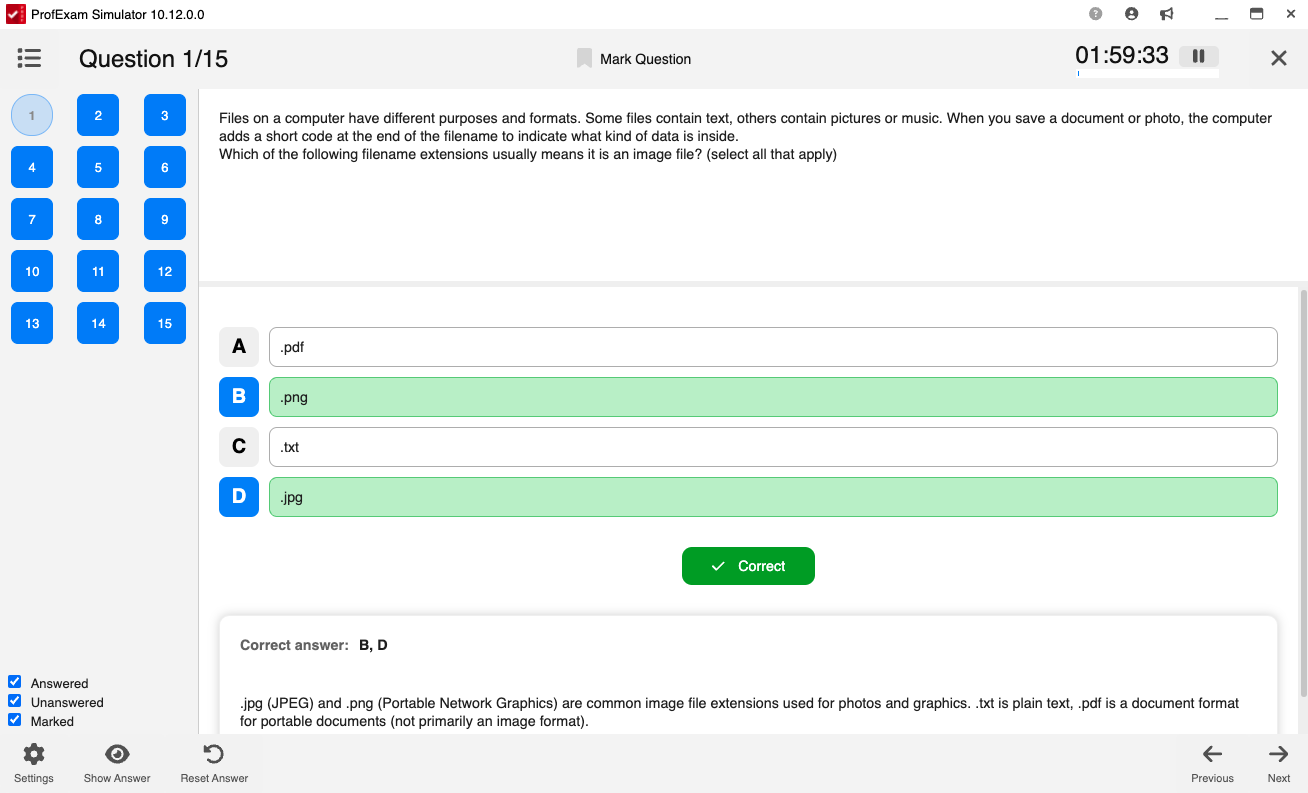
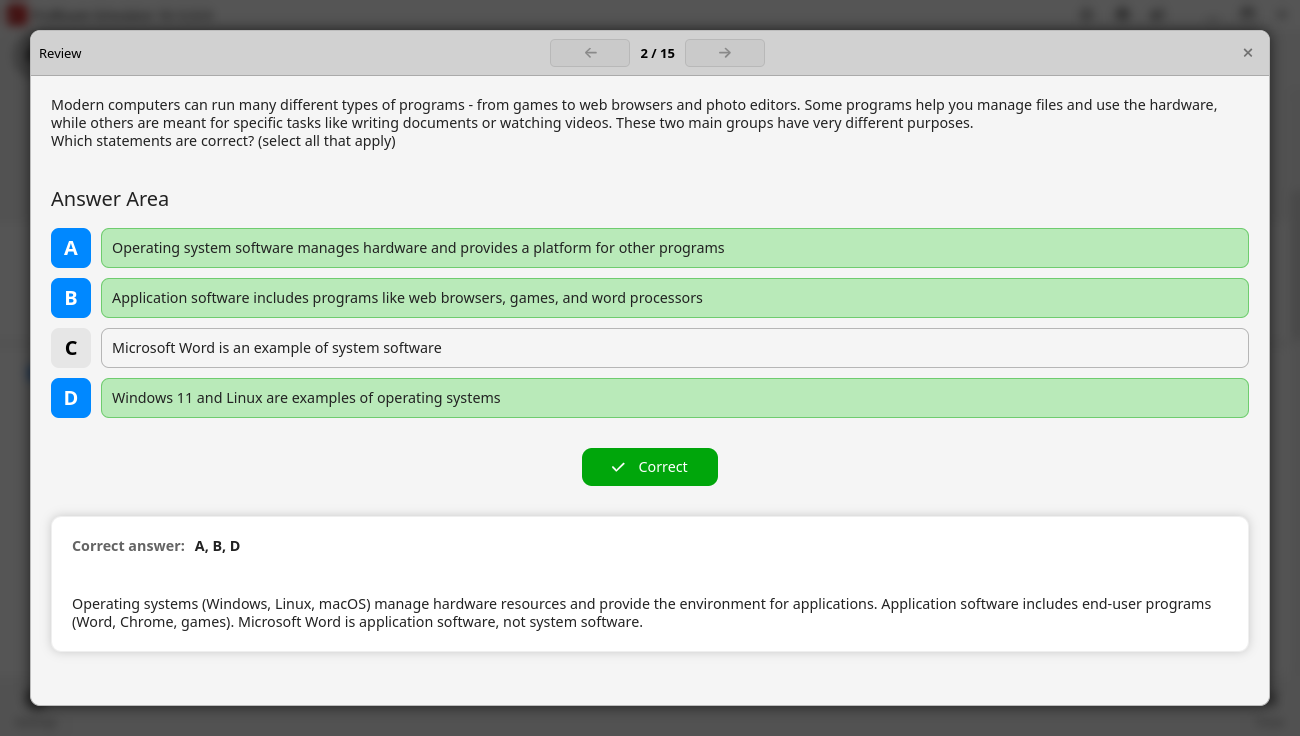
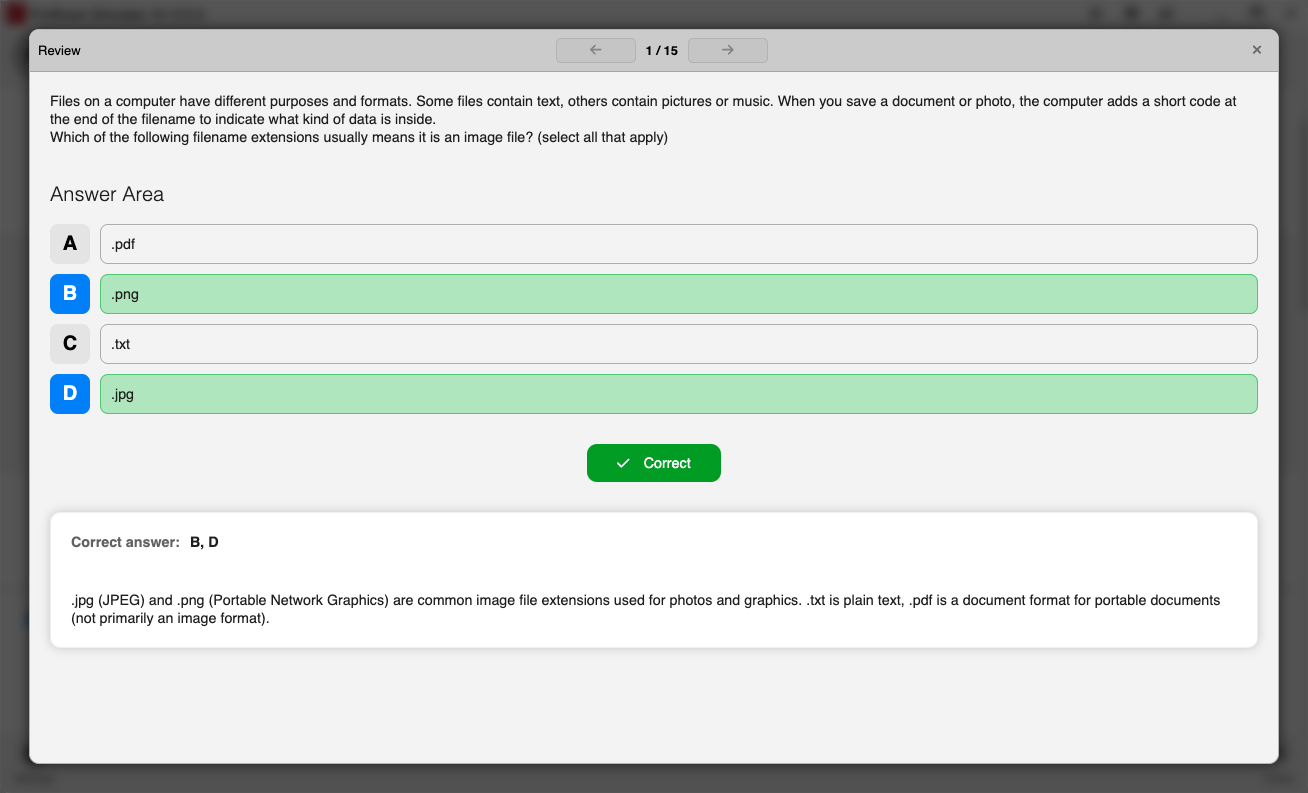
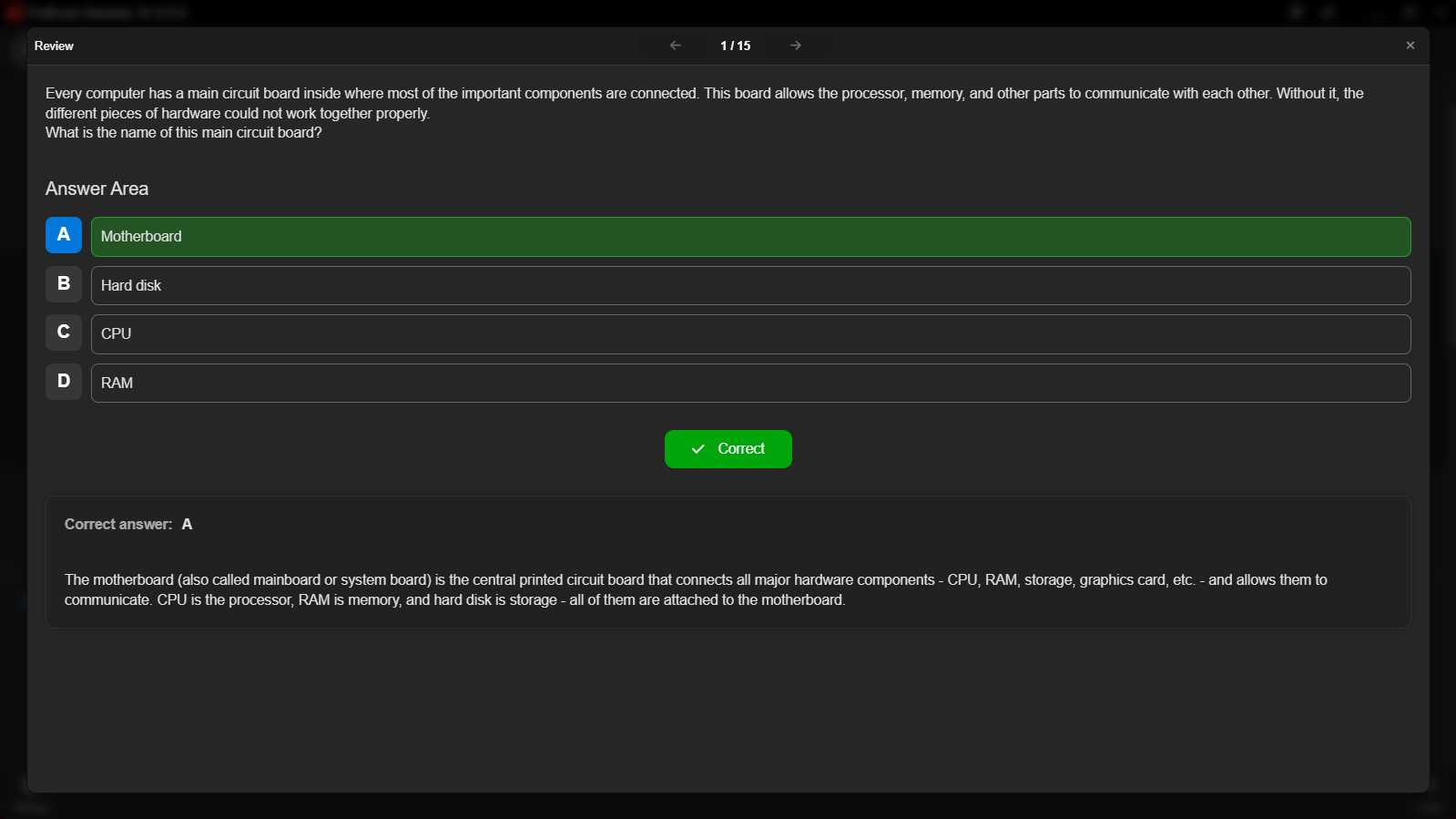
ProfExam Simulator for Linux - Question Single
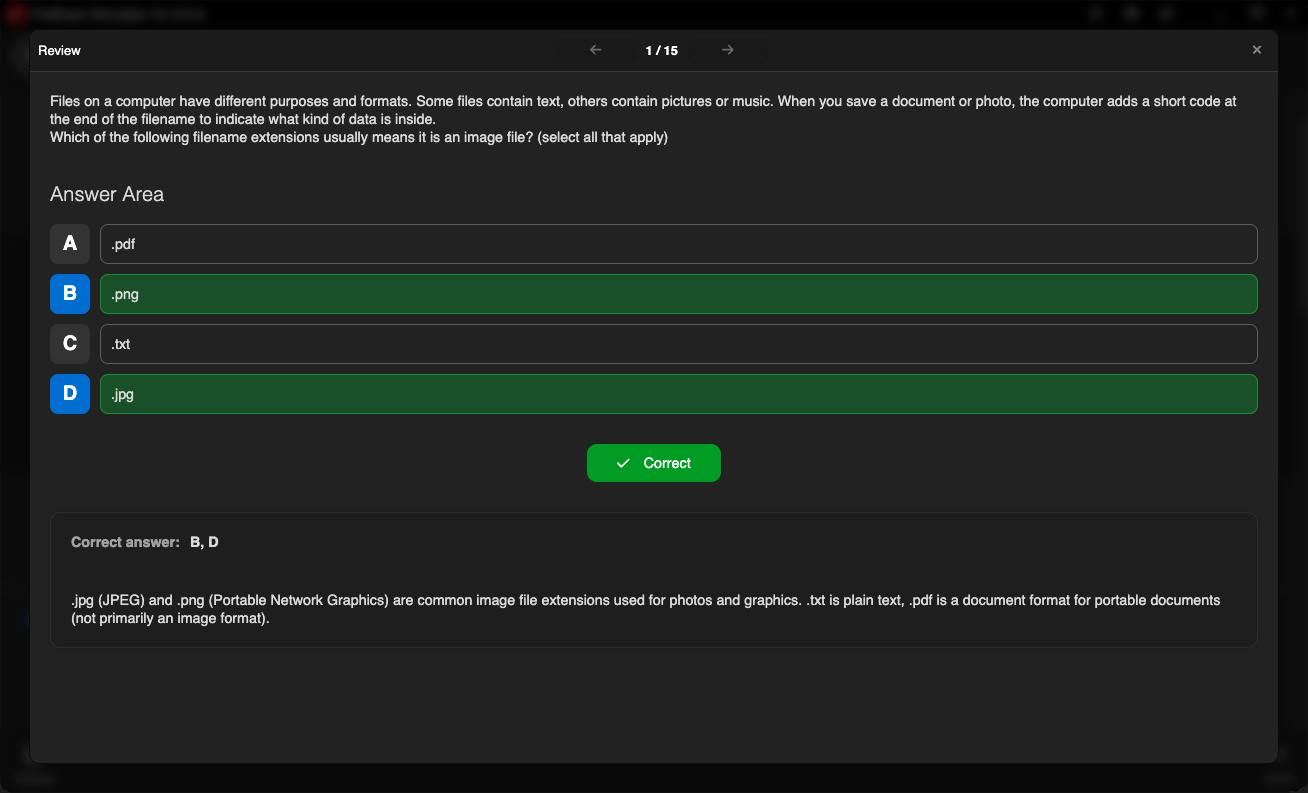
ProfExam Simulator for macOS - Question Single Answer
ProfExam Simulator - Multiple choice (single answer) question
Licensing

Choose Your Edition

Download the free evaluation trial or purchase a lifetime commercial license.

Evaluation Trial

Perfect for testing compatibility and evaluating features on your system.

Free
  • Standard product features enabled
  • 14-day fully functional trial period
  • Local file creation and analysis
  • Custom exports disabled
Download for Windows

One-Time Purchase

Full commercial license. One-time purchase, yours forever with free updates.

$29.95
  • Unlimited commercial usage rights
  • Unlock all export capabilities
  • Free lifetime minor & major updates
  • Priority email engineering support
Buy for Windows
Today's Special Offer

Enhance Your Learning: 30% Off ProfExam Simulator!

Limited Time Offer
ProfExam Simulator

ProfExam Simulator

Experience realistic exam simulation with ProfExam Simulator - Now Only $19.95!

Click code to copy coupon
PROFSIM30 Copy Code
02
Days
18
Hours
45
Mins
00
Secs
Original Price: $29.95
Discount: -30%
New Price: $19.95
Buy Now

Latest Studio Updates

Keep up with product announcements, new features, and development logs from our team.

Retake Incorrect, Correct, or Skipped Questions in ProfExam Simulator 10.21.6
July 9, 2026 ProfExam

Retake Incorrect, Correct, or Skipped Questions in ProfExam Simulator 10.21.6

New in ProfExam Simulator 10.21: retake incorrect, correct, skipped, or all exam questions directly from the results screen for more effective certification exam preparation.

Read Article
ProfExam Creator 10.2.2.495: Import questions from JSON - a new dedicated window
May 29, 2026 ProfExam

ProfExam Creator 10.2.2.495: Import questions from JSON - a new dedicated window

Import from JSON is a new window in ProfExam Creator 10.2.2.495 that lets you load questions from a JSON file directly into your exams - with a built-in editor, live preview, and flexible import options

Read Article
ProfExam Simulator 10.20.5 - What's New
May 14, 2026 ProfExam

ProfExam Simulator 10.20.5 - What's New

A focused update packed with usability improvements - faster navigation, full keyboard control, flexible answer styles, and long-requested fixes for macOS and Linux users.

Read Article