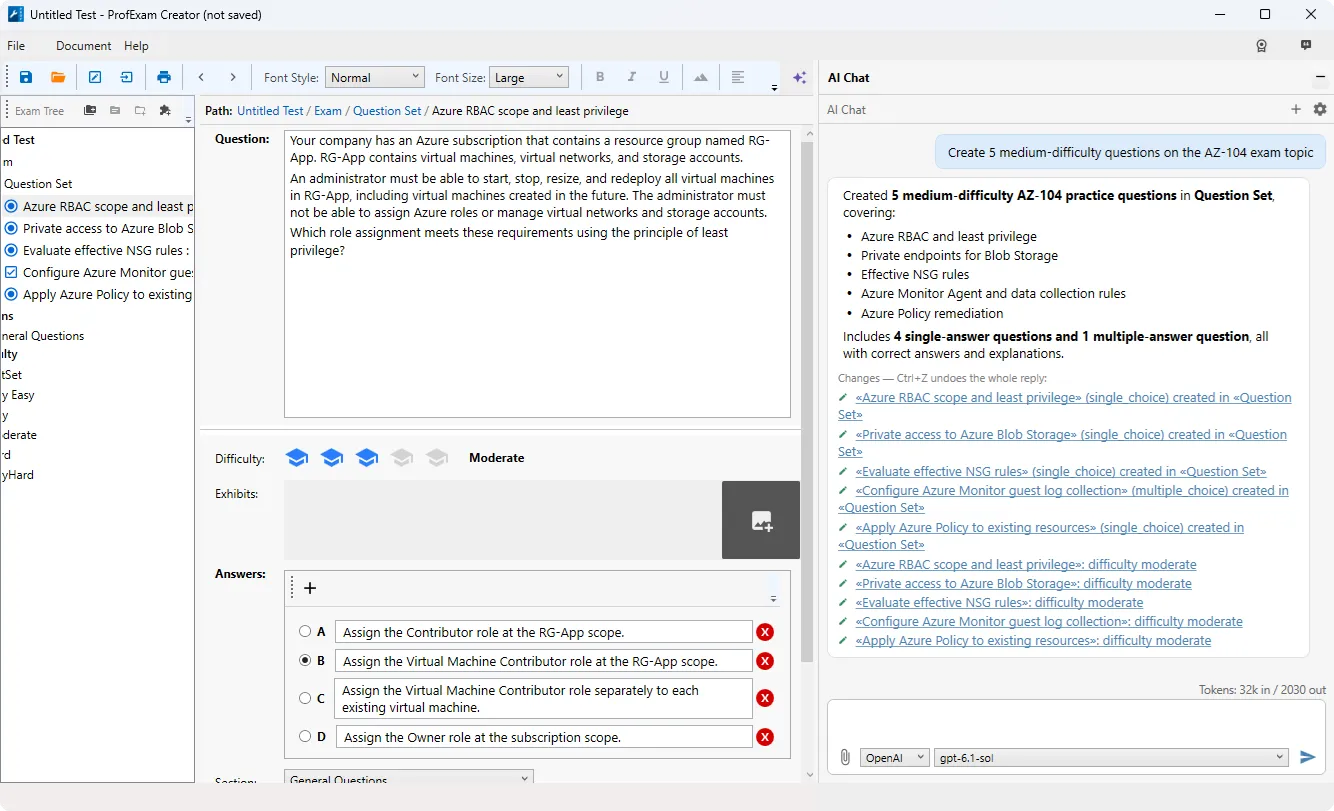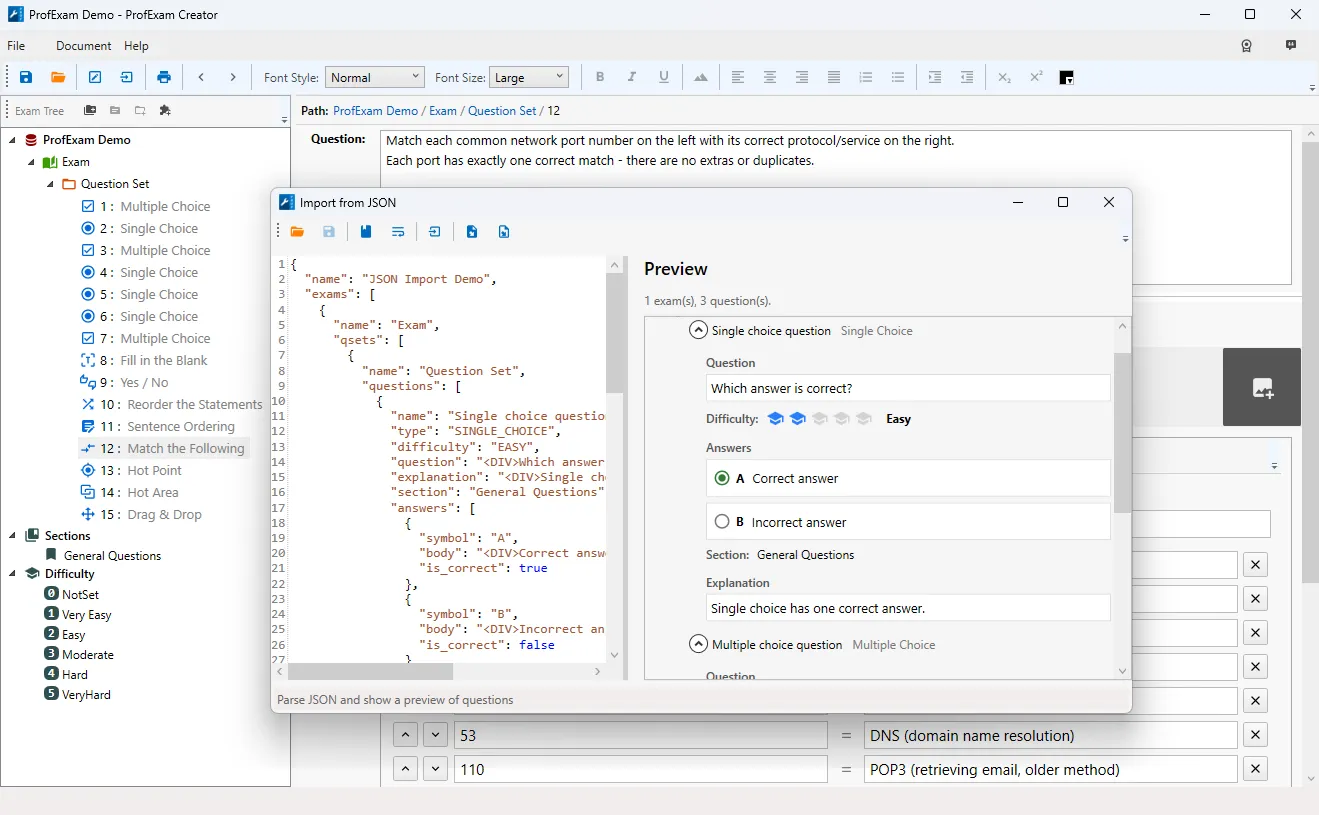
We are thrilled to announce a major update to ProfExam Creator! This release introduces a complete transition to a modern platform, a brand-new PDF import engine, advanced tools for managing test trees, dramatically faster processing for large files, and dozens of bug fixes.
Upgraded to .NET 10 for Maximum Speed
ProfExam Creator has officially migrated to the modern .NET 10 framework. While your favorite interface remains the same, the underlying foundation has been completely overhauled. Replacing the outdated .NET Framework with this modern architecture ensures a more reliable and future-proof application. The most noticeable benefit for users? A significant boost in overall app speed and responsiveness.
Next-Generation PDF Import Engine
Importing exam questions from PDF files is now smoother and more accurate. We’ve replaced the previous restricted version with a full-featured text and image recognition engine. This upgrade significantly accelerates PDF-to-text conversion and completely fixes the frustrating word-scrambling issues that occasionally occurred during text recognition.
Advanced Exam Merging and Splitting
We’ve introduced two powerful new tools for managing large test banks and multi-exam files:
- Partial "Save As...": Right-click any Exam, Question Set, or Testlet in the document tree to save that specific section as a separate .vcex file. It’s the perfect way to extract individual exams without altering your master document.
- Merge Tests Seamlessly ("Add Questions from File..."): Need to combine exams? You can now directly import exams, question sets, and sections from another .vcex file into your current document. No more manual copy-pasting required! Simply navigate to File → Add Questions from File.
Streamlined Document Tree Workflow
Managing your document tree (Exams, Question Sets, Testlets, and Questions) just got three major workflow upgrades:
- Inline Renaming (F2): Pressing F2 on any Exam, Question Set, or Testlet now opens an editable field directly within the tree—just like Windows File Explorer—eliminating the need for extra pop-up dialogs.
- Drag-and-Drop Questions: You can now drag and drop questions (even multiple selected ones) directly from the main list onto any Question Set or Testlet in the tree.
- Instant Renumbering: A new "Renumber Questions" option in the right-click menu lets you instantly fix your numbering sequence for any Exam, Question Set, or Testlet with a single click.
Better UX & Essential Fixes
Interface & Search Improvements:
- Search Progress Indicator: Searching through massive tests used to make the app appear frozen. Now, a clear "Searching..." indicator is displayed during Ctrl+F searches, keeping you informed while locking the search button until completion.
- Native Windows Design: The main window and search dialog have reverted to standard Windows window controls, fully supporting native minimize/maximize buttons, resizing, and screen-edge snapping.
Key Bug Fixes & Optimizations:
- Massive Speed Boost: Opening, saving, and importing massive test files is now noticeably faster. Switching between questions in the tree is instantaneous, and list-scrolling lag has been eliminated.
- More Reliable Saving: Hitting Ctrl+S or Ctrl+Shift+S now displays a progress bar so you know exactly what the app is doing. We've also prevented issues where double-clicking would launch two save processes simultaneously, or where saving, loading, and creating new tests could accidentally overlap.
- Import Fixes: Resolved issues where JSON and RTF/PDF imports would sometimes result in questions with empty text or duplicate sections.
- UI Corrections: Fixed interface typos (like "Difficuty" and missing spaces), ensured tree question numbers always match the main list, and repaired broken website links in the Help menu.
- Crash Prevention: Fixed bugs that caused crashes when clicking a question in the tree after renaming, closing the print dialog during preview generation, or running certain Ctrl+F searches.
- Dark Mode Support: The print preview window no longer displays a black screen when Windows Dark Mode is enabled; it will now reliably open in light mode for proper viewing.
Ready to Upgrade?
Experience the faster, smarter, and more reliable test creation software today. You can download the latest version in the Downloads section here: Download ProfExam Creator.